

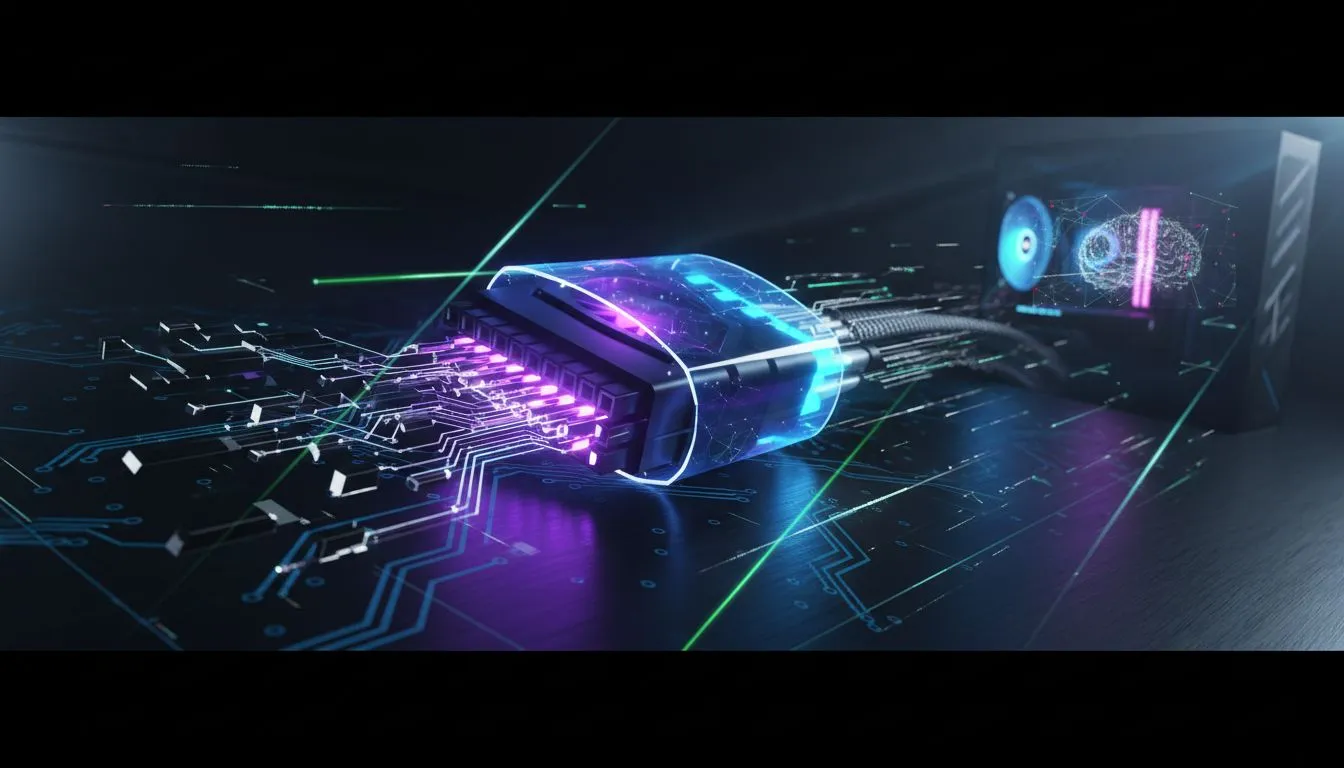
Building a new PC in South Africa is an art. You’ve picked the perfect GPU, a beastly CPU, and a case that looks incredible. But then you see it... that stiff, ugly, ketchup-and-mustard 24-pin power cable snaking across your motherboard. It ruins the whole aesthetic. Luckily, a 24-pin power supply extension cable is the simple, affordable fix that transforms a good build into a great one, giving you that clean, professional look.
Why You Even Need a PSU Extension Cable
Is a 24-pin power supply extension cable just for looks? Mostly, yes... but the benefits go beyond simple aesthetics. For any serious PC builder, it’s a non-negotiable part of the process.
Think of it as the final touch that ties your entire system together. It solves three common frustrations:
- Aesthetics ✨: This is the big one. Instead of the standard, rigid cable your PSU came with, an extension offers beautiful, individually sleeved wires. You can colour-match your components perfectly, creating a build that’s truly your own.
- Cable Management: Standard PSU cables can be short and incredibly stiff, making them a nightmare to route cleanly. A flexible 24-pin extension gives you the extra length and manoeuvrability to tuck it away neatly, improving airflow and making your case look less cluttered.
- Reach in Large Cases: Building in a massive full-tower case? Sometimes the stock PSU cable just won't reach the motherboard connector without putting strain on it. An extension cable provides that crucial extra length for a secure, stress-free connection. It's one of the most essential gaming accessories for a tidy setup.
Choosing a Quality 24-Pin Extension
Not all cables are created equal. With power delivery, quality is paramount. A cheap, poorly made extension can be a weak link in your expensive rig, potentially causing instability or, in the worst-case scenario, damage.
When shopping, look for cables with a proper wire gauge—18AWG is a good standard to look for. Thicker wires handle current better and are safer for high-performance components. You can find a huge variety in our gaming accessories category, including options from well-regarded international brands. For instance, checking out accessories from brands like Promate can give you a good idea of the quality available.
Cable Comb Pro Tip 🔧
For that perfectly straight, parallel wire look, use cable combs! Most quality 24-pin power supply extension cable kits include them. Slide them onto the cable before installation to train the wires. It’s a small detail that makes a massive difference in achieving a show-ready build.
Safe & Efficient Installation Guide
Installing your new motherboard power extension is straightforward, but doing it safely is key. Just follow these steps, and you’ll be done in minutes.
Step 1: Power Down Completely
This is the most important step. Shut down your PC, switch the PSU off at the back, and unplug the power cord from the wall outlet. Press the PC’s power button a few times to discharge any residual electricity in the system. Safety first, always!
Step 2: Connect Extension to PSU Cable
Take your new extension and locate the male end. Connect it firmly to the female end of your original 24-pin PSU cable. You should hear and feel a distinct "click" as the plastic latch engages. Give it a gentle tug to ensure it’s secure.
Step 3: Route Your New Cable
Now for the fun part. Plan the route for your extension cable. Will it go over the top of the motherboard? Through a grommet at the side? This is where you get to be creative. Route it for the cleanest possible look before you plug it into the motherboard. You'll find everything you need in our range of comprehensive cable solutions.
Step 4: Connect to the Motherboard
Align the connector with the 24-pin slot on your motherboard—the clip on the cable should line up with the notch on the motherboard port. It only fits one way. Apply firm, even pressure until you hear another "click." The connection should be flush and secure, with no visible pins.
And that's it! You've successfully completed a safe installation. Before you close up your case, it's always a good idea to check our list of in-stock cable options to see if any other cables in your build could use an upgrade.
Ready to Perfect Your PC Build? A clean, well-managed PC doesn't just look better... it can run cooler too. The right cables and accessories are the final step to building a rig you can be truly proud of. Explore our massive range of PC components and accessories and find the perfect parts to complete your masterpiece.











