

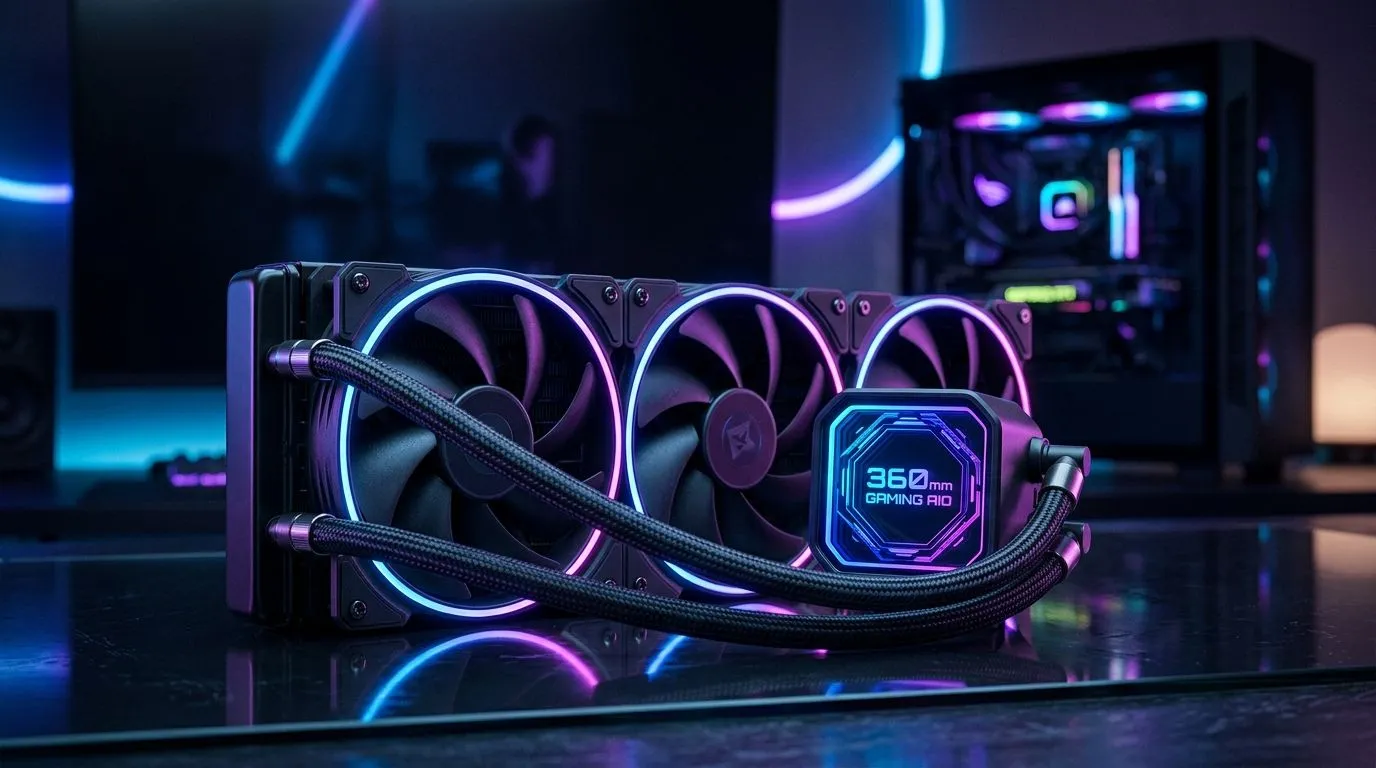
Does Your Case Have the Room?
There is nothing worse than unboxing a shiny new 360mm radiator, only to realise it clashes with your RAM or hits the top of your motherboard. For South African gamers pushing high-end CPUs, a 360mm liquid CPU cooler compatibility checklist is the difference between a stable rig and a thermal throttling disaster. You need to verify clearance before you commit your hard-earned Rands. 🔧
Start by browsing our full range of CPU coolers to see what fits your aesthetic.
Checking Your Chassis Specs
Before you buy, check your case’s "Radiator Support" section. Even if a case claims to support 360mm units, the thickness of the fans and the radiator combined can block your motherboard heatsinks. If you are struggling to find the right fit, it is worth looking at our specialised liquid cooler AIO selection to narrow down your options by design and performance. ⚡
Compatibility Pro Tip ⚡
Always measure the distance from the top of your motherboard to the top panel of your case. You need at least 55mm to 60mm of clearance to comfortably fit a standard 360mm radiator and fan combo without fouling your memory modules.
Brand Synergy and Reliability
Choosing a brand often comes down to software ecosystems. If you already use Corsair iCUE for your peripherals, sticking to their cooling solutions makes cable management and RGB syncing a breeze. Alternatively, brands like Deepcool offer incredible value for money, often outperforming more expensive units in thermal tests. 🚀
Is 360mm Overkill?
If your case is too compact, you might be tempted to force a fit, but don't. A high-performance 360mm radiator is excellent for i9 or Ryzen 9 chips, but for mid-range builds, a 240mm radiator is often more than enough to keep temperatures in the sweet spot. ✨
Ready to Find Your Perfect Match? Building the ultimate gaming rig requires the right parts, and we have the stock to help you finish your project today. Explore our massive range of liquid cooling solutions and find the perfect hardware to keep your system cool under pressure.











