

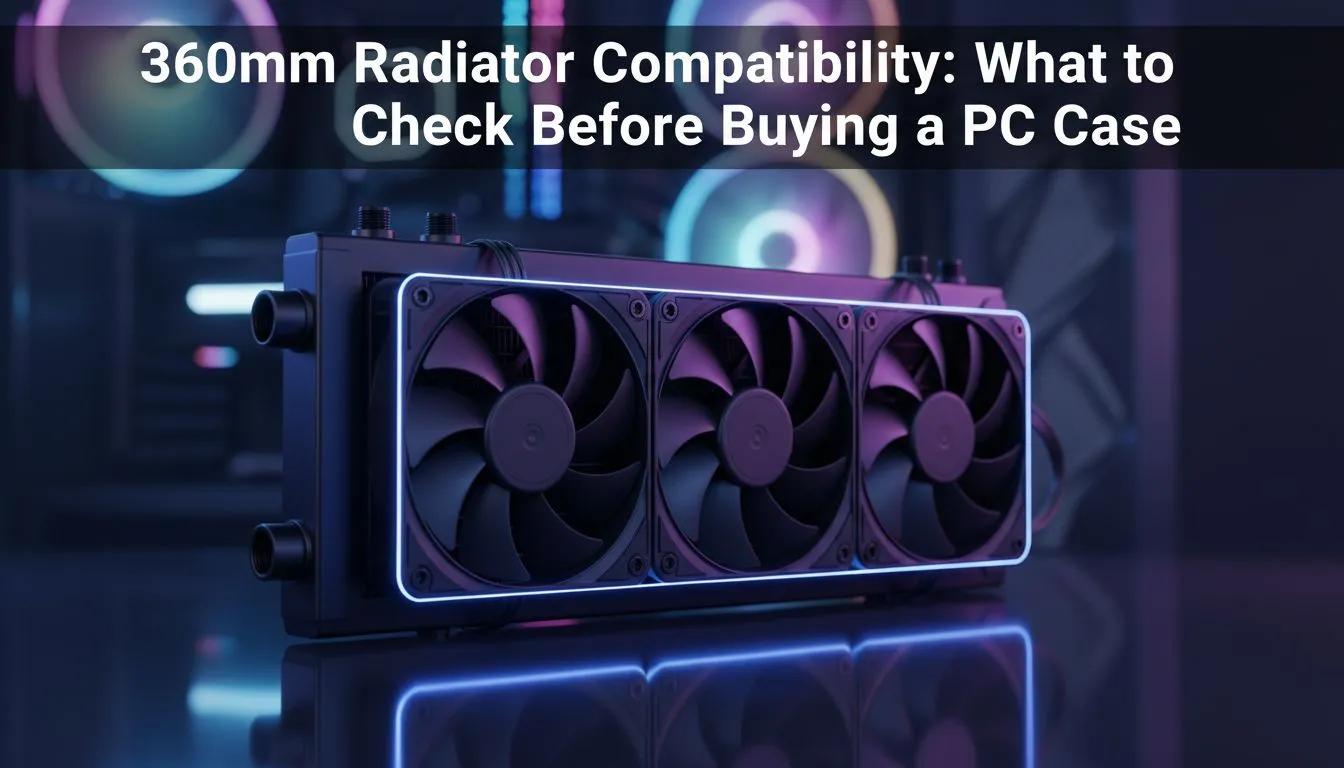
360mm radiator compatibility — why it matters for South African builders 🔧
If you’re building a high-performance PC in South Africa and plan to run a 360mm AIO or custom loop, compatibility is the silent make-or-break. Get it wrong and your beautiful radiator won’t mount, or it’ll foul a GPU or PSU. Before you click buy, learn the quick checks that save hours of disassembly and potential returns. For a fast look at case options, browse Evetech’s full PC case range: https://www.evetech.co.za/components/computer-cases-70.
360mm radiator compatibility: three essential checks
- Mounting location and bracket depth
Not every case that advertises “360mm support” mounts it in the same way. Confirm whether the case supports 360mm at the front, top, or both. Some front-mounts give extra room for thicker rads, others only for slim radiators. Check manufacturer listings for exact compatibility; Fractal’s case range is a reliable place to start when checking layouts and official specs: https://www.evetech.co.za/PC-Components/fractal-design-pc-cases-346. - Clearance for GPU and RAM height
A front-mounted 360mm can push radiators close to long GPUs. Measure from the radiator mounting plane to where the GPU will sit; that gap must accommodate your GPU’s shroud and any fan overhang. If you’re on a budget but want 360mm capability, review Gamdias’ range for good-value options and spec clarity: https://www.evetech.co.za/PC-Components/gamdias-gaming-cases-293. - Thickness, fans, and push/pull options
Decide if you’ll run push-only or push/pull. Push/pull increases thickness by the fan depth, which can mean some cases no longer fit. Compare radiator+fan stack heights in the case’s manual or specs before assuming fit.
Build Lab Tip ⚡
To test fit at home, tape a 360mm rectangle (about 360mm x 120mm) to the intended mount and mock up the GPU and PSU with cardboard. This visual check highlights clearance issues faster than measuring alone.
Real-world fit: measure, mock and verify
Take a few minutes to measure the case interior: from the front mount plane to the nearest component (GPU bracket, drive cages). If you’re hunting for cases that balance cost and 360mm support, filter affordable models under R1,500 and double-check their official mounts — here’s a quick Gamdias price-filtered list to scout budget options: https://www.evetech.co.za/PC-Components/gamdias-gaming-cases-293?max-price=1500. When in doubt, consult the case manual or gallery images to see real builds.
Final checklist before checkout ✨
- Confirm supported radiator positions (front/top) in the spec sheet.
- Measure GPU length and shroud height against the front-mount gap.
- Check radiator thickness allowance for push/pull fans.
- Verify fan clearance with tall RAM or VRM heatsinks.
If you want curated case suggestions for 360mm builds or need help matching a radiator to a chassis, start with Evetech’s curated case categories and brand pages — they're kept up to date with official specs: https://www.evetech.co.za/components/computer-cases-70.
Ready to Find Your Perfect Match? The Mac vs Windows debate is complex, but for maximum power, choice, and value in South Africa, Windows is hard to beat. Explore our massive range of laptop specials and find the perfect machine to conquer your world.











