

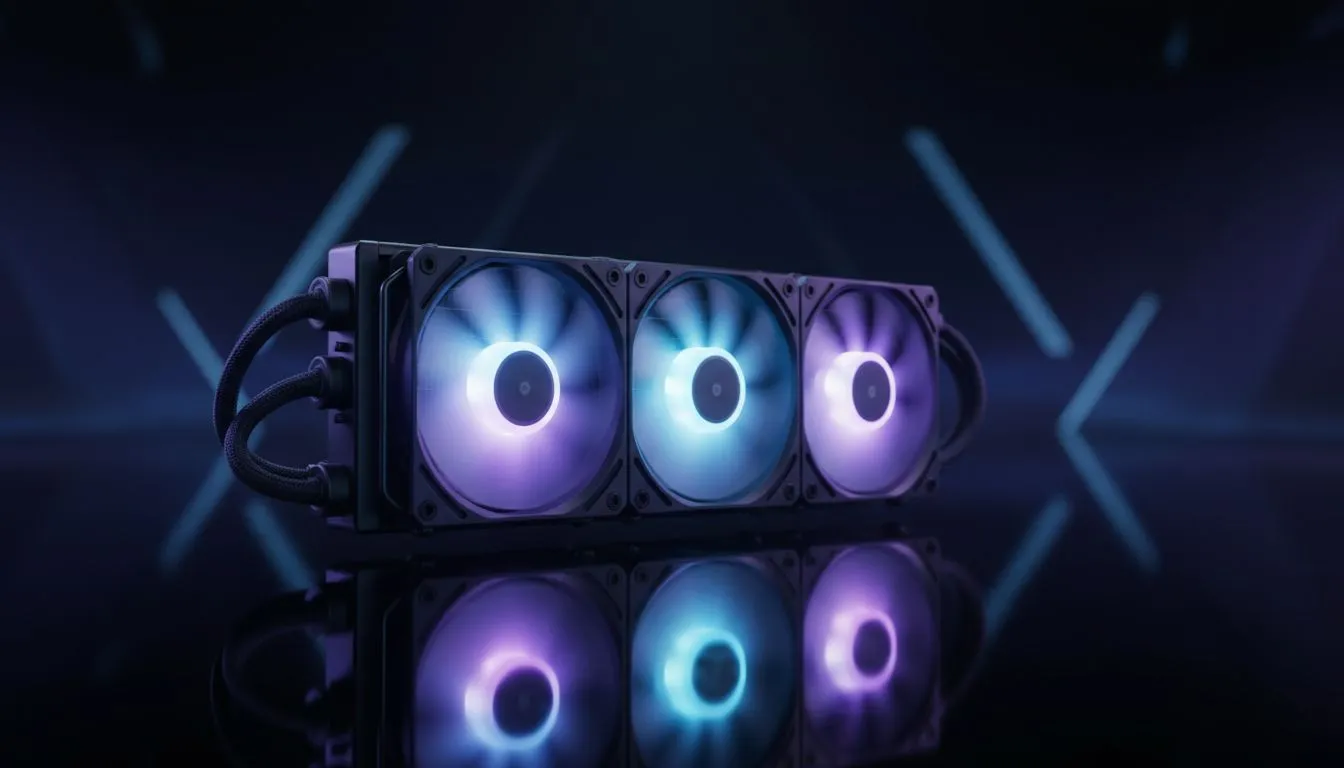
Building a high-end rig in South Africa means battling the heat. Whether you are pushing frames in Cape Town or grinding ranks in Pretoria, your CPU temperature is the ultimate performance killer. You have seen those massive triple-fan setups in premium builds... but does your specific setup actually require a 360mm radiator for your gaming PC, or are you just buying into the aesthetic hype? ✨
Why Surface Area is the Ultimate Cooling Metric
When it comes to thermal management, surface area is king. A larger radiator allows for more coolant to be exposed to the airflow of three 120mm fans. If you are running an unlocked i9 or a Ryzen 9, a 360mm Radiator provides the headroom needed to prevent thermal throttling during intense local summer gaming sessions.
The physics are simple... more fins and more fans mean the heat is dissipated faster. This is especially crucial for South African gamers who do not have the luxury of air-conditioned rooms. Spending that extra R800 on a larger radiator can often be the difference between a stable overclock and a system crash.
Choosing the Right AIO for Your Build 🚀
Not all cooling solutions are equal. While air cooling is reliable, the modern Liquid Cooler (AIO) has become the gold standard for enthusiasts. These units offer a cleaner look and often superior noise-to-performance ratios.
If you are looking to balance budget and performance, checking our full range of CPU Coolers is a great place to start. You will find options ranging from R1,200 to over R4,000, depending on the features and lighting you desire.
Radiator Placement Tip ⚡
For the best longevity of your AIO, try to mount the radiator at the top of your case. This ensures that any tiny air bubbles naturally trapped in the loop stay in the radiator and not in the pump block. This keeps your pump quiet and prevents premature wear on the motor.
Brand Reliability: Corsair vs Deepcool 🔧
In the South African market, reliability is paramount. Brands like CORSAIR offer incredible software integration via iCUE, allowing you to monitor temperatures in real-time. On the other hand, Deepcool provides exceptional value for money without sacrificing thermal efficiency. Both brands have mastered the 360mm form factor to ensure your high-TDP chips stay frosty even under heavy load.
Is a 360mm Radiator Overkill for You?
If you are rocking a mid-range i5 or Ryzen 5, a triple-fan setup might be more about looks than necessity. In many compact cases, a 240mm Radiator is the sweet spot. It fits in more chassis types and still outperforms most air towers. Always measure your case clearance before committing to the larger 360mm size.
Ready to Keep Your Rig Frosty? Choosing the right cooling can be the difference between a stutter-free experience and a thermal nightmare. Explore our massive range of liquid coolers and find the perfect 360mm or 240mm solution to keep your gaming PC running at peak performance.











