

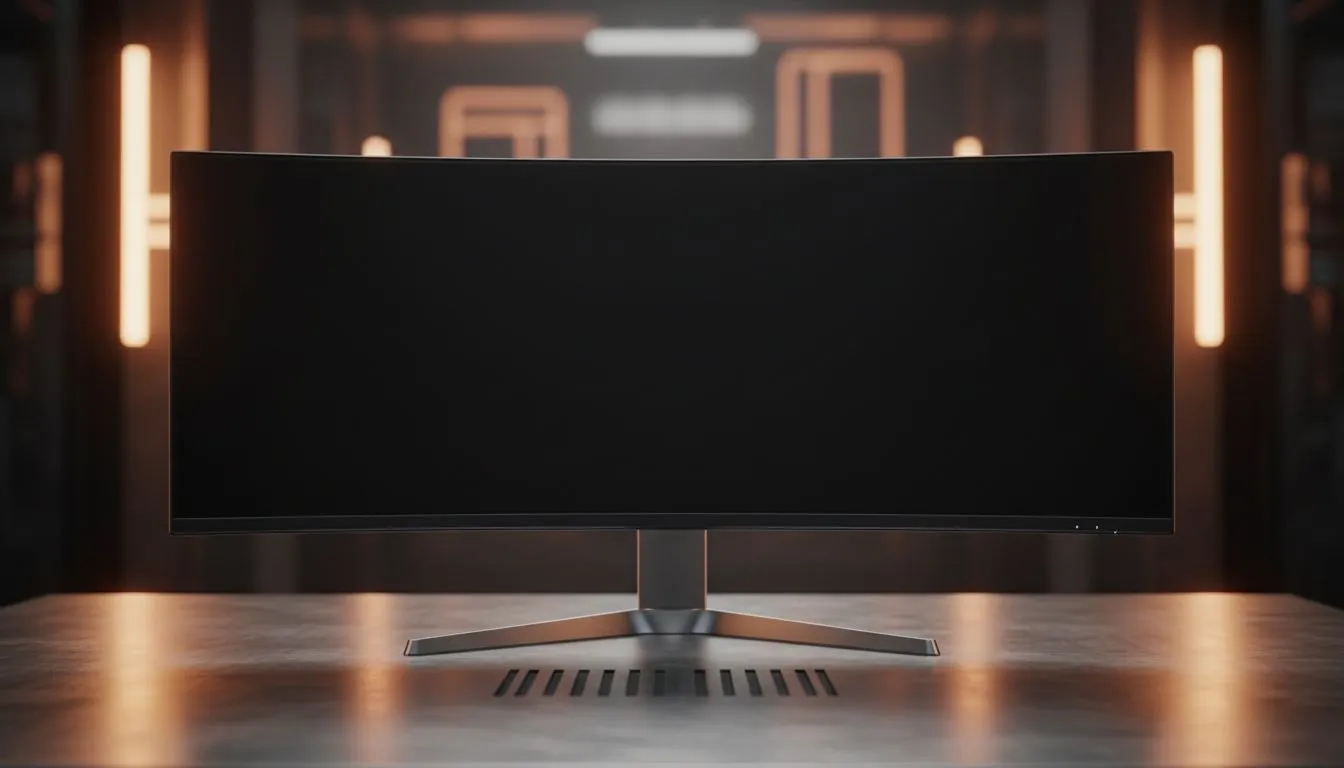
So, you’ve finally done it. You’ve brought home a massive 49-inch beast. It looks incredible on the desk, but it takes up every square centimetre of space. Now you’re looking for a 49-inch Curved Monitor Mount to reclaim your desk. It’s a risky move if you don’t know what to look for. One wrong choice and your R20,000 investment is face-down on the floor.
The Physics of Ultrawide Mounting 🔧
Mounting a super-ultrawide isn't like mounting a standard screen. The primary challenge is torque. Because curved monitors have a deep arc, their centre of gravity sits much further forward than a standard screen. This creates a "nose-dive" effect where the monitor constantly tilts downward.
Most generic arms claim to support 15kg, but they often fail to handle the leverage of a 49-inch panel. Unlike traditional flat monitors, these displays require a reinforced tilt joint specifically designed for the 1000R or 1800R curvature found in modern gaming displays.
Weight Capacity and VESA Standards
Before you buy any mount, check the "net weight" of your panel without the stand. A premium IPS panel often weighs more than a VA equivalent due to the internal components. You need a heavy-duty gas spring or a mechanical spring arm that is rated for at least 2kg more than your monitor's actual weight.
When browsing the latest PC monitors in South Africa, you will notice that most use the 100x100 VESA pattern. However, for 49-inch models, you might need a specialized adapter bracket that often comes in the original box. Do not throw that box away until you are mounted and stable!
The 'Sag' Test ⚡
When you first install your monitor, tighten the tilt tension bolt significantly more than you think is necessary. Gently tap the top of the monitor... if it moves even a millimetre downward, the tension is too low. A sagging monitor can eventually snap the plastic housing around the VESA mount.
Sync Technology and Stability 🚀
You might wonder why stability matters for your software experience. If your desk wobbles, your massive screen wobbles. For gamers using FreeSync monitors, a vibrating screen can create perceived motion blur that ruins the fluid experience.
The same logic applies to high-end G-Sync displays. When you are immersed in a high-refresh-rate environment, any physical movement of the panel is distracting. Ensuring your mount is clamped to a solid wood or metal desk is essential. Most screens featuring Adaptive Sync are designed for peak performance... don't let a cheap desk arm be the bottleneck in your setup.
Desk Thickness and Surface Material
Finally, consider your desk. A 49-inch monitor plus a heavy-duty arm can put over 20kg of pressure on a single point. If you have a hollow-core desk (like some budget office furniture), the clamp might eventually crush the surface. We recommend using a steel reinforcement plate to spread the load across a larger surface area... it’s a small price to pay for peace of mind. ✨
Ready to Elevate Your Setup? Finding the right balance between size, weight, and performance is what we do best. Whether you need a new mounting solution or you're looking to upgrade your display entirely, we have the best deals in South Africa. Explore our massive range of monitors and find the perfect screen to conquer your digital world.











