

Should You Buy a 240Hz monitor or Build a PC in South Africa?
Should You Buy a 240Hz monitor or Build a PC. Full parts list, Rand pricing & expected performance. Build confidently with SA-available components.
Read moreLearn how to set up a 49-inch ultrawide curved monitor on a gas spring arm for the perfect viewing angle and comfort. Improve posture, reduce glare, and lock in stability 😊🖥️
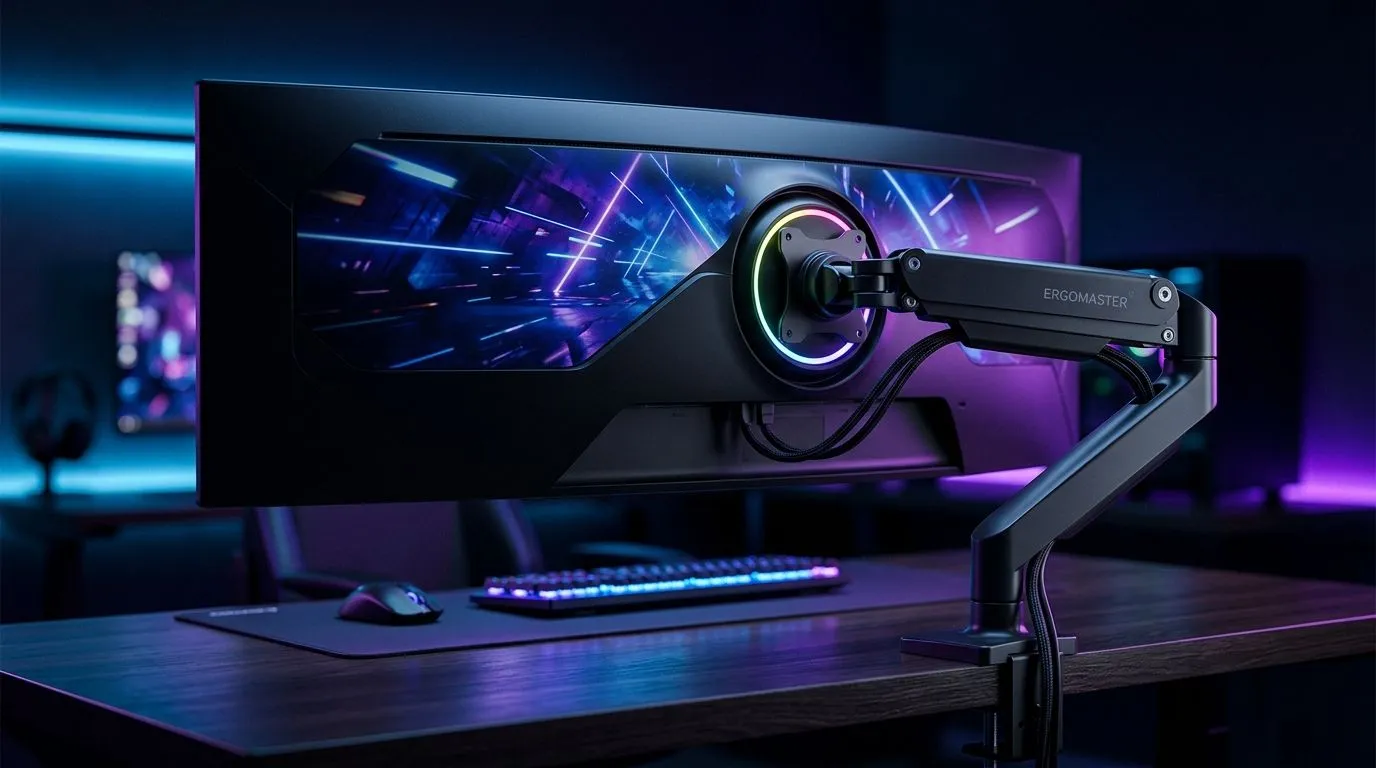
Gamers in South Africa crave immersive setups that pull you into every pixel. A 49-inch ultrawide curved monitor dramatically widens your view and amps up your immersion. But how do you mount such a beast for max comfort and style? Enter the gas spring arm setup—a sleek, adjustable solution that keeps your massive screen perfectly poised. Let’s dig into how to nail this setup and boost your gaming station. 🔧⚡
The sheer size and weight of a 49-inch ultrawide curved monitor can strain your desk and posture. A gas spring arm lets you effortlessly adjust screen height, tilt, and rotation without wobble. This flexibility is vital in long gaming sessions where comfort matters most. Plus, it frees up precious desk space — ideal if you game on a compact desk or want room for your keyboard and mouse.
Consider pairing your setup with a quality gaming desk that can support the arm’s clamp securely. Evetech offers a variety of desks tailor-made to handle heavy monitors and neat cable management—helping you maintain a clean, efficient battlestation.
For inspiration, check out Evetech’s Arrozi gaming setups where you’ll find real-world examples of sophisticated, clean ultrawide arrangements.
Master your monitor arm's tension screws. Too loose, and the monitor drifts; too tight, and adjustments become a hassle. A well-balanced spring arm keeps your eyes focused on the prize, not on fiddling with your screen angle.
Your massive curved screen deserves mood lighting that enhances visual comfort without glare. Customisable RGB light strips integrated around your desk or behind the monitor create depth and reduce eye strain in darker rooms.
Evetech stocks NZXT’s case lighting kits perfect for ambient glow syncing with your gear’s colours.
With proper lighting, your 49-inch ultrawide curved monitor gas spring arm setup becomes more than just a tool — it becomes a stage for your best runs and streams.
Upgrade your gaming domain Ready for the ultimate in adjustability and comfort? Shop now at Evetech and secure your 49-inch ultrawide curved monitor gas spring arm setup today.
Start with a neutral neck position and place the screen so your eyes align near the top third of the display. Then fine-tune tilt for comfort.
Adjust monitor arm height so your elbows stay roughly 90 degrees and your gaze lands at a comfortable level. Recheck after locking tension.
Use gentle tilt to match your seated eye level and reduce reflections. Small changes matter most for curved ultrawide viewing comfort.
Confirm the monitor arm weight capacity and mounting spec. Then set arm tension so the display stays where you position it.
Tighten the desk mount firmly, verify compatibility with your desk thickness, and set the correct tension. Use proper cable slack to avoid pulls.
Route cables through the arm’s channel if available, add gentle slack for motion, and secure with clips so movement stays smooth.
Adjust tilt and rotate slightly to avoid direct light reflections. Use your room’s lighting to set a glare-minimizing ultrawide monitor angle.
Yes. Set tension so the arm holds position without drifting. Then test opening and closing range to ensure stable travel.
Should You Buy a 240Hz monitor or Build a PC. Full parts list, Rand pricing & expected performance. Build confidently with SA-available components.
Read more
Should You Buy a VA monitor or Build a PC. Full parts list, Rand pricing & expected performance. Build confidently with SA-available components.
Read more
Every spec on PCIe 5.0 explained in plain English. What matters for gaming and creator work in 2026, what's marketing fluff, and how each number translates to real-world performance.

A head-to-head look at WiFi 7: real-world performance, ZAR pricing and which option delivers better value for SA builders. The clear answer — no fluff.

Everything you need to set up and tune PCIe 5.0 properly: the prep work, the settings that actually matter, and the mistakes to skip. Written for SA builders in 2026.

Everything you need to set up and tune X870E Motherboard properly: the prep work, the settings that actually matter, and the mistakes to skip. Written for SA builders in 2026.

Wondering what a 512GB SSD capacity really holds? This guide breaks down how many games, photos, and documents fit on 512GB, with real-world ranges 📦💾

Every spec on vrm explained in plain English. What matters for gaming and creator work in 2026, what's marketing fluff, and how each number translates to real-world performance.

Every spec on motherboard explained in plain English. What matters for gaming and creator work in 2026, what's marketing fluff, and how each number translates to real-world performance.

Premium vs Midrange Motherboards in South Africa: real-world performance, SA pricing, power draw and which one delivers better value for your build for SA buyers. The clear answer — without the fluff.
Wondering what a 512GB SSD capacity really holds? This guide breaks down how many games, photos, and documents fit on 512GB, with real-world ranges 📦💾
Every spec on PCIe 5.0 explained in plain English. What matters for gaming and creator work in 2026, what's marketing fluff, and how each number translates to real-world performance.
A head-to-head look at WiFi 7: real-world performance, ZAR pricing and which option delivers better value for SA builders. The clear answer — no fluff.

Every spec on USB4 explained in plain English. What matters for gaming and creator work in 2026, what's marketing fluff, and how each number translates to real-world performance.