

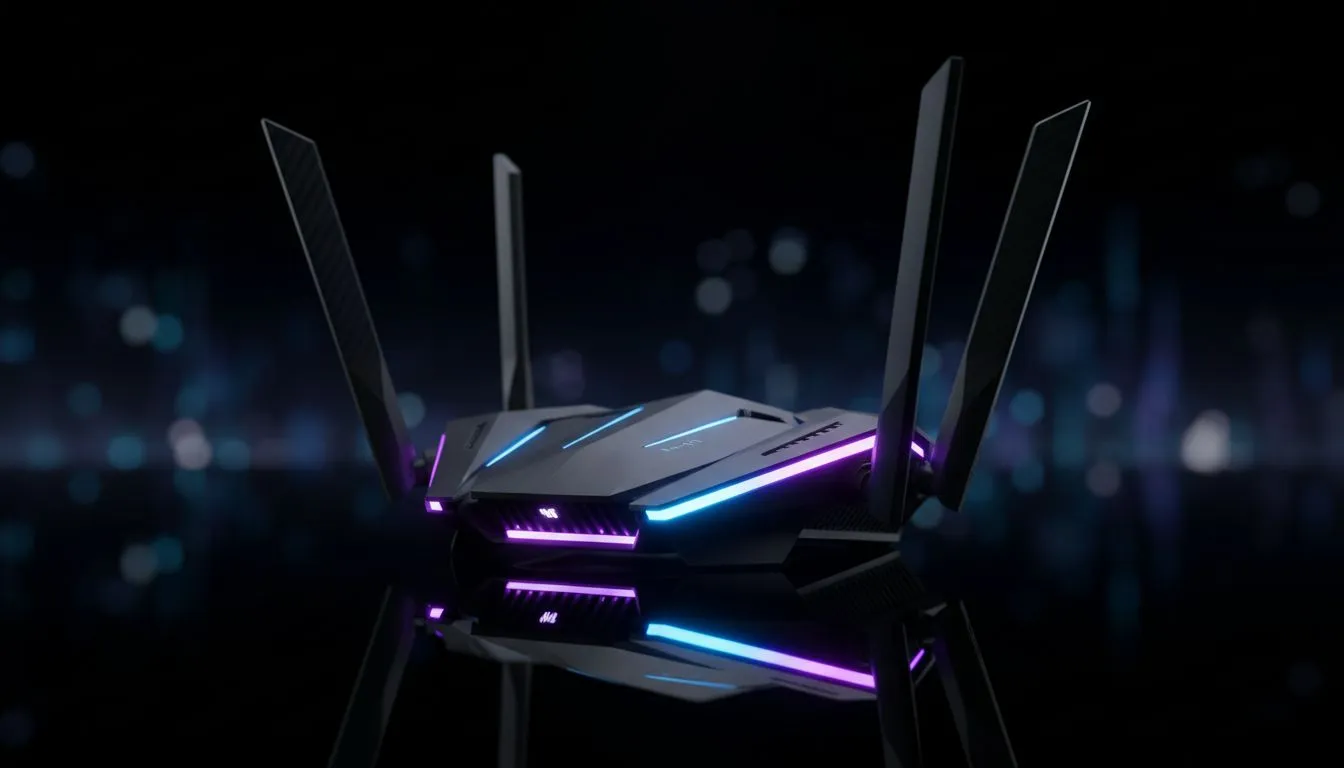
Tired of your fibre connection feeling more like dial-up during a crucial Warzone match? In South Africa, we deal with enough interruptions... your Wi-Fi shouldn't be one of them. What if you could build a private, uncongested highway just for your gaming traffic? That’s the power of a dedicated 6 GHz gaming network, and it’s easier to set up than you think. Say goodbye to lag spikes caused by family streaming Showmax.
Why Your Standard Wi-Fi is Costing You Matches
Let's be honest, most home Wi-Fi setups are a shared, chaotic mess. Your gaming data is competing for airtime with everything from your flatmate's 4K Netflix binge to your smart fridge downloading an update. The 2.4 GHz band is notoriously crowded, interfered with by microwaves and Bluetooth devices. The 5 GHz band is better, but with every neighbour in your complex also using it, it’s becoming the new N1 highway at 5 PM.
This congestion leads to packet loss and high latency (ping)... the two biggest enemies of online gaming. That split-second stutter isn't just bad luck; it's your network struggling to keep up. For a serious gamer, a shared network is a liability.
Enter the 6 GHz Gaming Network: Your Private Expressway 🚀
This is where building a dedicated home gaming Wi-Fi setup using the 6 GHz band changes everything. Think of it as a brand new, multi-lane superhighway with an exclusive access ramp for your gaming rig. This frequency, opened up by Wi-Fi 6E and Wi-Fi 7, is currently used by very few devices, meaning it’s practically free of interference.
The result? An ultra-stable, low-latency connection that feels as responsive as a wired LAN cable. By investing in the right hardware, you can create a purpose-built 6 GHz gaming network that prioritises what matters most: your K/D ratio. The foundation of this setup is one of the latest-generation wireless routers designed to handle these next-gen speeds.
How to Build Your Dedicated Home Gaming Wi-Fi 🔧
Creating this elite gaming connection is a straightforward process with the right components. It’s about creating a clean, isolated environment for your gaming data to travel.
Step 1: The Heart of the Network
Your first and most crucial purchase is a Wi-Fi 6E or Wi-Fi 7 router. This device is the only way to unlock the 6 GHz band. It acts as the traffic controller, allowing you to direct all your gaming devices to the exclusive 6 GHz lane while keeping all other household traffic on the standard 2.4 GHz and 5 GHz bands.
Step 2: Getting Your Rig Connected
A powerful router is only half the battle. Your PC or laptop also needs the ability to "see" and connect to the 6 GHz frequency. If your motherboard doesn't have Wi-Fi 6E/7 built-in, you’ll need a compatible wireless adapter. This can be a simple PCIe card for a desktop or a USB dongle, instantly upgrading your machine for top-tier performance.
Optimisation Pro Tip ⚡
Once your 6 GHz network is running, give it a unique SSID (Wi-Fi name) like "MyGamingSanctuary_6GHz". Then, make your PC "forget" your old 2.4 5 GHz networks. This forces your gaming rig to connect only to the high-speed band, preventing it from accidentally switching to a slower, more congested channel during a match.
Step 3: Isolate and Dominate
The final step is configuration. In your router’s settings, ensure your gaming PC, PS5, or Xbox Series X are the only devices connecting to your new 6 GHz network SSID. Move your phones, smart TVs, and other gadgets to the 5 GHz band. This physical separation of traffic is the key to creating a truly dedicated home gaming Wi-Fi experience.
Common Pitfalls to Avoid
While a 6 GHz gaming network is incredibly powerful, it's good to know its characteristics. Higher frequencies like 6 GHz offer immense speed but have a shorter range and don't penetrate walls as effectively as the 2.4 GHz band. For best results, your gaming setup should be in the same room as the router, or at least have a clear line of sight.
If you need to extend coverage to other parts of your home for non-gaming devices, consider using wireless range extenders on your 2.4/5 GHz network, leaving the 6 GHz band pure and untouched for the lowest possible latency. A complete and well-planned complete wireless networking setup ensures every device gets the connection it needs without compromising your gaming.
Ready to Dominate the Leaderboards? A dedicated 6 GHz gaming network isn't a luxury... it's a competitive necessity. Stop letting lag dictate your K/D ratio. Explore our massive range of wireless networking gear and build the ultimate connection to conquer your world.











