

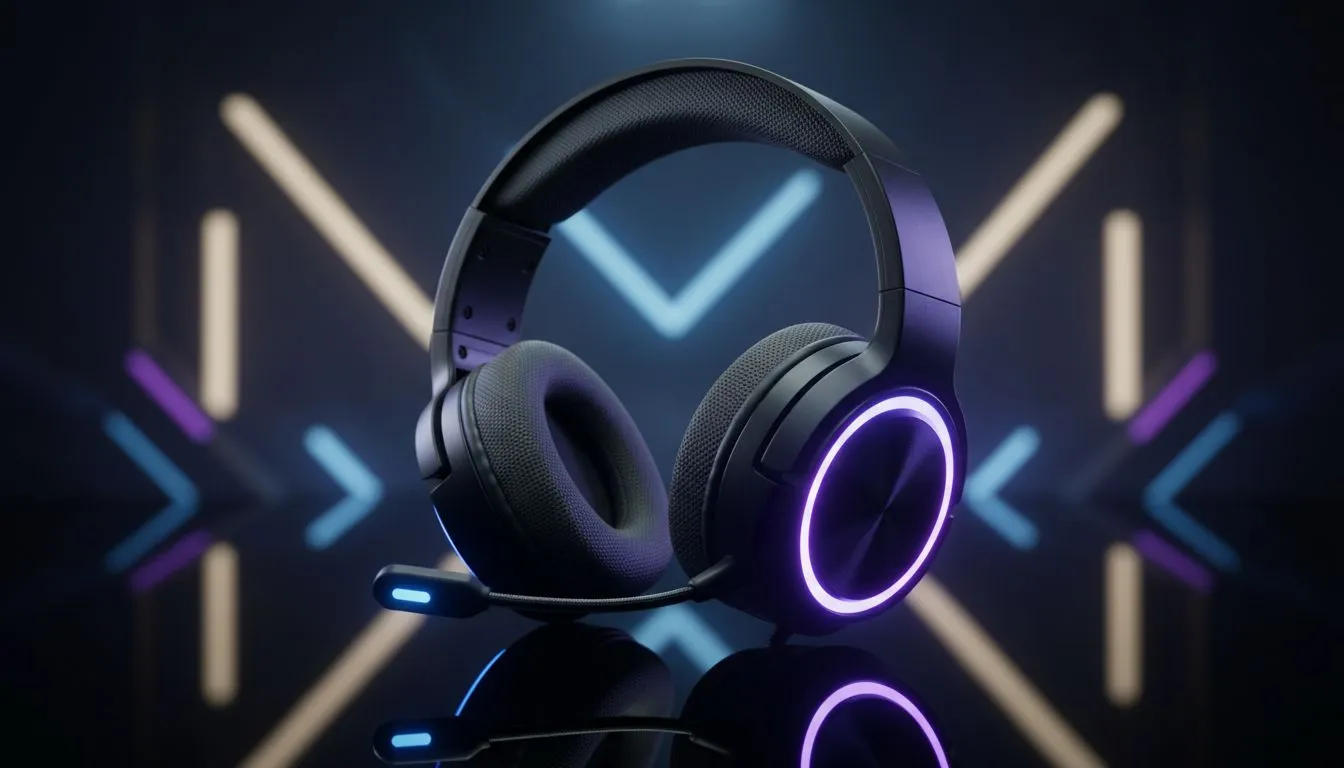
7.1 Surround Sound Gaming Headset: Setup on a Budget
Ready to get real 7.1 surround without blowing your ZAR budget? South African gamers: you can build a believable 7.1 surround sound gaming headset setup with smart choices, cheap DSP tricks, and a few cable swaps. This quick guide shows which kit to consider, step‑by‑step setup for PC and console, and tuning tips that actually improve positional audio 🚀.
7.1 Surround Sound Gaming Headset: Quick checklist before you buy
Before spending, decide wired or wireless, USB or analogue. USB often gives virtual 7.1 via built‑in DAC and software; analogue relies on your sound card or external amp. If you want low fuss and good mic performance, check a reliable budget pick like the Razer Barracuda X Chroma — see the current ZAR listing for deals and specs here: Razer Barracuda X Chroma on Evetech ⚡. That page lists connection types and included dongles for accurate compatibility checks.
7.1 Surround Sound Gaming Headset: Cheap gear that gives the most value
Start with a comfortable headset and focus on positional clarity rather than "true" multi‑driver setups. Budget headsets paired with soundcard software or Windows Sonic can simulate 7.1 well. Browse branded options if you prefer warranties: Evetech’s Razer headphones category helps you compare features and ZAR prices: Razer headphones on Evetech. Look for frequency response, impedance, and mic specs on those product pages before buying.
Audio Tweaks ⚡
the cleanest virtual 7.1, use a direct USB connection to avoid analogue noise. Disable: any EQ or sound enhancements from motherboard software; enable only the headset's 3D audio option. This reduces colouration and improves positional cues.
7.1 Surround Sound Gaming Headset: Setup steps for PC and console
- PC (Windows 10/11): plug USB dongle, install manufacturer software if available, enable virtual 7.1 or Windows Sonic for Headphones, then calibrate levels in-game.
- PS5/PS4: use USB headsets or optical splitter for older models; enable 3D Audio in PS settings when supported.
- Xbox: native 3D varies; use headset’s own surround software on PC to fine‑tune and then plug into console.
For extra hardware, compare the headphone & headsets category for amps, DACs, and adapters in ZAR before buying: Headphone & headsets at Evetech.
7.1 Surround Sound Gaming Headset: Final tuning and common pitfalls
- Avoid heavy global EQ presets; small boosts at 2–4 kHz help footsteps.
- Check mic sidetone and gain to avoid clipping.
- If latency appears on wireless, switch to wired or use the USB dongle channel.
A short micro‑story: I swapped a cheap cloth cup for memory foam and a $50 DAC; positional clarity improved more than swapping to a pricier headset. Small upgrades matter more than flashy specs ✨.
Ready to Find Your Perfect Match? The Mac vs Windows debate is complex, but for maximum power, choice, and value in South Africa, Windows is hard to beat. Explore our massive range of laptop specials and find the perfect machine to conquer your world.











