

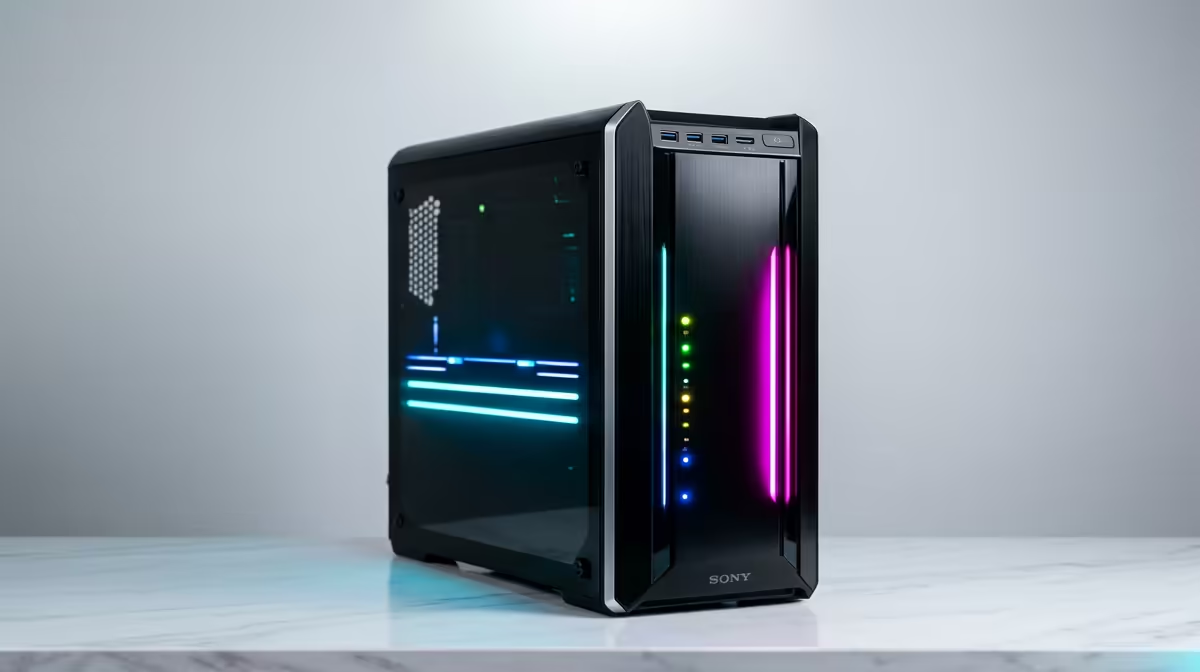
Dreaming of a powerful editing PC but worried about the price tag? You’re not alone. For years, building a rig capable of slicing through 4K footage felt like a goal reserved for big studios. But here’s the good news for South African creators: recent tech trends have completely flipped the script. Getting an affordable editing PC in South Africa is now easier and cheaper than ever… if you know where to look. Let's dive in.
Why a Great Editing PC is More Affordable Than You Think
The secret to building a cost-effective editing rig isn't about finding the cheapest parts. It's about finding the smartest parts. The performance gap between high-end and mid-range components has shrunk dramatically. This means you can achieve buttery-smooth timeline scrubbing and impressively fast render times without selling a kidney.
The key is balance. By understanding which components give you the most performance for your Rand, you can assemble a powerhouse that perfectly matches your workflow, from short-form content for TikTok to longer YouTube projects. Many creators are surprised to discover that you can get a seriously capable machine by exploring powerful and surprisingly affordable systems under R20,000, which often nail this price-to-performance balance.
The CPU: Where Your Editing Power Really Comes From 🧠
While a good graphics card is important (we'll get to that), the Central Processing Unit (CPU) is the true heart of your editing machine. It handles tasks like video decoding, timeline performance, and final encoding. More cores and higher clock speeds generally mean a smoother experience.
For years, the choice was complex, but the intense competition between Intel and AMD has been a massive win for consumers. You no longer need a top-of-the-line i9 or Ryzen 9. Today's mid-range CPUs offer incredible multi-core performance that was exclusive to high-end chips just a few years ago.
For a budget-friendly but powerful build, look at:
- AMD Ryzen 5 & 7: These chips are famous for their excellent multi-threaded performance, making them fantastic for rendering. You can often find incredible value when you check out our current AMD Ryzen PC deals.
- Intel Core i5 & i7: Intel CPUs often excel in single-core speeds and feature Quick Sync Video technology, which can dramatically accelerate encoding and decoding in supported apps like Adobe Premiere Pro. It's always worth seeing the fantastic value from the latest Intel PC deals.
CPU Pro Tip ⚡
When comparing CPUs for video editing, don't just look at core count. Check benchmarks for your specific software (e.g., Puget Systems benchmarks for Premiere Pro or DaVinci Resolve). Sometimes a CPU with fewer, faster cores can outperform one with more, slower cores for certain tasks.
Choosing a Graphics Card Without Breaking the Bank 🚀
Your Graphics Processing Unit (GPU) is your rendering and effects co-pilot. It accelerates colour grading, transitions, and effects, taking a huge load off your CPU. For an affordable editing PC in South Africa, this is where you can be strategic.
You don't need the latest and greatest GeForce RTX 4090. A mid-range GPU from the current or even previous generation provides more than enough VRAM and processing power for 1080p and 1440p editing. Cards like the NVIDIA GeForce RTX 4060 or AMD's Radeon RX 7600 hit a fantastic sweet spot, offering excellent performance for their price and powering through GPU-accelerated effects in DaVinci Resolve and Premiere Pro.
RAM and Storage: The Smart Way to Optimise Your Build
Finally, let's talk about two components that are crucial for a responsive system: RAM and storage.
How Much RAM Do You Really Need?
For video editing, 16GB of RAM is the absolute minimum. However, 32GB is the new sweet spot for a smooth, frustration-free workflow. It gives your software enough breathing room to handle high-resolution footage, multiple applications, and complex timelines without slowing to a crawl. With RAM prices being more competitive than ever, the upgrade to 32GB offers one of the best bangs for your buck.
The NVMe Advantage
A fast storage drive is non-negotiable. An NVMe Solid-State Drive (SSD) will make your PC feel incredibly snappy. Your operating system will boot in seconds, applications will launch instantly, and your footage will load without delay. A smart, budget-conscious strategy is to use:
- A smaller, faster NVMe SSD (500GB - 1TB) for your OS, editing software, and active project files.
- A larger, cheaper SATA SSD or traditional Hard Drive (2TB+) for archiving completed projects and storing raw footage.
This hybrid approach gives you lightning-fast performance where it counts, without the high cost of a single massive NVMe drive, making it a cornerstone of any modern, affordable editing PC build.
Ready to Build Your Creative Powerhouse? Building a powerful, affordable editing PC in South Africa is all about making smart choices. With the right components, you can create a machine that flies through your projects without emptying your wallet. Explore our custom PC builder and configure the perfect rig for your creative workflow today.











