


Best RTX 5090 Under R12000 in South Africa 2026
Top RTX 5090 Under R12000 picks evaluated on performance, value & SA availability with current Rand pricing from Evetech.
Read moreStart your AI development PC build in South Africa with our expert guide! 🤖 Learn to select the best components, from GPUs to CPUs, for machine learning and deep learning tasks. We'll walk you through every step to build a powerful, future-proof rig right here in SA. Get started today!
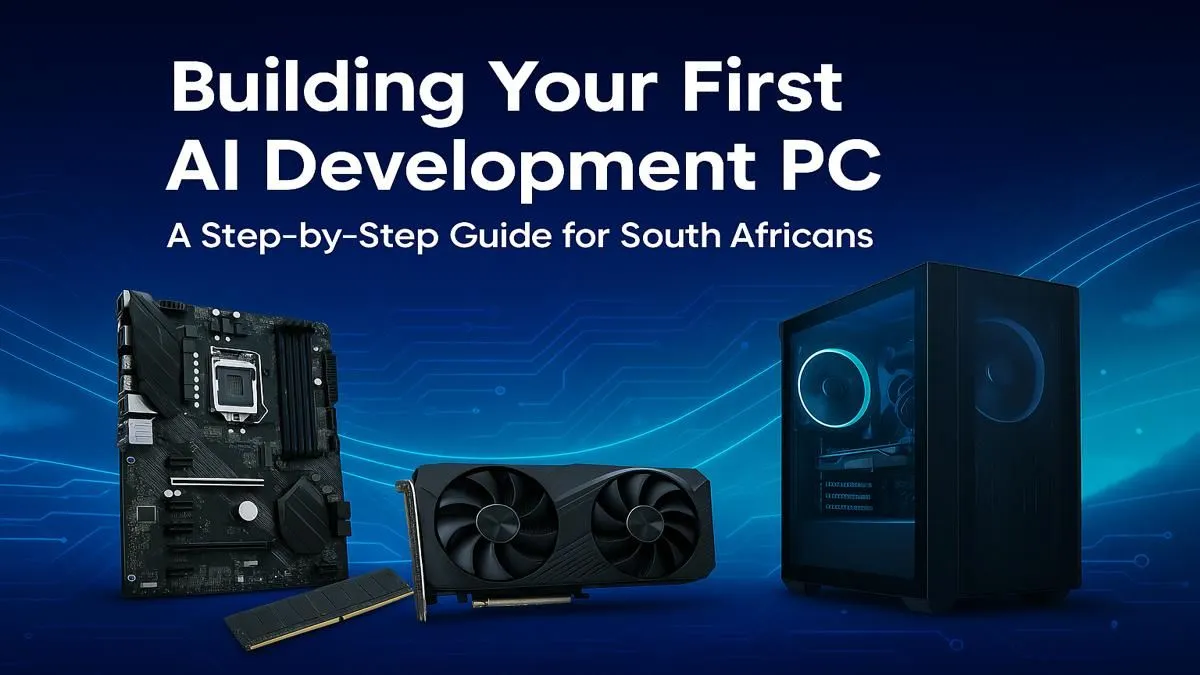
Thinking about building an AI development PC in South Africa? You're not alone. From training custom models to running Stable Diffusion locally, the power to create is now on your desktop. But where do you even start with the hardware? Don't stress... we've got the blueprint. This guide breaks down the essential components you need to build a beast of a machine without needing a supercomputer budget. Let's get building! 🚀
You might be thinking, "My gaming PC is powerful, can't I just use that?" Maybe... but probably not optimally. While there's overlap, AI and machine learning workloads push your hardware in very different ways. The main difference? VRAM.
Gaming typically needs enough VRAM to hold textures for the scene you're in. AI, especially training large language models (LLMs) or high-resolution image models, tries to cram the entire model and its data into your GPU's memory. Running out of VRAM is the number one bottleneck for any serious AI development PC build in South Africa.
Building a balanced system is key. A monster GPU with a budget CPU will create performance issues, so let's look at the whole picture.
This is where most of your budget should go. For AI, the GPU isn't just for graphics; it's a massively parallel processor that's perfect for the mathematical operations in machine learning.
NVIDIA is the undisputed leader here, thanks to its CUDA platform. Most major AI frameworks like TensorFlow and PyTorch are optimised for CUDA, giving you a massive head start. Look for cards with the most VRAM you can afford. An RTX 4070 with 12GB is a great starting point, but an RTX 4080 or 4090 with 16GB or 24GB respectively will let you tackle much larger projects. For those ready to invest in top-tier performance, exploring a range of powerful NVIDIA GeForce PCs can give you a solid, pre-built foundation.
While NVIDIA dominates, it's worth noting that AMD is making strides with its ROCm software platform. If you're an enthusiast who enjoys tinkering, some of AMD's powerful Radeon options offer impressive price-to-performance ratios, though you might face a steeper learning curve on the software side.
While the GPU does the heavy lifting, your CPU is crucial for data preparation, loading datasets, and keeping the whole system responsive while your GPU is maxed out. You don't need the absolute best, but a modern processor with 8 or more cores (like an Intel Core i7 or AMD Ryzen 7) is a wise choice.
For RAM, 32GB is the new minimum. Large datasets can easily eat up system memory before they even get to the GPU. If you plan on working with massive datasets, 64GB will give you much more breathing room. Speed matters too, so aim for DDR5 if your budget allows. Many professionally assembled workstation PCs are configured with these exact principles in mind, offering a balanced approach to processing power and memory.
Your AI datasets can be huge. You'll be reading and writing large files constantly, so a fast NVMe SSD is non-negotiable. A 1TB NVMe drive is a good start for your operating system, applications, and current projects. A larger, secondary SATA SSD or even a traditional hard drive can be used for long-term storage and archives. ✨
For a seamless workflow, use Windows Subsystem for Linux (WSL2) on your Windows PC. It lets you run a full Linux environment directly on Windows, giving you access to the powerful command-line tools and environments that most AI frameworks were built for, without needing to dual-boot your machine. It’s a must-have for any serious AI development PC build.
Building an AI development PC in South Africa is an exciting investment in your skills and future projects. By focusing your budget on a GPU with plenty of VRAM and balancing it with a capable CPU and fast storage, you'll create a powerful tool for innovation. Whether you're a student, a researcher, or a creative professional, the right hardware will unlock a new world of possibilities. 🔧
Ready to Build Your AI Powerhouse? Crafting the perfect AI development PC is an exciting journey. Whether you're a seasoned pro or just starting, having the right hardware is key. Explore our range of customisable PCs and components and start building the machine that will bring your ideas to life.
The GPU (Graphics Processing Unit) is crucial. Models like NVIDIA's RTX series are preferred for their CUDA cores, which accelerate machine learning and deep learning tasks.
For most entry-to-mid-level AI tasks, 32GB of fast DDR5 RAM is a great start. For larger models or complex datasets, consider 64GB or more. This is a key part of our RAM requirements for AI PC guide.
While NVIDIA's CUDA is the industry standard, AMD's ROCm platform is a growing alternative. For maximum compatibility and community support, NVIDIA is often recommended.
A solid entry-level AI development PC can be built for around R25,000 to R40,000. The final cost to build AI PC in South Africa depends heavily on your choice of GPU.
A CPU with a high core count and strong single-thread performance is ideal. An Intel Core i7/i9 or AMD Ryzen 7/9 will handle data preprocessing and system tasks efficiently.
Yes. While there's overlap, an AI PC prioritizes GPU VRAM, RAM capacity, and parallel processing power over raw gaming frame rates. Component choices often differ.
Top RTX 5090 Under R12000 picks evaluated on performance, value & SA availability with current Rand pricing from Evetech.
Read more
When Will the RTX 6090 Launch in South Africa Detailed answer with SA data, expert analysis & practical recommendations for local buyers.

Top Valorant Settings for RTX 5070: FPS Optimisation picks evaluated on performance, value & SA availability with current Rand pricing from Evetech.

RDNA 3.5 Graphics in Ryzen AI 400? Can You Game. Plain-English explanation of what it means, why it matters & how it affects your buying decisions in SA.

GPU Price Index : December Report. Current stock data & price tracking for SA buyers. See what is available and where prices are heading.

Core i5-14600K + B760 + RTX 5060 Build Under. Full parts list, Rand pricing & expected performance. Build confidently with SA-available components.

RX 7600 Apex Legends at 4K: FPS Benchmark. Real-world benchmark data, FPS numbers & performance analysis. What SA gamers can actually expect.

RX 7900 XTX GTA 6 at 4K: FPS Benchmark & Optimal. Real-world benchmark data, FPS numbers & performance analysis. What SA gamers can actually expect.

Head-to-head comparison of RTX 5070 vs RX 9070 XT: Gaming Performance for SA gamers. Performance benchmarks, Rand pricing & which delivers better value.

Top Laptop with Ryzen 5 + RTX 4090 Laptop: Picks picks evaluated on performance, value & SA availability with current Rand pricing from Evetech.

Top Budget GPU for Marvel Rivals picks evaluated on performance, value & SA availability with current Rand pricing from Evetech.

Valorant Settings on RTX 5070: Performance. Real-world benchmark data, FPS numbers & performance analysis. What SA gamers can actually expect.

Top Budget GPU for Assassins Creed Shadows picks evaluated on performance, value & SA availability with current Rand pricing from Evetech.