


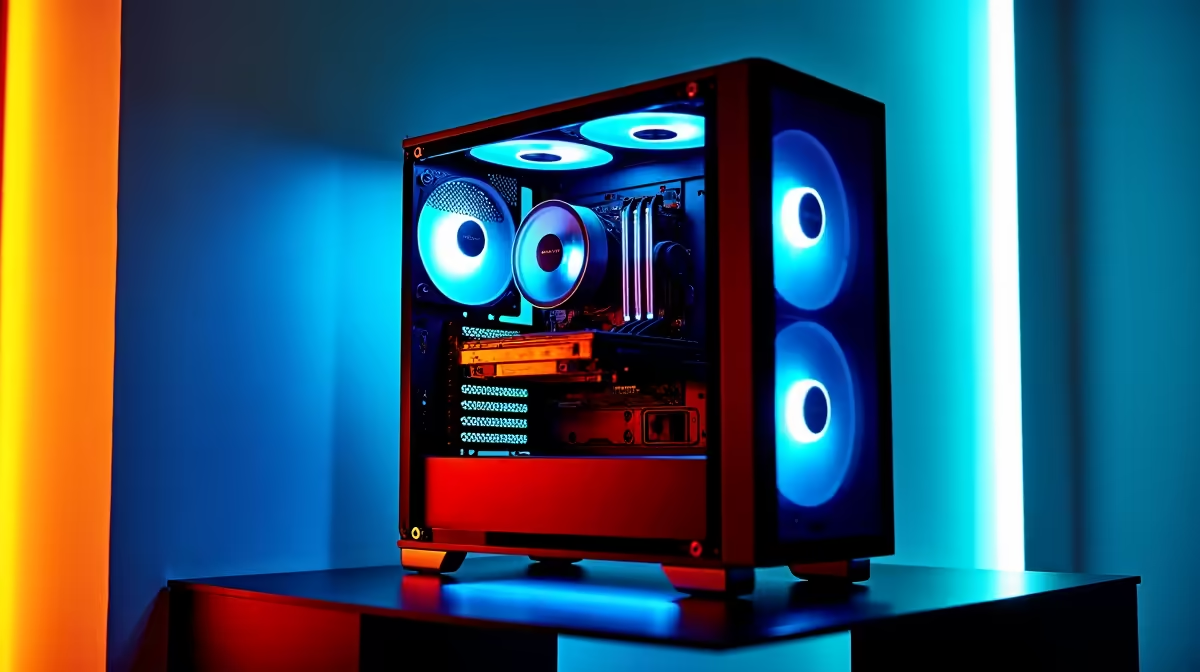
Keen to build a PC that does more than just game? AI is everywhere, from creating wild images with Midjourney to powering the next big app. But what hardware do you actually need to run it all? This AI PC build guide demystifies the process, focusing on the machine learning hardware essentials you'll need to assemble a powerful rig right here in South Africa. Forget confusing jargon... let's talk real components for real-world results. ✨
The GPU: Your Machine Learning Powerhouse 🚀
When it comes to building an AI PC, one component stands above all others: the Graphics Processing Unit (GPU). While CPUs are great at handling a few complex tasks at once, GPUs are designed for parallel processing—handling thousands of simpler tasks simultaneously. This is exactly what machine learning models need for training.
The key spec to look for is VRAM (video memory). Think of it as your GPU's workspace. The more VRAM you have, the larger and more complex the AI models you can train without running into bottlenecks. For serious work, aim for 12GB of VRAM or more.
For years, NVIDIA has been the top choice due to its CUDA platform, a software layer that gives developers deep access to the GPU's power. This gives them a massive head start in software support. You'll find these powerful cards in many NVIDIA GeForce gaming PCs, which double perfectly as entry-to-mid-level AI rigs. However, don't count AMD out; their ROCm platform is catching up, and their hardware offers incredible value. Many powerful AMD Radeon gaming PCs deliver the raw horsepower needed for many AI tasks.
CPU and RAM: The Brains Behind the Brawn
While the GPU does the heavy lifting, your Central Processing Unit (CPU) and system RAM play crucial supporting roles in any AI computer build. The CPU is responsible for preparing your data (a process called data preprocessing), feeding it to the GPU, and managing the entire operating system.
You don't need the absolute fastest CPU on the market, but a modern processor with multiple cores and threads will prevent your powerful GPU from sitting idle. A strong multi-core performance, found in both our range of Intel-powered PCs and the latest AMD Ryzen gaming PCs, ensures your entire system remains snappy and responsive.
For RAM, 32GB is a fantastic starting point for a modern AI PC build. If you're working with massive datasets, upgrading to 64GB or even 128GB can dramatically speed up your workflow by allowing more data to be held in memory for quick access.
Check Your Software First! 🔧
Before you buy a GPU, check the requirements for the AI software you plan to use, like TensorFlow or PyTorch. While most tools support a wide range of hardware, some are heavily optimised for NVIDIA's CUDA platform. A quick search can save you a major headache and ensure your new hardware works perfectly out of the box.
Storage and Motherboard: The Unseen Foundation
Your storage and motherboard are the foundational elements that tie all your machine learning hardware together. Speed is paramount here. A fast NVMe SSD will slash the time it takes to load huge datasets and AI models, getting you to work faster. A 1TB NVMe drive is a good starting point, with a larger secondary drive for mass storage.
Your motherboard needs to have enough high-speed PCIe lanes to let your GPU communicate with the CPU at full throttle. For high-end builds, looking into professional workstation PCs can be a great idea, as their motherboards are specifically designed for maximum connectivity and stability under heavy load. This is also where emerging technologies can find a home; even the latest Intel Arc gaming PCs leverage modern motherboard features for tasks like AV1 encoding, which can be part of a wider AI workflow.
Putting Your AI PC Build Together
So, should you build it yourself or buy a pre-configured machine? Building from scratch gives you ultimate control, but it can be daunting. If you want to jump straight into the action, exploring Evetech's pre-built PC deals is a brilliant, hassle-free option.
You don't necessarily need to spend a fortune to get started. Many of the components that make a great gaming PC also make a great AI PC. This means that even some budget-friendly gaming PCs can be excellent entry points into the world of machine learning. As you get more serious, you can upgrade individual components. Ultimately, the core principles in this guide will help you find the best gaming PC deals that also double as an AI powerhouse.
Ready to Build Your AI Powerhouse? This AI PC build guide gives you the blueprint, but the final creation is yours. Whether you're training complex models or just exploring creative AI, the perfect rig is within reach. Explore our massive range of custom and pre-built PCs and find the machine to power your next big idea.











