

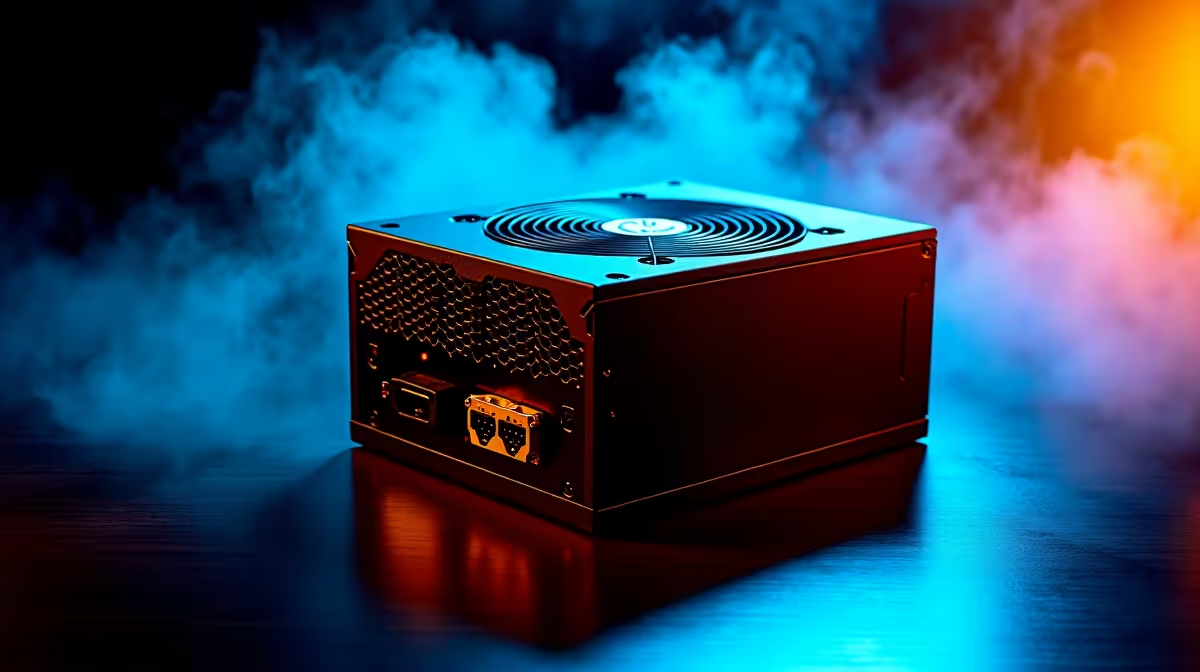
So, you're building a new AI PC here in South Africa? Awesome. You've probably obsessed over the GPU, debated the CPU, and planned your RAM. But have you given enough thought to the one component that powers it all? An unstable Power Supply Unit (PSU) can turn your high-end AI dream machine into a very expensive paperweight. That’s why a proper AI PC power supply test isn't just a good idea… it's essential for protecting your investment.
Why Your AI PC Needs a Rock-Solid Power Supply ⚡
An AI workload isn't like a typical gaming session. While gaming pushes your hardware in bursts, training a machine learning model is a relentless marathon. It slams your GPU and CPU with sustained, high-power demands for hours, or even days, on end.
This is where cheap or underrated PSUs fail. High-end GPUs, especially those found in powerful NVIDIA GeForce Gaming PCs, are known for "transient spikes"—millisecond-long power draws that can be double their rated wattage. A quality PSU is built to handle these spikes. A lesser one might trip its protection circuits, causing your system to crash right in the middle of a crucial task. An effective power supply stability test is your first line of defence against this.
Conducting a Basic AI PC Power Supply Test at Home
You don't need an electrical engineering degree to check your PSU's stability. The goal is to simulate a worst-case scenario and see if your system remains stable. This simple AI PC power supply test uses free software to push your components to their limits.
The Software-Based Stress Test
- Download Your Tools: Grab two trusted utilities. For the CPU,
Prime95(using the "Small FFTs" test for maximum power draw) is a classic. For the GPU, a tool likeFurMarkor the3DMarkstress test will do the job. - Monitor Everything: Use software like
HWiNFO64to watch your temperatures and system voltages. Keep a close eye on the +12V rail, which powers your CPU and GPU. Significant dips under load can signal a struggling PSU. - Run the Gauntlet: Start the CPU stress test first. Let it run for 15-20 minutes. If everything is stable, start the GPU stress test simultaneously. This combined load is the ultimate test for your power supply. Whether you're running on the latest tech from Team Green or rocking one of our killer AMD Radeon Gaming PCs, this method will reveal any power delivery weaknesses.
- Watch for Red Flags: An immediate shutdown, a black screen, or a system reboot during the test means your PSU can't handle the combined load.
PSU Wattage Pro Tip 🔧
When choosing a PSU, don't just meet the minimum requirements. Aim for about 20-30% more wattage than your components' total TDP (Thermal Design Power). This headroom ensures stability, improves efficiency, and gives you room for future upgrades. Always look for an 80 Plus Bronze rating or higher for better reliability and lower electricity bills.
Beyond the Basics: The Professional Build Advantage ✨
While a home stress test is great for spotting major issues, it's only part of the picture. Ensuring true long-term stability for demanding AI or creative tasks requires a more holistic approach. This is where professionally built systems shine.
When our Evetech technicians build a machine, the process goes much deeper. We don't just test the PSU; we ensure the entire ecosystem is optimised. This includes meticulous cable management for superior airflow (keeping the PSU cool and efficient), component pairing to avoid bottlenecks, and extended "burn-in" tests that run for 24 hours or more. For serious users, our dedicated Workstation PCs are engineered from the ground up for exactly this kind of sustained, mission-critical performance. It's peace of mind, delivered.
Ready for Guaranteed Stability? Building a powerful AI PC is complex, and a solid PSU is the foundation of it all. Take the guesswork out of your build. Explore our range of expertly crafted Gaming PCs and get a machine that's tested, optimised, and ready for any task you throw at it.











