

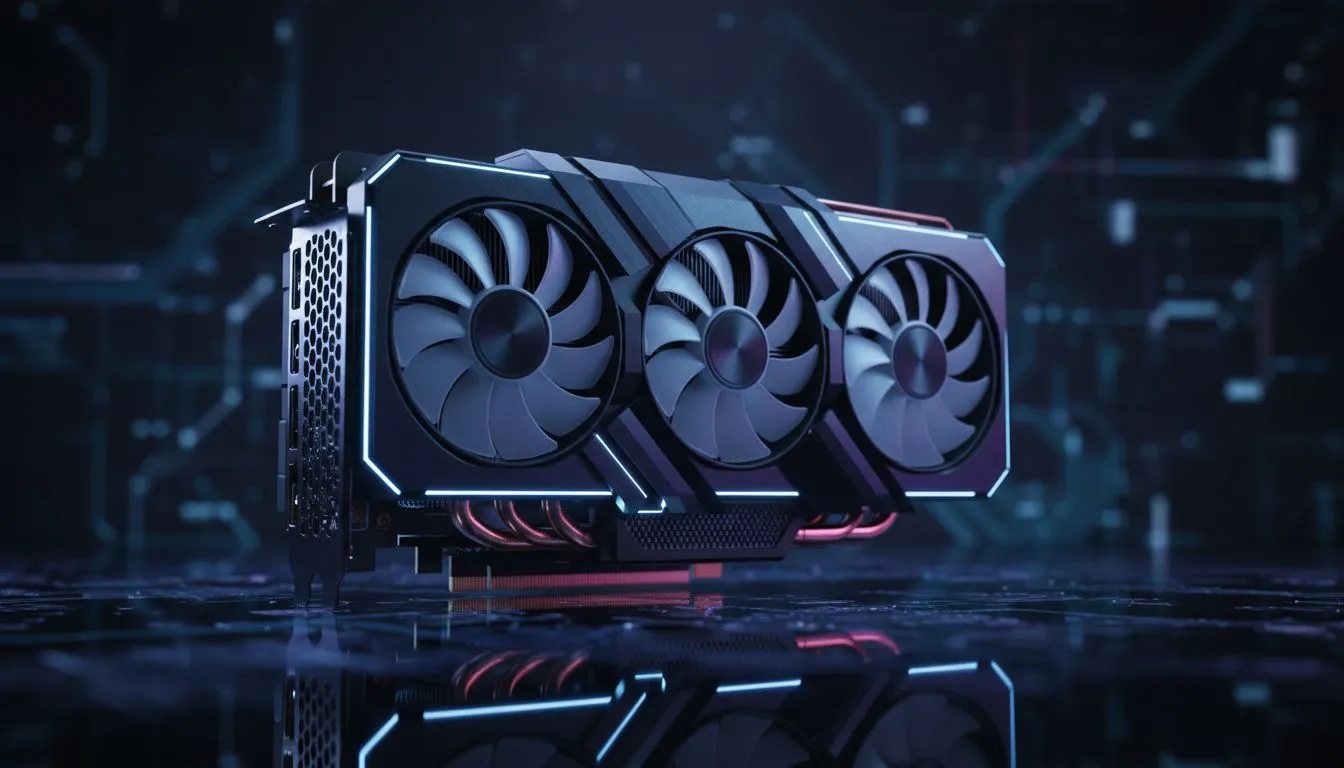
If you have ever felt the heat radiating from your rig during a mid-summer gaming session in Joburg... you know every degree counts. Modern GPUs are power-hungry beasts that generate massive heat. Traditional layouts often leave your graphics card starved for fresh air. However... recent testing confirms that angled intake fans improve GPU cooling performance by eliminating air stagnation in the bottom of your chassis. 🔧
The Science of Angled Airflow
Standard boxy cases often trap pockets of hot air directly under the GPU. By angling the bottom intake fans... the air is pushed directly into the GPU heatsink rather than hitting a flat basement shroud and bouncing away. When looking through the vast selection of computer cases at Evetech... you will notice more brands adopting this "chimney" style approach. It makes a massive difference in preventing thermal throttling during intense 4K gaming.
Leading the Charge with Premium Design
Brands like Fractal have mastered this thermal strategy. Their Torrent series is a prime example of how directed airflow works to keep internal temperatures low. If you browse the range of Fractal Design PC cases... you can see how they prioritised front-to-back and bottom-up pressure. This setup ensures your high-end RTX card stays frosty even when the ambient room temperature starts to climb. ⚡
Cooling Pro Tip ⚡
Ensure your bottom intake fans are not blocked by thick carpets. If your PC sits on the floor... use a hard stand or a piece of wood to maintain the clearance needed for those angled fans to pull in cool air effectively. This simple fix can drop your GPU temps by another 3 to 5 degrees.
Performance for Every Budget
You do not need to spend a fortune to get better thermals in South Africa. Even entry-level builds benefit from smart fan placement and mesh panels. We have seen great results with Gamdias gaming cases that feature mesh fronts and ventilated shrouds. For those on a strict budget... there are excellent budget-friendly gaming cases under R1500 that still offer great airflow paths for your hardware. 🚀
Why it Matters for Longevity
Heat is the silent killer of PC components. By ensuring that angled intake fans improve GPU cooling performance... you are not just getting more FPS... you are extending the life of your hardware. When your GPU runs at 65°C instead of 80°C... the fans spin slower and the silicon stays healthy for much longer. It is a win for your ears and your wallet. ✨
Ready to Chill Your Build? Thermal throttling is the enemy of high frame rates. Upgrading your chassis to a modern design is the easiest way to protect your hardware and boost performance. Explore our full range of gaming cases and give your GPU the airflow it deserves.











