

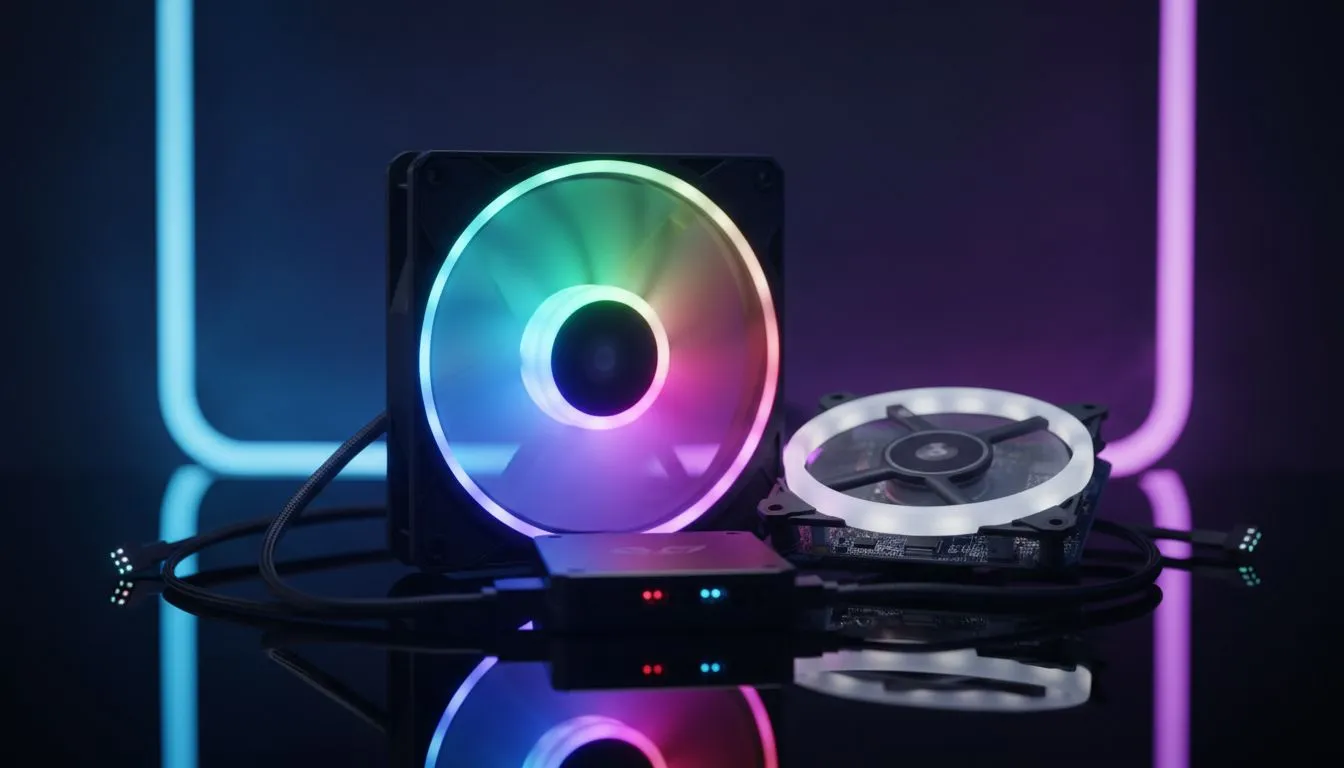
Your PC is the heart of your battle station. In South Africa, we take pride in our gaming setups. It is not just about the frame rates anymore. It is about how your rig looks when the lights go down. Using ARGB case fans is the easiest way to transform a boring box into a visual masterpiece. Let's look at how to get it right.
Why ARGB case fans are the new standard
Standard RGB fans are a bit old school now. They light up in a single colour at a time. Addressable RGB (ARGB) is different. Each LED on the fan can be controlled individually. This allows for rainbow waves... breathing effects... and complex patterns.
When you choose ARGB case fans, you are investing in total customisation. You can match your lighting to your favourite rugby team or your in-game character. The level of detail is incredible. It makes your PC feel unique to you. ⚡
How to synchronize fans for the ultimate light show
The secret to a professional look is harmony. You do not want your fans clashing with your RAM or GPU. To synchronize fans for the ultimate light show, you need to use a central controller or your motherboard software.
Most modern motherboards come with dedicated 5V ARGB headers. By plugging your fans into these, you can use software like ASUS Aura Sync or MSI Mystic Light. This ensures every component pulses in time with the music or your gameplay. If you are starting a new build, check out our wide selection of computer cases. Many of these include built-in hubs to make the connection process much easier.
Cable Management Pro Tip ⚡
When installing multiple ARGB case fans, look for models that support daisy-chaining. This allows you to connect the ARGB cables to each other in a series. It reduces the number of headers required on your motherboard. It also makes cable management much easier behind the motherboard tray. This keeps your build looking tidy and professional.
Choosing the right chassis for your lighting
Not all cases are built the same. If you want your lighting to pop, you need clear views. Tempered glass is your best friend here. For a premium, minimalist look, Fractal Design PC cases offer incredible build quality. They provide the perfect canvas for your light show. ✨
If you prefer something more aggressive and gamer-centric, Gamdias gaming cases are a fantastic choice. They often come with pre-installed ARGB fans. This means you get that "out-of-the-box" glow without extra spending.
High-end aesthetics on a budget
You do not need to spend tens of thousands of Rands to get a great-looking PC. There are plenty of options that offer high-end features at a lower price point. We have curated a list of budget-friendly gaming cases under R1500 that still include ARGB support. 🚀
Proper airflow is just as important as the lights. Make sure your fan curves are set correctly in the BIOS. This keeps your PC cool and quiet while it looks amazing. A well-cooled PC lasts longer... and performs better during those long summer gaming sessions in Mzansi. 🔧
Ready to Find Your Perfect Match? Transforming your PC with a stunning light show is easier than ever. Whether you want a premium showpiece or a budget-friendly powerhouse, we have the hardware to make it happen. Explore our massive range of computer cases and start your ultimate build today.











