

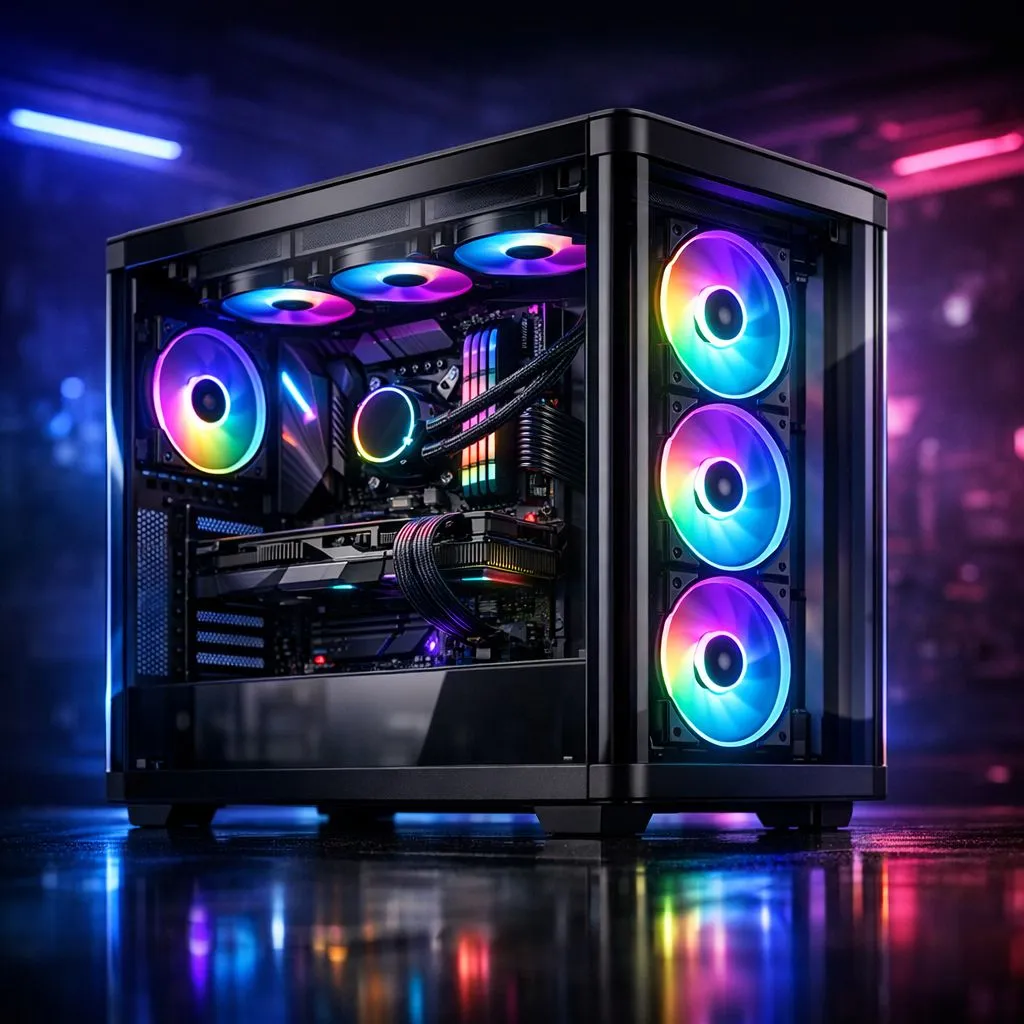
Creating the Perfect ARGB Fan Lighting Setup in a Panoramic Glass Gaming Case
There is nothing quite like the feeling of finishing a custom PC build, especially when you step back to admire your rig glowing through a pristine, panoramic glass panel. For South African gamers, the obsession with aesthetics is just as important as frame rates. Whether you are aiming for a clean, professional look or a wild neon rave, mastering your ARGB fan lighting setup is the final piece of the puzzle to make your desk setup truly stand out. ⚡
Choosing the Right Foundation
The secret to a great light show starts with the chassis itself. If you are browsing our computer cases, look for models with "fish-tank" or dual-chamber designs. These cases remove the corner pillar, allowing for an uninterrupted view of your internal components. If you are leaning towards premium Scandinavian minimalism, Fractal Design PC cases offer incredible cable management options, which are essential when you want the focus to remain on your lighting rather than messy wires.
Planning Your Airflow and Lighting Sync
When you pack a case with ARGB fans, airflow becomes a balancing act. You want to ensure you have a healthy mix of intake and exhaust fans to keep your GPU cool during long sessions of Warzone or Cyberpunk 2077.
Pro Lighting Tip 🔧
When installing ARGB fans, always daisy-chain your headers carefully. If you have too many fans on a single motherboard header, you risk flickering or dimming. Use a powered fan hub to ensure every LED gets enough voltage for consistent, vibrant colours across your entire build.
If you are working on a tighter budget but still want that premium look, check out our selection of Gamdias gaming cases. They often come with pre-installed fans, which saves you a significant amount of time and money. For those watching their wallet, there are even Gamdias gaming cases under R1500 that provide excellent value without compromising on that essential tempered glass aesthetic. ✨
Final Touches for Your Rig
Once your fans are mounted, use your motherboard’s software—like ASUS Aura Sync or MSI Mystic Light—to synchronise your colour profiles. A subtle, slow-breathing effect often looks more sophisticated than a rapid rainbow cycle. Remember, the goal is to complement your hardware, not distract from it. Take your time with the software settings, and you will have a build that looks like it belongs in an elite showroom. 🚀
Ready to Find Your Perfect Match? Building a rig that looks as good as it performs is the ultimate goal for any SA gamer. From premium glass cases to high-performance cooling, we have everything you need to bring your vision to life. Explore our full range of PC components and start building your dream machine today.











