

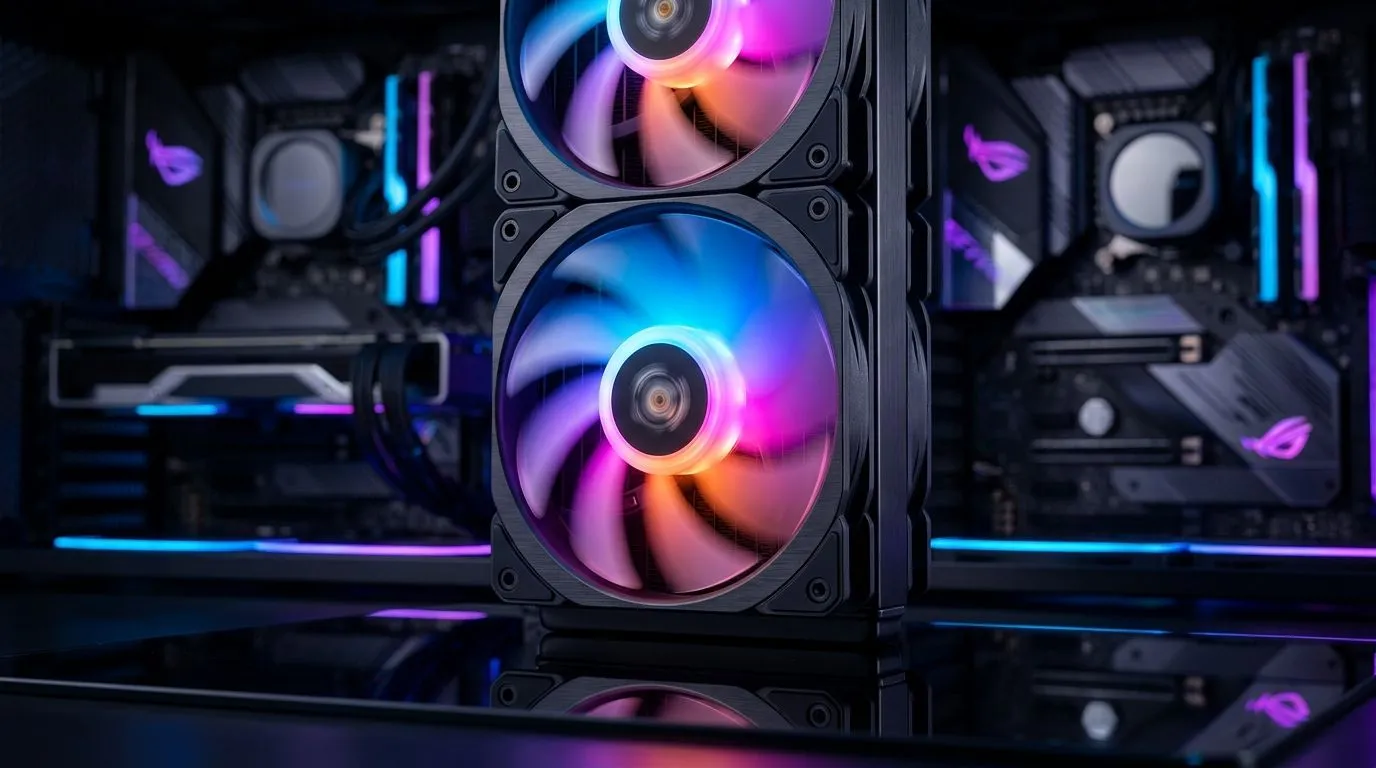
Do ARGB Fans With AURA Sync Make a Difference? (Let’s talk airflow + aesthetics) 🔧
Walk into any South African LAN, and you’ll notice it immediately… that clean, flowing lighting across the build. But looks aren’t the whole story. If you’re choosing case fans, especially for a PC that also carries “one-click” RGB control like ASUS AURA Sync, you’re really buying two things: airflow performance and lighting coordination. So yes, ARGB with AURA Sync can make a difference… just not in the way most people think.
ARGB + AURA Sync: what it really changes for your PC ✨
ARGB (addressable RGB) fans let each LED segment change independently, instead of “all on or all off.” AURA Sync is the ecosystem that synchronises lighting patterns across compatible components. In practice, that means:
- Easier matching of your colour theme across fans, strips, and some peripherals.
- More cohesive visual effects (like breathing, pulsing, or reacting to system events).
- Less “DIY mismatch” when you add fans later.
But here’s the important bit: lighting sync does not magically improve cooling. Cooling depends on fan specs like airflow (CFM), static pressure (important for dense front panels and radiators), noise level, and how many fans you run in each position.
Build Lab guidance: how to choose fans that perform first 🔥
Before you chase AURA patterns, check your build layout. If you’re using a mesh front, airflow fans are usually happier. If you’re pushing through a radiator or a restrictive filter, static pressure matters more.
Productivity Pro Tip ⚡
On a new build, set your fan control curve before you judge noise or temperatures. Use your motherboard or fan hub software to create a quiet baseline, then test under a gaming load for 10 to 15 minutes. Small adjustments to your curve often make a bigger difference than swapping RGB variants."
Also think about physical fit. A single wrong-size fan can ruin your airflow plan.
Fan sizes to consider for common cases
If your case supports 120mm or 140mm fan mounting, that’s a real advantage for future upgrades. 140mm fans can sometimes move more air at lower RPM due to larger blades, while 120mm fans are easier to find and often cheaper. Either way, match the size to your case mounting points and your radiator support.
Where the “difference” shows up most: real upgrades and better consistency 🚀
AURA Sync becomes noticeable when you’re building in phases. Maybe you start with your GPU and CPU, then add a new liquid cooler later. Or you upgrade fans to reduce noise while keeping the look you paid for.
When you’re shopping, here are solid ways to explore compatible fan options:
- Browse a broad selection of case fans here: case fans.
- If you want a more brand-focused experience, start with CORSAIR options: CORSAIR RGB fans.
- Looking at Deepcool? Compare their fan line-up here: Deepcool fans.
- If you specifically want lighting effects, filter by RGB lighting effects.
- And if your priority is cooling and you’d rather simplify wiring, consider options with no lighting effects: fans without lighting effects.
- For 120mm mounts, check this range: 120mm case fans.
- For larger 140mm spots, explore: 140mm case fans.
Now, about compatibility… always confirm what your motherboard supports and whether your lighting header requirements match. AURA Sync is only useful if the lighting controller in your build can actually talk to it.
Final verdict: do ARGB fans with AURA sync make a difference? ✅
Yes, but in two clear areas:
- Visual coherence: your build looks intentional, not random. ✨
- Upgrade ease: new fans can still match your theme.
Cooling performance? That’s fan design and setup. Use AURA Sync for the style layer… and use proper fan placement for the heat layer. ⚡
Ready to Find Your Perfect Match? The Mac vs Windows debate is complex, but for maximum power, choice, and value in South Africa, Windows is hard to beat. Explore our massive range of laptop specials and find the perfect machine to conquer your world.











