


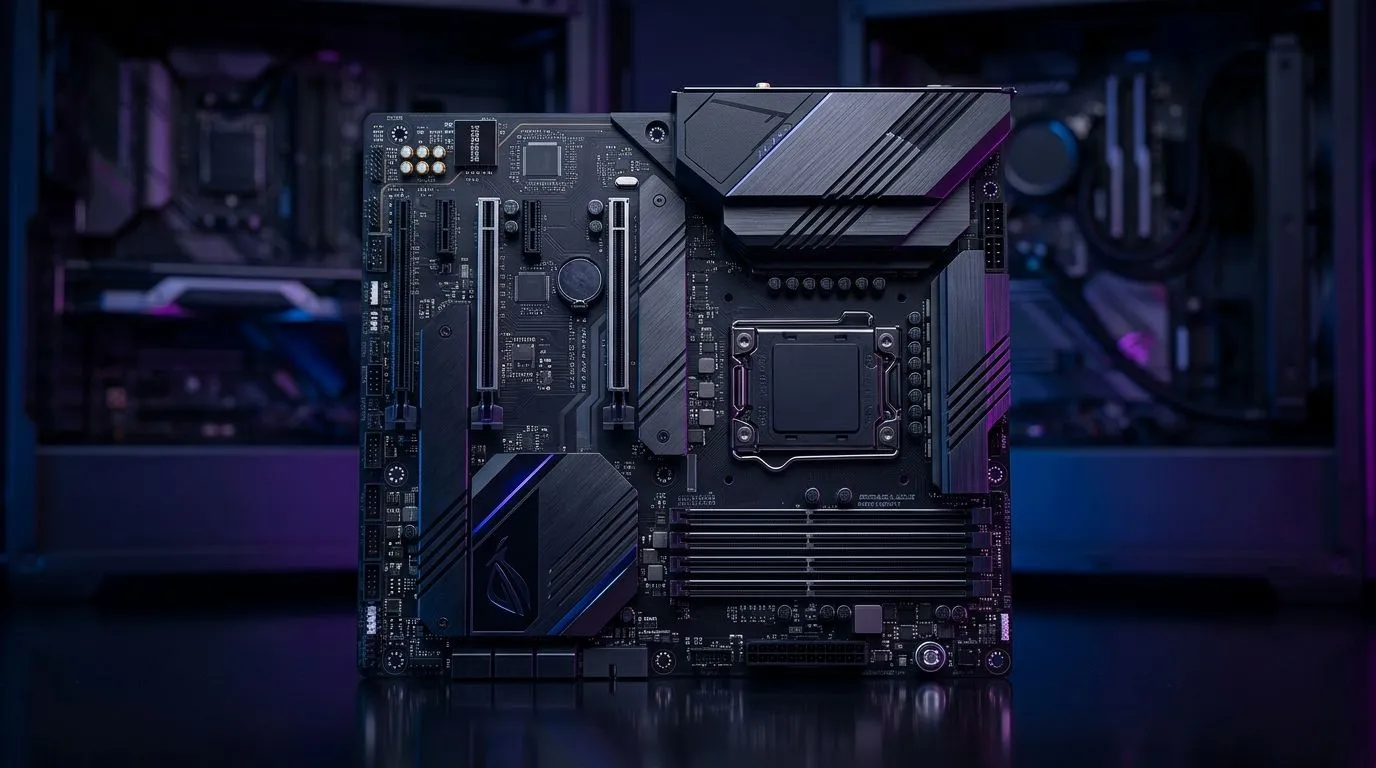
ATX-compatible gaming case motherboard size: fit & limits
If you’ve ever bought a sleek tower only to find your motherboard won’t fit properly, you already know the pain. In South Africa, where every rand counts, that mistake hurts twice. The good news? Once you understand ATX-compatible gaming case motherboard size rules, building gets easier... and far less stressful. 🔧
ATX-compatible gaming case motherboard size: what actually fits
ATX is the most common full-size desktop motherboard standard for gaming builds. According to the PCI-SIG and motherboard manufacturers, standard ATX boards measure 305 mm x 244 mm. That size matters because a case has to support the board’s standoff pattern, rear I/O opening, and expansion slot alignment.
An ATX-compatible case usually supports ATX, micro-ATX, and Mini-ITX boards. Many also fit E-ATX, but not always cleanly. That’s where the limits begin. “Compatible” does not always mean “comfortable”.
The real-world fit test
Before you add a case to cart, check three things:
- Motherboard form factor support
- GPU length clearance
- CPU cooler height and radiator space
A mid-tower can look roomy, yet still block a long graphics card if the front fans or radiator eat into clearance. A compact case can support ATX on paper, but cable routing may feel tight. That’s fine for a budget office PC. Less fun for a heat-heavy gaming rig.
ATX-compatible gaming case motherboard size: limits that catch buyers
The biggest mistake is assuming all ATX cases are the same. They’re not.
Some cases support ATX boards but only with reduced storage trays or limited front radiator mounting. Others support larger boards, yet the PSU shroud makes cable management awkward. If you plan to upgrade later, leave breathing room now.
For a broader look at chassis options, Evetech’s computer cases range is a useful starting point. You can compare layouts, airflow styles, and sizes before committing. That matters when you’re building around a specific motherboard today and a bigger GPU tomorrow.
Why airflow matters just as much as size
A board may fit, but a hot build still performs badly. ATX gaming boards often sit in cases with front mesh panels, top fan mounts, and multiple intake options. That helps keep temps under control, especially if you’re running an RTX-class card or a high-wattage CPU. Keep an eye on case dimensions, not just the “ATX” badge.
Build Lab Pro Tip ⚡
Always check the case’s supported motherboard sizes and maximum GPU length before buying. A few extra minutes now can save you from a return, a restocking delay, and a very annoyed weekend.
ATX-compatible gaming case motherboard size: choosing for South African builds
If you want a clean, future-proof setup, choose a case with a little extra room. That gives you easier cable routing, better airflow, and fewer headaches when upgrading.
For style-focused builders, Fractal Design PC cases often appeal because they balance clean design with practical layouts. If you want more aggressive gamer styling, Gamdias gaming cases may suit a flashier build. And if you’re working to a tighter budget, there are Gamdias gaming cases under R1,500 worth checking for value-first setups.
ATX-compatible gaming case motherboard size: quick buying rule
If your board is ATX, buy a case that explicitly lists ATX support, not “fits most boards”. Then verify GPU clearance, cooler height, and radiator placement. That simple habit prevents most compatibility mistakes.
A solid case choice is not just about looks. It shapes thermals, upgrade space, and even how easy your build feels on day one. For South African gamers, that makes the difference between a tidy rig and a frustrating one. ⚡
Ready to Find Your Perfect Match? The Mac vs Windows debate is complex, but for maximum power, choice, and value in South Africa, Windows is hard to beat. Explore our massive range of laptop specials and find the perfect machine to conquer your world.











