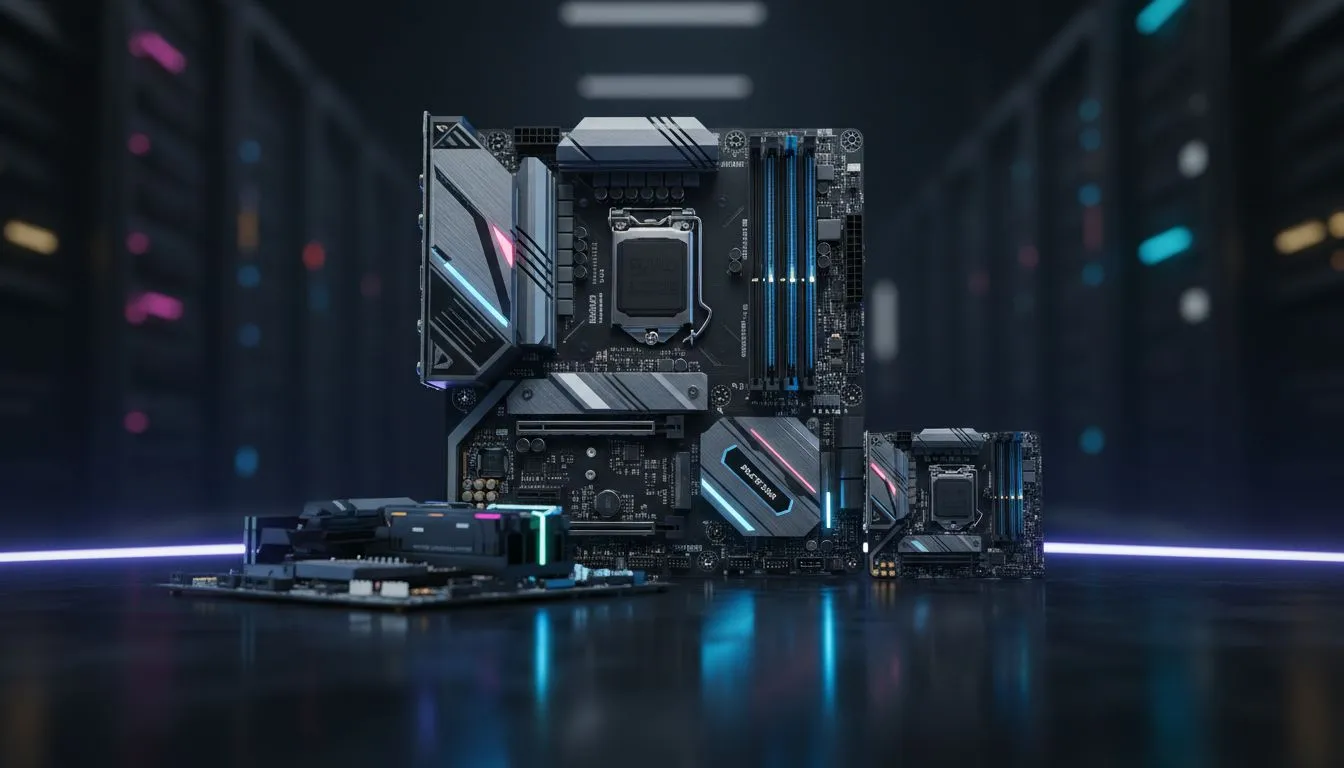
Understanding Motherboard Form Factors
Building your dream PC in South Africa starts with one critical decision. It isn't just about the GPU or the CPU... it is about the foundation. Choosing between ATX vs Micro-ATX vs Mini-ITX: Which Motherboard Size Is Right? for your desk and budget? This choice dictates your case size, expansion options, and even how much heat your rig generates during a hot summer afternoon.
When you start browsing for computer cases, you will notice they are categorised by these three sizes. The motherboard size determines where the mounting holes sit and how much room you have for extra gear like sound cards or multiple NVMe drives.
ATX: The Standard for Performance ⚡
The ATX (Advanced Technology eXtended) board is the most common size you will encounter. Measuring 305 x 244 mm, it offers the most "real estate" for your components. If you are planning a high-end build with plenty of RGB, multiple storage drives, and perhaps a massive heatsink, ATX is the go-to choice.
Because the components are spread out, airflow is generally better. This makes it easier to keep your system cool during intense gaming sessions. Many enthusiasts pair these boards with high-airflow Gamdias gaming cases to ensure their hardware stays well within safe thermal limits. You get more PCIe slots, more RAM slots, and usually more fan headers to play with.
Micro-ATX: The Smart Budget Choice
If you are looking for the best bang for your buck in the South African market, Micro-ATX (mATX) is often the winner. These boards are slightly shorter than standard ATX, usually measuring 244 x 244 mm. While you lose a couple of expansion slots, most modern gamers only use one GPU anyway... making those extra slots unnecessary for a standard gaming rig.
Micro-ATX boards are typically cheaper than their full-sized siblings. This allows you to divert more of your budget toward a faster processor or better RAM. You can find excellent, budget-friendly Gamdias cases under R1500 that fit these boards perfectly, creating a compact yet powerful machine that doesn't break the bank.
Cable Management Pro Tip ⚡
When building in smaller cases, always plug in your CPU power cables and fan headers before mounting the motherboard. In a smaller build, space is at a premium... trying to reach a tiny header once the CPU cooler is installed is a recipe for frustration.
Mini-ITX: Compact and Powerful 🚀
Mini-ITX is the smallest of the trio, measuring just 170 x 170 mm. These boards are designed for Small Form Factor (SFF) enthusiasts who want a PC that fits on a bookshelf or hides neatly in a TV unit. Don't let the size fool you... these boards can still support the most powerful CPUs and GPUs on the market.
However, Mini-ITX builds require careful planning. You only get two RAM slots and a single PCIe slot. Cooling can also be a challenge in such a cramped space. Many SFF builders choose the premium aesthetic and clever internal layouts of Fractal Design PC cases to manage the tight dimensions while maintaining a sophisticated look.
ATX vs Micro-ATX vs Mini-ITX: Which Motherboard Size Is Right for You?
So, which one should you choose? It comes down to your specific needs:
- Choose ATX if you want maximum expansion, easier cable management, and the best possible cooling for a high-end workstation or gaming beast.
- Choose Micro-ATX if you want the best value for money. It is the perfect middle ground for 90% of South African gamers.
- Choose Mini-ITX if space is your primary concern or if you love the challenge of building a high-performance "sleeper" PC.
No matter which size you pick, ensure your case supports it. Most large cases can fit smaller boards, but a small case will never fit a large ATX board. Plan your build, check your dimensions, and enjoy the process of creating your perfect setup.
Ready to Find Your Perfect Match?
The ATX vs Micro-ATX vs Mini-ITX debate depends on your goals, but for maximum power, choice, and value in South Africa, Evetech has you covered. Explore our massive range of motherboard specials and find the perfect foundation for your next PC.