

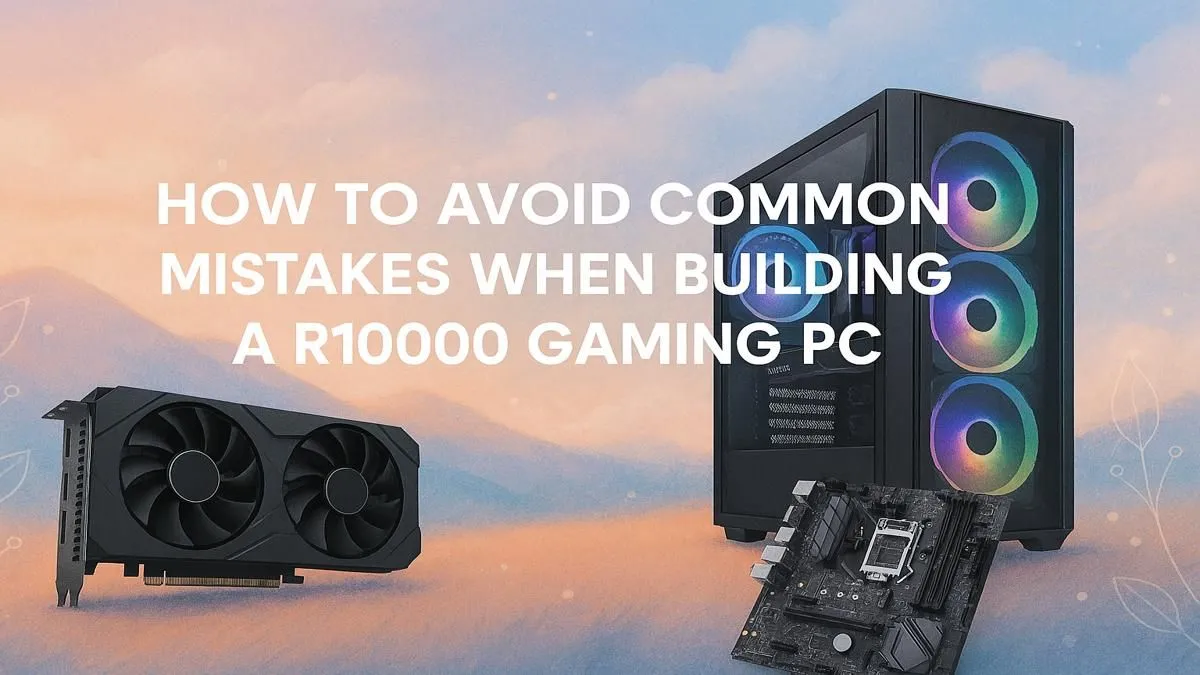
Building your first R10,000 gaming PC in South Africa is a rite of passage. It’s a journey of unboxing, assembling, and that first glorious boot-up. But this exciting project can quickly turn into a nightmare. A few common, easily avoidable blunders can leave you with a rig that underperforms or, worse, fails completely. Let's make sure your hard-earned cash results in a powerful machine, not a pile of regrets.
We're here to guide you past the most common R10000 gaming PC build mistakes.
Mistake #1: Skimping on the Power Supply Unit (PSU)
It’s tempting, we get it. The PSU isn't as glamorous as a flashy graphics card or a speedy CPU. So, you grab the cheapest one you can find to free up budget for more frames-per-second, right? Wrong. This is one of the most dangerous R10000 gaming PC build mistakes you can make.
A low-quality PSU can be unstable, delivering inconsistent power that can damage your expensive components over time. In a worst-case scenario, it can fail catastrophically, taking your motherboard, GPU, and CPU with it. Think of the PSU as the heart of your PC; you wouldn't want a faulty one. For any build, especially a budget one, a reliable 80+ Bronze rated PSU from a reputable brand is the absolute minimum. It’s the unsung hero that keeps your entire system safe and stable. Many excellent budget gaming PCs prioritise this component for long-term reliability.
Mistake #2: Unbalanced Component Pairing (Bottlenecking)
Ever seen a beastly RTX 40-series GPU paired with an old, entry-level CPU? That's a classic bottleneck. In simple terms, a bottleneck is when one component is so much slower than another that it holds the entire system's performance back. You paid for a powerful graphics card, but your weak CPU can't feed it data fast enough to use its full potential. ⚡
The goal of a smart R10000 gaming PC build is balance. Your CPU and GPU should complement each other. Spending 70% of your budget on the GPU and 10% on the CPU is a recipe for disappointment. You'll experience stuttering and lower frame rates than a more balanced system that costs the same. This is where professionally configured pre-built PC deals shine, as they are optimised to eliminate these bottlenecks from the get-go.
Quick Bottleneck Check 🔧
A great rule of thumb for a gaming build is to allocate roughly double the budget for your graphics card as you do for your CPU. For example, if you have a R3000 CPU, a GPU in the R5000-R6000 range often creates a well-balanced pairing for smooth 1080p gaming. This isn't a rigid rule, but it's a solid starting point.
Mistake #3: Forgetting the Upgrade Path
A R10,000 PC is a fantastic entry point into PC gaming, but you'll likely want more power down the line. A common mistake is choosing a motherboard or case that offers zero room to grow. Buying a motherboard with only two RAM slots means a full replacement is needed to go beyond 16GB. Choosing a tiny case might save space now, but it won't fit that bigger, more powerful graphics card you'll be eyeing next year.
Think ahead! Choose a motherboard with four RAM slots and a decent chipset. Ensure your case has good airflow and enough physical space for larger components. Your future self will thank you when an upgrade is as simple as swapping one part, not rebuilding the entire machine. Planning for that next step is what separates a good build from a great one, eventually paving the way to systems in the sweet spot under R20k.
Mistake #4: Overlooking Cooling and Airflow
So, you've assembled your PC, and it looks amazing. But did you consider how it breathes? Cramming powerful, heat-generating components into a case with poor airflow is like asking a marathon runner to race while wearing a winter coat. Your components, especially the CPU and GPU, will "thermal throttle"—automatically slowing down to prevent overheating.
This means you're leaving performance on the table. You paid for speed you can't even use! Ensure your case has at least two fans (one intake, one exhaust) and don't rely solely on the stock CPU cooler if you can afford a modest aftermarket one. Proper cooling is a free performance boost. It's a non-negotiable feature in all the best gaming PC deals, from entry-level to high-end. Even the most powerful PCs above R20k would fail without a solid cooling strategy. ✨
Ready to Skip the Headaches? Building a PC is rewarding, but jumping straight into the action with a professionally assembled, warranty-backed rig is even better. Avoid the common build mistakes and guarantee performance from day one. Explore our massive range of gaming PCs and find the perfect machine to conquer your world.











