

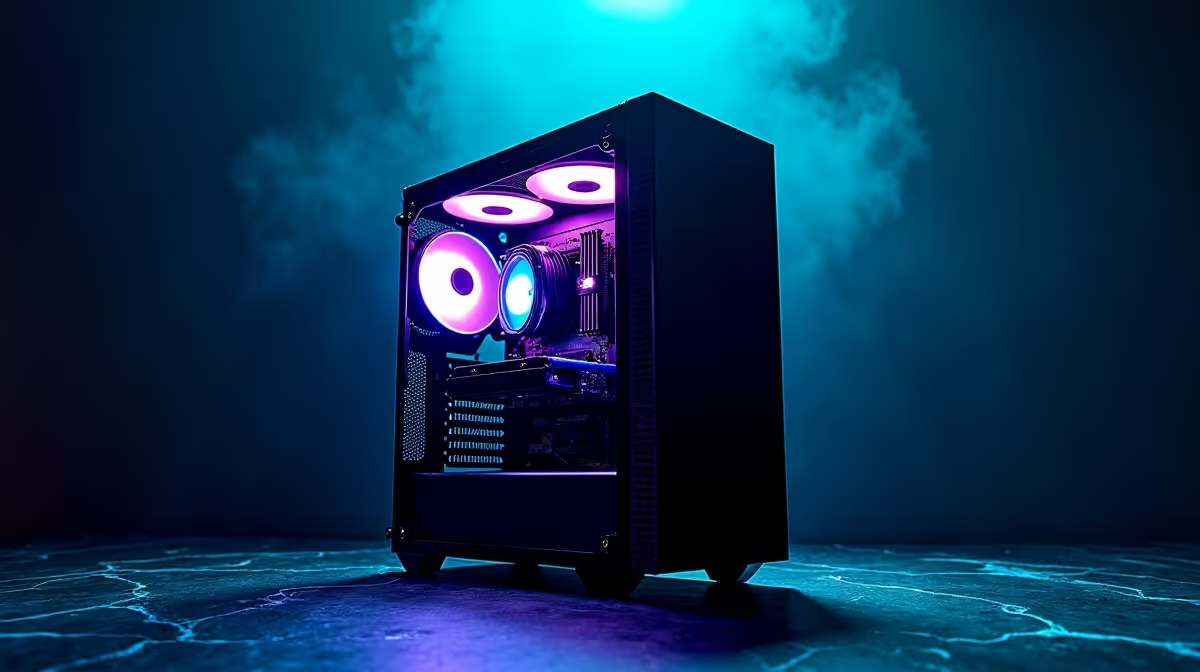
Quick Answer
Building an AI and deep learning PC in South Africa for under R30,000 is entirely achievable in 2026, provided you prioritise GPU VRAM and RAM capacity over raw CPU clock speed. A well-balanced build can handle model training, inference, and data preprocessing without needing cloud compute. Evetech stocks the key components locally so you avoid import delays and customs surprises.
Why GPU VRAM Is the Real Bottleneck for AI Workloads
In deep learning, the GPU does the heavy lifting -- matrix multiplications, gradient calculations, and batch inference all live on the graphics card. The single most important spec is VRAM. For running large language model inference locally you want at least 16 GB of VRAM; for training smaller models from scratch, 12 GB is a workable floor. In 2026 the RTX 4060 Ti 16 GB and RTX 4070 sit in the sweet spot for a sub-R30,000 AI build. Both support CUDA 12.x, which is required by PyTorch, TensorFlow, and the ONNX runtime.
If your workload leans more toward computer vision and you are fine-tuning rather than training from scratch, an RTX 4070 Super (12 GB) gives excellent throughput per rand. Avoid cards with 8 GB or less -- modern AI frameworks will constantly page data in and out of system RAM, causing severe slowdowns.
CPU, RAM, and Storage: The Supporting Cast
A deep learning CPU does not need to match your GPU dollar-for-dollar. The CPU handles data loading, preprocessing, and dispatching batches to the GPU. An Intel Core i5-13400F or AMD Ryzen 5 7600X is sufficient. Save your budget for more GPU or RAM.
System RAM matters enormously. Aim for 32 GB DDR5 minimum -- 64 GB is better if your budget allows. Python data science libraries (Pandas, NumPy, Hugging Face datasets) load entire datasets into system memory before feeding the GPU. Skimping here causes out-of-memory crashes mid-run.
Storage: a 1 TB NVMe SSD (Gen 4) for your OS and active datasets is essential. AI datasets are large, and slow storage creates a pipeline bottleneck. Consider a secondary 2 TB HDD for archiving older model checkpoints.
Sample R30,000 AI Build Breakdown (2026 Pricing)
Here is a realistic parts allocation for a South African AI workstation under R30,000:
- GPU (RTX 4070 12 GB or RTX 4060 Ti 16 GB): R9,500 - R12,000 -- the largest slice of budget, correctly so
- CPU (Intel Core i5-13400F or Ryzen 5 7600X): R3,200 - R4,500
- Motherboard (B760 or B650): R2,200 - R3,000
- RAM (32 GB DDR5 5600 MHz): R2,800 - R3,500
- Primary NVMe SSD (1 TB Gen 4): R1,200 - R1,800
- PSU (650 W - 750 W 80+ Gold): R1,400 - R2,000
- Case (mid-tower with good airflow): R900 - R1,500
- CPU cooler (tower air cooler): R600 - R900
- Secondary HDD (2 TB for datasets): R800 - R1,200
Totals land comfortably under R30,000 when you shop at Evetech, which carries all these components with local warranty and delivery across South Africa.
Loadshedding Considerations for Your AI Build
Loadshedding is a real operational risk if you are mid-training when power cuts out. A training run that loses power can corrupt checkpoint files or force you to restart from an earlier save. A UPS rated at 1000 VA to 1500 VA will keep your rig alive through a Stage 2 cut long enough to save progress and shut down gracefully. Look for a UPS with pure sine wave output -- this is important for modern PSUs with active PFC. Budget R1,500 - R2,500 for a quality unit and factor it alongside your build cost.
Alternatively, configure your framework to save checkpoints every N steps so a sudden shutdown loses minimal training progress. Both PyTorch and TensorFlow support callback-based checkpoint saving out of the box.
Framework Setup and CUDA Compatibility
Once your hardware is assembled, software setup is straightforward:
- Install NVIDIA's latest Game Ready or Studio driver
- Install CUDA Toolkit 12.x matching your driver version
- Create a Python virtual environment and install PyTorch with CUDA support via pip
- Verify with
torch.cuda.is_available()returningTrue
For most South African researchers and students, Jupyter Notebook or VS Code with the Jupyter extension gives a productive environment. Hugging Face Transformers runs well on RTX 4060 Ti 16 GB for inference of 7B parameter models in 4-bit quantised form.
Frequently Asked Questions
Can I use this build for both AI workloads and gaming?
Yes. The RTX 4070 and RTX 4060 Ti are excellent gaming GPUs as well as capable AI cards. You can run gaming sessions and AI experiments on the same machine without any hardware changes.
Is 32 GB RAM enough for AI work in 2026?
For most fine-tuning and inference tasks, yes. If you plan to work with very large datasets entirely in memory or run multiple processes simultaneously, upgrading to 64 GB later is straightforward on DDR5 motherboards with four DIMM slots.
Does NSFAS cover component-based PC builds?
NSFAS allocates a laptop allowance (around R5,200 per year in recent cycles) rather than a component build allowance. If you are a student, consider whether a pre-built AI-capable workstation fits your allowance structure better, or supplement with personal funds for a component build.
Ready to Find Your Perfect Match? Ready to start sourcing parts for your AI build? Browse current stock and pricing at Evetech. Shop PC Deals











