

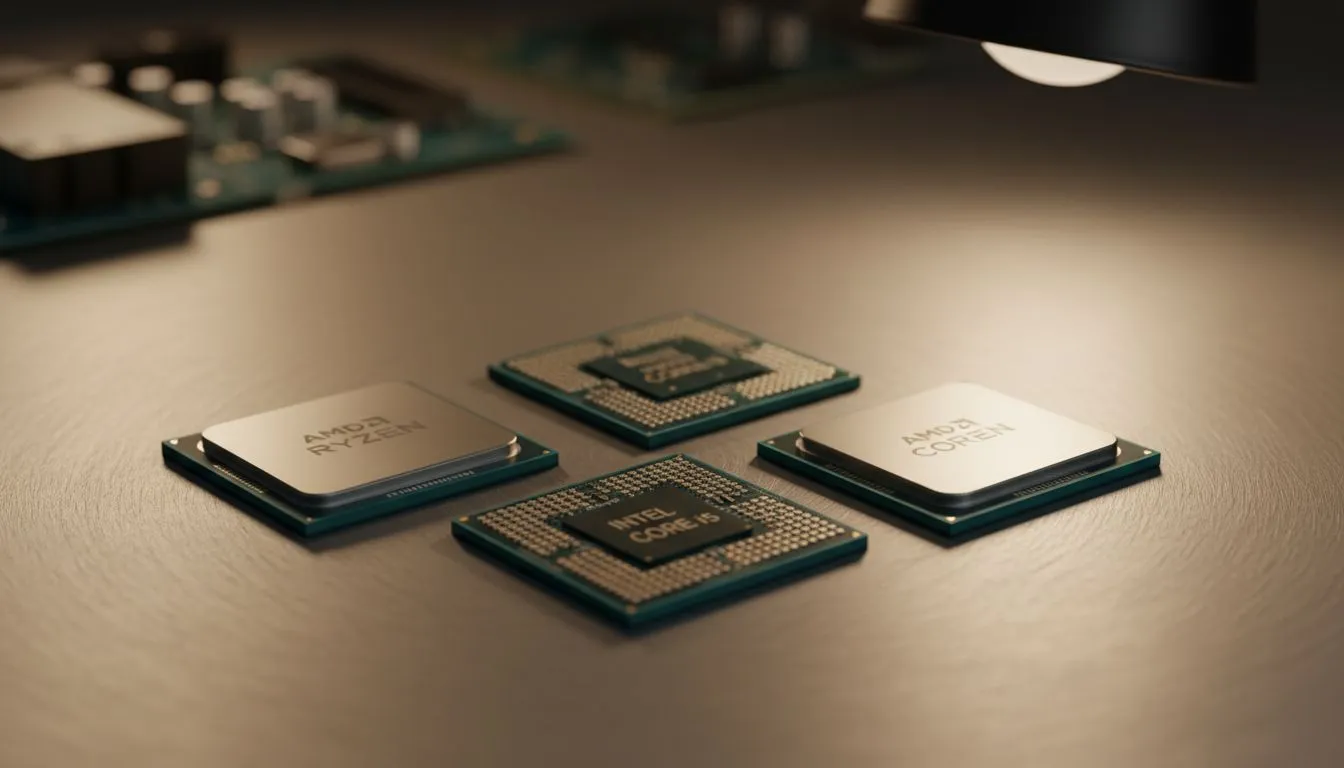
Staring at that Lightroom loading bar again? We get it. In South Africa, high-end tech can feel out of reach, but your creativity shouldn't be throttled by a slow PC. You don't need to drop a fortune to get a smooth, responsive editing experience in Photoshop or Lightroom. This guide will help you find the best budget CPU for photo editing, giving your workflow the speed it deserves without emptying your wallet. Let's get started. 🚀
What Really Matters in a CPU for Photo Editing?
When you're editing photos, not all CPU cores are created equal. Adobe Lightroom and Photoshop rely heavily on two different aspects of performance: single-core speed and multi-core power.
- Single-Core Speed: This is king for most of what you do. Applying filters, using the healing brush, adjusting sliders... these are "active" tasks that primarily use one fast core. A higher clock speed (measured in GHz) often means a snappier, more responsive feel.
- Multi-Core Power: This comes into play for "passive" tasks. Think exporting a large batch of RAW files, rendering 1:1 previews, or merging a panorama. The more cores your CPU has, the faster it can chew through these jobs.
Finding the best budget CPU for photo editing is about striking a balance. You need strong single-thread performance for a fluid experience, backed by enough cores to handle the heavy lifting without making you wait forever. Finding the right CPU means matching its strengths to your specific workflow.
Top Contenders for the Best Budget CPU for Photo Editing
For years, the battle for the budget crown has been a fierce contest between Intel and AMD. The good news for us in SA? This competition means incredible value for money. ✨
Team Blue: Intel's Value Kings
Intel's Core i5 series is often the sweet spot for creators on a budget. They typically boast excellent single-core speeds, making the active editing process in Photoshop feel incredibly smooth. If your workflow involves editing one photo at a time with complex layers and filters, looking at Intel's latest Core processors is a fantastic starting point. Their integrated graphics have also improved significantly, meaning you might even be able to hold off on a dedicated graphics card if you're just starting out.
Team Red: AMD's Ryzen Challengers
AMD's Ryzen 5 processors have become legendary for offering outstanding multi-core performance at an affordable price. If you frequently find yourself exporting hundreds of photos from a wedding shoot or event, the extra cores in AMD's Ryzen lineup can save you a serious amount of time. They deliver a powerful, well-rounded performance that makes them a top choice for an affordable CPU for Lightroom batch processing.
Performance Pro Tip ⚡
Lightroom's performance isn't just about your CPU. Go to Edit > Preferences > Performance and increase the Camera Raw Cache size. Setting it to 20GB or more on a fast SSD can dramatically speed up how quickly you can browse and edit images you've recently worked on.
Do You Need More Power? When to Spend More
While a budget CPU is perfect for most enthusiasts and semi-professionals, there are times when spending more makes sense. If your "photo editing" also includes 4K video, heavy compositing with dozens of high-res layers, or 3D rendering, your time is literally money.
In these cases, the massive core counts of a professional-grade CPU can slash render times from hours to minutes. This is where you'd look beyond the budget options and consider stepping up to something like a powerhouse Ryzen 9 or a top-tier Core Ultra 9. For everyone else, the budget and mid-range options offer more than enough power.
The Verdict: Your Best Bet for 2025 🏆
So, what is the single best budget CPU for photo editing in 2025? The honest answer is... it depends on the latest deals.
Both the Intel Core i5 and AMD Ryzen 5 series offer phenomenal value.
- Lean towards Intel if your priority is the smoothest possible active editing experience.
- Lean towards AMD if you do a lot of batch exporting and want to minimise waiting times.
The key is to check current pricing in ZAR. A great deal can easily make one the clear winner over the other. Armed with this knowledge, you're now ready to choose a processor that will transform your creative workflow without breaking the bank.
Ready to Speed Up Your Workflow? Choosing the right CPU is the single biggest upgrade for photo editing performance. Now that you know what to look for, the perfect processor is just a click away. Explore our massive range of CPUs and find the perfect engine for your creative powerhouse.











