

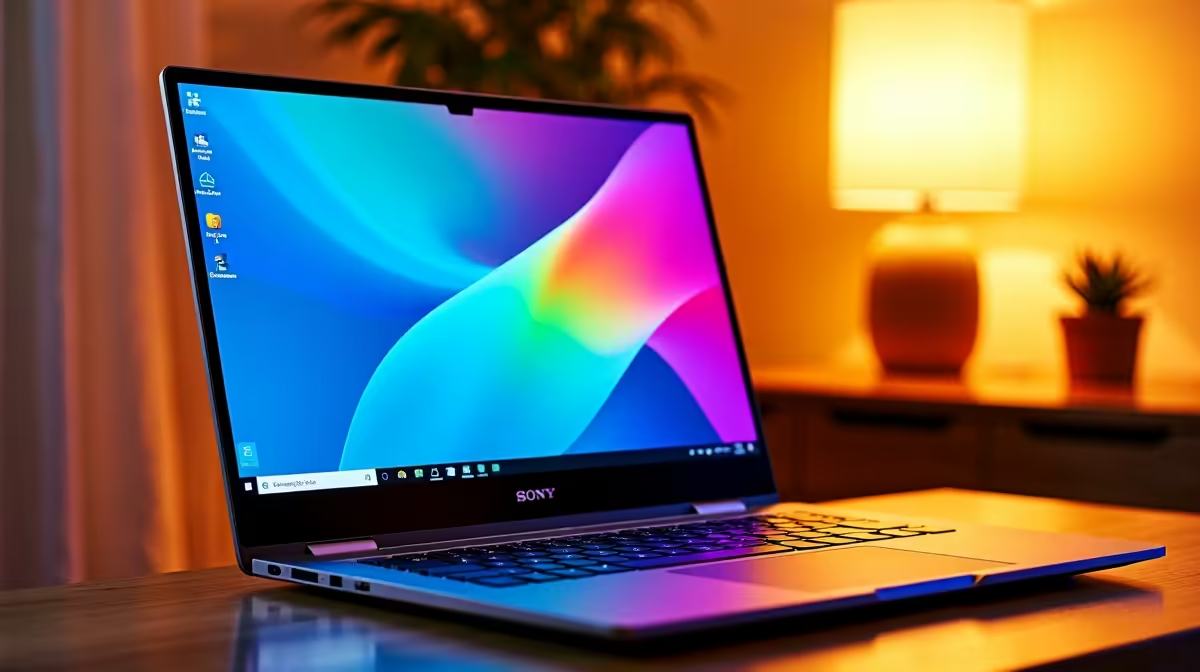
Let's be honest... studying graphic design in South Africa is tough enough without your hardware freezing every time you open Illustrator. Between looming deadlines and the ever-present threat of loadshedding, you need a reliable machine that will not let you down during a two-hour power cut. Finding the best budget laptop for graphic design students in SA under R30,000 might sound impossible, but you absolutely do not need to break the bank to run Adobe Creative Cloud smoothly.
Why Gaming Hardware is Perfect for Creatives
The secret to finding a powerhouse for design work? Look at gaming machines. While a sleek ultrabook might look great in lectures, a solid Windows machine offers unmatched value. When browsing through a comprehensive range of laptops, you will quickly notice that gaming specs align perfectly with creative workflows.
In fact, many students actually hunt for the latest gaming PC deals because the hardware required to run modern AAA games is exactly what you need to render complex 3D models or export massive video files.
The Magic of Dedicated GPUs
The beating heart of any good design laptop is the graphics processing unit. You need a machine that can handle serious hardware acceleration. While integrated graphics are fine for typing essays, professional design software demands much more.
That is why having dedicated graphics cards from NVIDIA or AMD is non-negotiable for smooth rendering. A laptop equipped with an RTX 3050 or RTX 4050 easily fits the sub-R30,000 budget and will chew through intensive Photoshop tasks without breaking a sweat ⚡.
Adobe CC Pro Tip 🎨
To get the most out of your budget laptop, allocate more RAM specifically to your Adobe applications. Go to Edit > Preferences > Performance in Photoshop and allow the software to use up to 80% of your available memory. This simple tweak drastically reduces lag during heavy design sessions.
Don't Compromise on Memory and Storage
When hunting for the best budget laptop for graphic design students, memory is just as important as your processor. You should aim for an absolute minimum of 16GB of RAM. Anything less, and you will find your system crawling when you have multiple artboards open alongside your browser tabs. If you plan on dabbling in After Effects or Premiere Pro, consider upgrading to 32GB later down the line.
Furthermore, solid-state drives are mandatory. A 512GB NVMe SSD ensures your massive project files load in seconds rather than minutes... saving you precious time when a portfolio submission deadline is fast approaching ✨.
Finding the Sweet Spot Under R30,000
Of course, not everyone wants to be mobile. If you have a safe setup at your digs and prefer a larger screen for precise colour grading, exploring pre-built PC deals might give you even more raw power for your Rand.
However, for a student constantly moving between campus and coffee shops, a laptop is essential. To keep costs down, keep a close eye out for weekly tech specials where high-end machines frequently drop into the R20,000 to R25,000 price bracket. This leaves you with enough spare cash to grab a decent colour-accurate external monitor or a drawing tablet to complete your setup 🚀.
Ready to Ace Your Design Degree? Finding a machine that balances raw creative power and a student budget does not have to be a headache. Whether you are rendering 3D animations or designing vector masterpieces, we have the hardware to keep you creating. Explore our massive range of laptop specials and find the perfect workstation to conquer your next project.











