

Quick Answer
Building a content creation PC under R8,000 in South Africa is achievable in 2026 if you prioritise a fast CPU, sufficient RAM, and a capable GPU. Focus on components that handle video encoding, photo editing, and streaming without thermal throttling during loadshedding recovery sessions. A smart parts selection can deliver professional-grade output without exceeding your budget.
Why Component Choice Matters More Than Brand for Creative Work
Content creators in South Africa face a different buying challenge than gamers. Rendering video in DaVinci Resolve or exporting layered Photoshop files hammers the CPU and RAM simultaneously, which means a balanced build outperforms a GPU-heavy rig every time. Under R8,000, you have room to get that balance right. A 6-core or 8-core mid-range processor paired with 32GB of DDR4 or DDR5 RAM will keep timelines smooth even with multiple applications open. South African creators who work through loadshedding need stable components that handle full-load rendering without voltage spikes degrading performance over time, so quality PSU selection matters as much as the headline specs.
Storage is another area where creators differ from gamers. A fast NVMe SSD as your boot and project drive, combined with a larger secondary drive for media archives, gives you the read/write headroom that editing raw 4K footage demands. Aim for at least 500GB NVMe for primary use and supplement with a 1TB or 2TB SATA SSD for footage libraries.
Best CPU and RAM Picks Under R8,000 Total Build Budget
Within an R8,000 total budget, allocating roughly R2,500 to R3,000 for a CPU makes sense for creative workloads. AMD Ryzen 5 and Ryzen 7 processors in the 7000-series range offer excellent multi-threaded performance for encoding and rendering, while Intel Core i5 and i7 options in the 12th and 13th generation remain strong value picks in the South African market in 2026. Both platform ecosystems support the PCIe lanes needed for fast storage and a discrete GPU.
For RAM, 32GB is the practical minimum for video editing. Dual-channel configurations are important: two 16GB sticks running in dual-channel mode outperform a single 32GB stick in creative application benchmarks. DDR4 3200MHz or DDR5 4800MHz kits available locally keep your build future-proof. Budget R1,200 to R1,800 for a quality 32GB kit from a locally stocked brand with South African warranty support.
GPU Selection for Creative Tasks at This Budget
The GPU in a content creation build under R8,000 does not need to be the flagship. For video encoding acceleration, most modern mid-range graphics cards support hardware-accelerated codecs through NVENC (Nvidia) or the equivalent AMD encoder. These hardware encoders significantly reduce render times in Premiere Pro, DaVinci Resolve, and OBS Studio without placing the full load on your CPU.
At the R1,500 to R2,500 GPU budget range, options like the AMD RX 6600 or Nvidia RTX 3060 offer strong performance for colour grading and accelerated export. For creators who also stream, a card with a quality hardware encoder prevents the stutter that software-only encoding causes at full rendering load. South African creators who live with loadshedding benefit from cards with lower TDP ratings, which place less strain on UPS systems during stage 4 and above.
Putting the Build Together: Motherboard, Storage, and PSU
With CPU, RAM, and GPU allocated, the remaining R1,500 to R2,000 covers the supporting components. A B550 or B650 motherboard for AMD builds, or a B660/B760 for Intel, gives you reliable VRM quality and adequate connectivity without paying for overclocking headroom you will not use. Look for boards with at least two M.2 slots so you can run your NVMe project drive and a secondary storage drive without adapters.
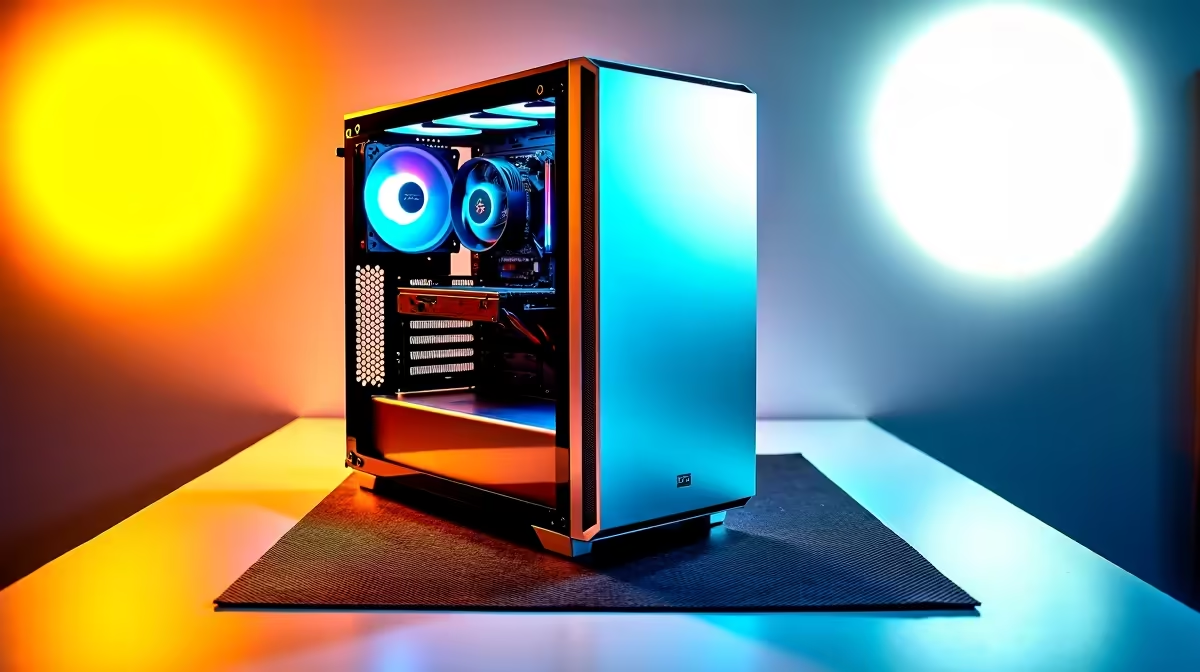
A 650W 80+ Bronze rated PSU handles most mid-range build power requirements with comfortable headroom. Gold-rated units cost marginally more but run cooler and more efficiently during the sustained load that rendering places on the system, which extends component life in the South African climate. A quality mid-tower case with two or three included fans rounds out the build and keeps thermals under control without adding significant cost.
FAQ
Do I need a dedicated GPU for content creation under R8,000?
Yes, a dedicated GPU accelerates video encoding, colour grading, and 3D previews significantly. Even a mid-range card like the RX 6600 or RTX 3060 improves export times in DaVinci Resolve and Premiere Pro compared to CPU-only rendering, and both are available within a sensible budget allocation for an R8,000 build.
How much RAM do I need for video editing at this price point?
32GB is the practical minimum for 1080p and 4K video editing. Running 16GB limits your ability to keep editing software, browser reference tabs, and a communication app open simultaneously, which is a common workflow for South African freelance creators managing multiple projects.
Is an AMD or Intel CPU better for content creation under R8,000?
Both platforms deliver strong multi-threaded performance for creative workloads in this price range. AMD Ryzen 7000-series CPUs offer competitive rendering performance, while Intel 13th-gen Core i5 and i7 options have strong single-core speed for applications that are not fully multi-threaded. Either works well; the key is pairing your chosen CPU with a compatible platform to maximise PCIe bandwidth.
Can this build handle loadshedding with a UPS?
Yes. An R8,000 content creation build running a 650W PSU at typical 60-70% load draws around 400W under full rendering. A 1000VA UPS provides enough runtime to safely shut down or complete a short render during stage 4 and 6 loadshedding, protecting your components and saved project files from sudden power loss.
Ready to Find Your Perfect Match? Find the graphics card that fits your content creation build and budget. Shop Graphics Cards at Evetech











