

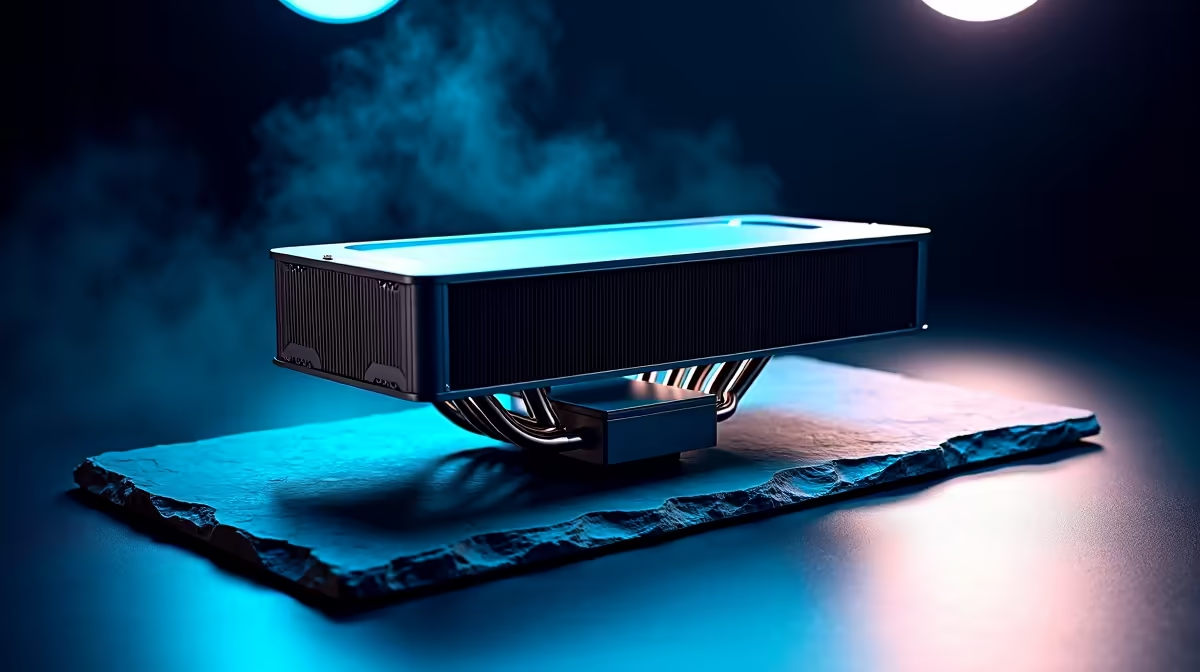
Keen to dive into the world of AI with tools like DeepSeek and Stable Diffusion? It’s an exciting time! But before you ask your new PC to generate a masterpiece, there’s a crucial catch: heat. An AI PC runs hotter than a braai in December. Getting the best cooling for AI PCs isn't just an upgrade; it’s essential to unlock the performance you paid for. Without it, you're just buying a very expensive space heater. 🌡️
Why AI Puts Your PC Under So Much Pressure
Unlike gaming, which has peaks and troughs of intensity, AI workloads are a relentless marathon. Training a model or generating complex images pushes your CPU and GPU to their absolute limits for extended periods. This sustained, heavy load generates a massive amount of thermal energy.
When components get too hot, they protect themselves by "thermal throttling"—slowing down to cool off. Suddenly, your powerful machine is performing at a fraction of its capability. That’s why an effective AI PC cooling strategy is non-negotiable for anyone serious about performance, especially when using powerful hardware found in top-tier NVIDIA GeForce gaming PCs.
The Best Cooling for AI PCs: Air vs. Liquid
Choosing between air and liquid cooling depends on your specific needs and budget. Both have their place, but for demanding AI tasks, one clearly has an edge.
Air Cooling: The Reliable Workhorse
A good old-fashioned air cooler uses a heatsink and fan to draw heat away from your processor.
- Pros: Highly reliable, simple to install, and often more affordable. They offer fantastic performance for the price and are a brilliant choice for many builds, even for some of our expertly configured budget gaming PCs.
- Cons: High-end models can be bulky, potentially interfering with RAM slots. They may also struggle to keep the most powerful CPUs from throttling under a sustained AI workload.
Liquid Cooling (AIOs): The Performance King 👑
All-In-One (AIO) liquid coolers use a pump, radiator, and liquid coolant to move heat away from the CPU far more efficiently. For the intense, prolonged heat generated by AI, an AIO is often the superior cooling solution for AI PCs.
- Pros: Exceptional thermal performance, often quieter under heavy load, and a sleek, modern look. They are the go-to for high-performance workstation PCs for a reason.
- Cons: More expensive and mechanically more complex than air coolers.
For a DeepSeek performance build, we strongly recommend a quality 240mm or 360mm AIO liquid cooler to ensure you get every ounce of power from your investment.
Key Factors in Your AI PC Cooling Solution
Getting the best cooling for an AI PC involves more than just the CPU cooler. It’s about creating a balanced system.
- Your Processor Choice: A power-hungry Intel Core i9 or AMD Ryzen 9 generates significantly more heat than a Core i5. Your cooling must match your CPU's thermal output. Whether you're looking at Intel PC deals or browsing the latest AMD Ryzen PC deals, factor the cooler into your budget.
- The GPU's Role: Your graphics card is the heart of most AI operations. While it has its own cooling system, it dumps a massive amount of hot air into your case. Good overall case airflow is vital to prevent this heat from soaking other components, whether you're running AMD Radeon gaming PCs or the latest from other brands like the options in our Intel Arc gaming PCs range.
Pro Cooling Tip ⚡
For AI workloads, don't rely on default fan curves. Go into your BIOS or use software like Fan Control to set a more aggressive curve. You want your fans to ramp up quickly and stay high to deal with the sustained heat. It might be a bit louder, but performance is king.
Don't Guess... Get a Professionally Cooled System
Building a PC is rewarding, but optimising airflow and component choice for the unique demands of AI can be tricky. A single bottleneck can compromise the entire system. Why leave that performance on the table?
Our range of pre-built PC deals are assembled by experts who understand thermal dynamics. We match the right cooler, case, and fans to the components, ensuring stability and maximum performance right out of the box. You can be confident you're getting one of the best gaming PC deals in South Africa, perfectly optimised for both gaming and heavy AI tasks. 🚀
Ready to Unleash True AI Performance? Choosing the right components is complex, but for maximum power and guaranteed stability, a professionally built system is hard to beat. Explore our massive range of AI-ready gaming PCs and find the perfect machine to conquer your creative world.











