

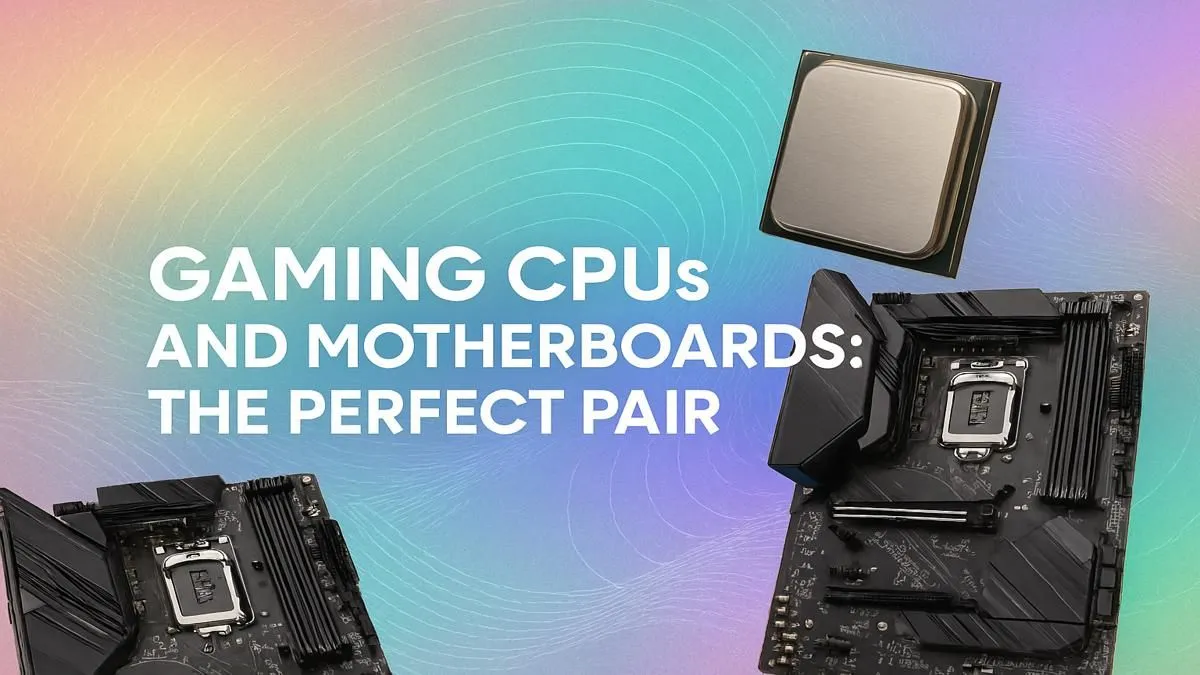
Building a new gaming rig in South Africa? Lekker! But before you dream of frame rates, there's one decision that shapes your entire PC: the CPU and motherboard. This isn't just about picking parts; it's about creating a partnership. Get this duo right, and you unlock smooth performance. Get it wrong, and you've got a bottleneck waiting to happen. Finding the best CPU motherboard combo for your budget is the first step to building a truly epic machine.
Why This Combo is the Heart of Your PC 🔧
Think of your CPU as the engine and the motherboard as the chassis and wiring. They have to fit perfectly. The motherboard's "socket" physically determines which CPU you can install. Its "chipset" is the brain, controlling how fast your components talk to each other. This crucial pairing dictates your RAM speed, storage options (like NVMe SSDs), and whether you can overclock for extra performance. A mismatched pair simply won't work, making this the most important choice you'll make.
Choosing Your Team: Intel vs. AMD
The age-old debate... but in 2024, there's no wrong answer, only the right answer for you. Both teams offer fantastic options, so let's break down how to choose the foundation for your CPU and motherboard pairing.
The Case for an AMD Combo 🚀
Team Red has been on a roll with its Ryzen processors. Known for incredible multi-core performance, they're brilliant for gamers who also stream, edit videos, or just love to multitask. With the AM5 platform, you're investing in the future with support for PCIe 5.0 and DDR5 memory. If you're looking for efficiency and powerhouse productivity alongside your gaming, browsing our range of powerful AMD CPUs is a great place to start.
The Case for an Intel Combo ⚡
Intel has long been the king of raw, single-core gaming speed. Their Core processors often squeeze out a few extra frames in competitive titles, which can make all the difference. Intel also offers a wider variety of chipset options, giving you more flexibility on budget builds. If your main goal is pure, unadulterated gaming performance, it's well worth it to explore the latest Intel processors and find a match for your next build.
Decoding Chipsets: Don't Overspend!
Okay, you've picked a team. Now for the chipset. This is where many South African builders either overspend or undersell their CPU's potential. The chipset (e.g., B650, Z790) determines your motherboard's features. You don't need a R10,000 motherboard for a mid-range CPU. The key is balance. A well-chosen motherboard provides stable power and the features you actually need, forming the best CPU motherboard combo for your specific build.
Power Delivery Pro Tip ✨
Planning to use a high-end Core i9 or Ryzen 9? Pay close attention to the motherboard's VRMs (Voltage Regulator Modules). More power phases and better cooling on the VRMs ensure your power-hungry CPU gets stable, clean power, especially when overclocking. A cheap board can throttle a top-tier CPU, wasting its potential!
For most gamers, a mid-range B-series board (like AMD's B650 or Intel's B760) is the sweet spot. It offers a great balance of features, performance, and price. Enthusiasts who love to tweak and overclock should look at the high-end X-series (AMD) or Z-series (Intel) boards. By understanding your needs, you can make a smarter choice when choosing from a wide range of CPU processors and their compatible motherboards.
The Final Checklist for Your Perfect Pair
Before you click "add to cart," run through this quick list:
- Form Factor: Will an ATX (standard), Micro-ATX (smaller), or Mini-ITX (tiny) board fit in your case?
- RAM Support: Does the board use the latest DDR5, or the more budget-friendly DDR4? Make sure it matches your CPU's support.
- Connectivity: Does it have enough USB ports, Wi-Fi 6E, and 2.5G LAN for your needs? Check the rear I/O panel.
Ready to Build Your Perfect Pair? Choosing the best CPU motherboard combo is the foundation of an amazing PC build. Armed with this knowledge, you're ready to make a smart choice that fits your budget and gaming ambitions. Explore our massive range of PC Components and start building the rig of your dreams today.











