

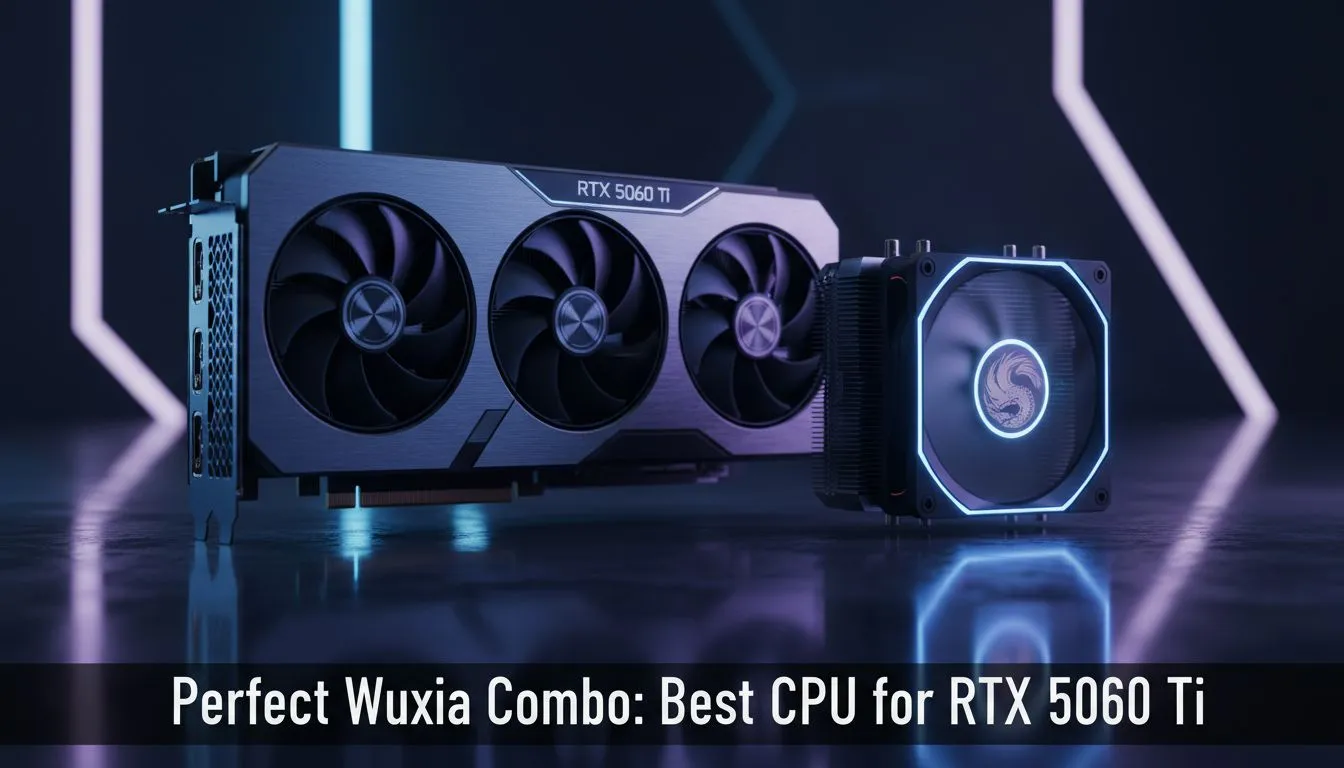
Building a PC in South Africa often feels like a quest... finding the right balance between price and performance is key. With the anticipated mid-range king arriving, you need the best CPU for RTX 5060 Ti to ensure smooth frame rates in those lush, mythical landscapes. Whether you are parrying bosses or exploring ancient temples, a bottleneck is the last thing you want on your desk.
Pairing the Right Power for Wuxia Adventures 🐉
Choosing the right heart for your rig is vital. The RTX 5060 Ti is expected to be a powerhouse for 1080p and 1440p gaming. To fully optimise your experience, you should pair it with a modern six-core or eight-core processor. This ensures your NVIDIA graphics cards can stretch their wings without being held back by an older CPU architecture.
When looking for the best CPU for RTX 5060 Ti, the AMD Ryzen 5 7600 stands out. It offers incredible efficiency and fits perfectly within a sensible ZAR budget. On the Intel side... the Core i5-14600K provides excellent multi-threaded performance. This is helpful if you plan to stream your gameplay or edit videos. If you prefer a specific aesthetic... the MSI range of components often pairs beautifully with these modern processors for a clean, professional look.
Exploring Alternatives and Specialised Needs ⚡
Not every gamer has the same path. Some might explore the value found in Intel Arc graphics cards for secondary builds or AV1 encoding. Others might require workstation graphics cards to handle complex 3D rendering alongside their gaming hobby.
If you want pure frames per Rand... checking out AMD Radeon graphics cards is always a smart move before finalising your purchase. However, for those focused on the latest ray-tracing features, the best CPU for RTX 5060 Ti remains a priority to keep those light rays bouncing accurately.
Optimising for the Future 🔧
The best CPU for RTX 5060 Ti is one that lasts. Aim for DDR5 platforms to ensure your build remains relevant for years. This keeps your system snappy during daily tasks and high-stakes boss fights alike. Modern Wuxia titles demand quick reflexes... and your hardware should never be the reason you miss a parry.
Performance Pro Tip 🚀
get the most out of your new build, ensure you enable Resizable BAR in your BIOS settings. This feature allows your CPU to access the entire GPU frame buffer at once. It can significantly improve performance in modern titles like Black Myth: Wukong and other demanding action RPGs.
Ready to Find Your Perfect Match? The search for the ultimate gaming setup is complex, but for maximum power, choice, and value in South Africa, Evetech is the place to be. Explore our massive range of NVIDIA graphics cards and find the perfect machine to conquer your world.











