


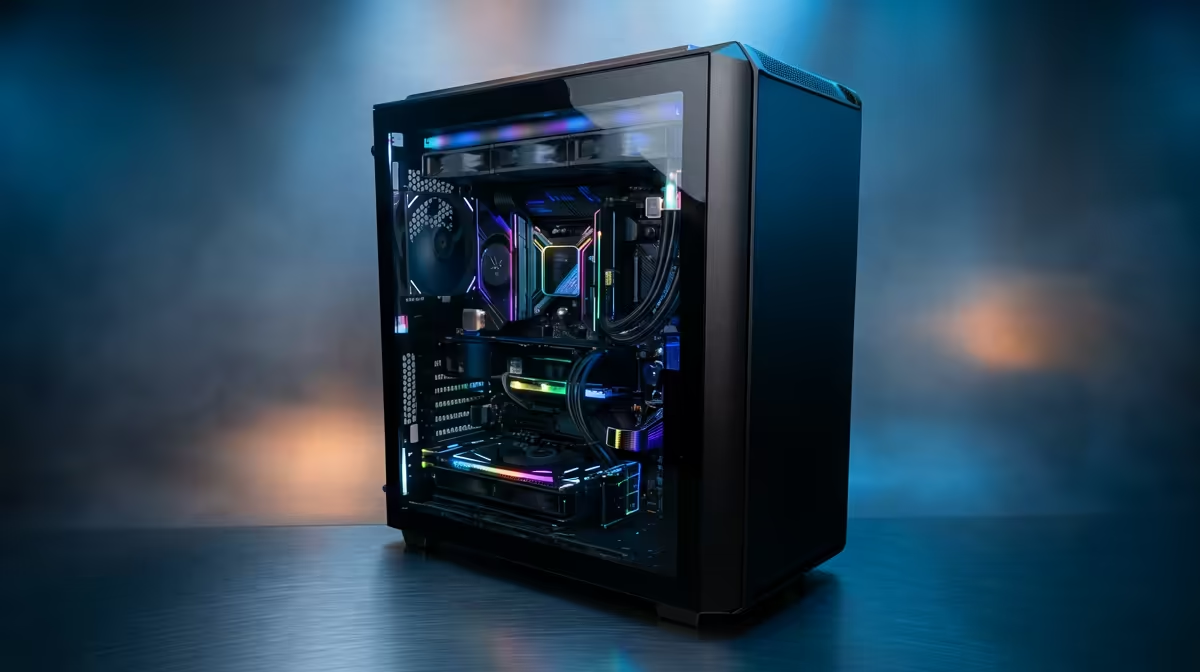
Staring at a render progress bar that moves slower than rush-hour traffic on the N1? You're not alone. For South African creators, slow hardware is a major bottleneck. But what if you could slash those render times without needing a corporate budget? Finding the best editing PC under R30000 is the key. It's the sweet spot where serious power becomes accessible, letting you focus on your creative vision, not your export settings. 🚀
What Makes a R30,000 Editing PC the Perfect Sweet Spot?
Let's be real, a powerful PC is an investment. While you can find some capable budget gaming PCs that can handle light editing, stepping into the R20,000 to R30,000 bracket changes the game entirely. This budget unlocks the core components that directly impact editing and rendering performance. You move from "making do" to "making magic."
Suddenly, 4K timelines become smoother, multi-tasking with After Effects and Premiere Pro doesn't crash your system, and most importantly, that final render takes minutes, not hours. It's the difference between a hobbyist setup and a professional-grade workstation. For those on a tighter budget, exploring options on our PCs under R20k deals page can show you the trade-offs.
Core Components for Your Editing PC Under R30k
Building the best editing PC under R30000 in South Africa is a balancing act. You need to prioritise the parts that give you the biggest performance boost for video editing, graphic design, or 3D modelling. Here’s where your money should go.
The CPU: The Brains of the Operation
Your Central Processing Unit (CPU) is the single most important component for rendering speed. When you hit "Export," the CPU's cores and clock speed do the heavy lifting. In the sub-R30k range, you should be looking for processors like the AMD Ryzen 7 or Intel Core i7 series. More cores mean more parallel processing power, which directly translates to faster renders. ⚡
The GPU: Your Visual Accelerator
While the CPU is king for final rendering, the Graphics Processing Unit (GPU) is crucial for a smooth editing experience. Modern editing software uses the GPU to accelerate effects, playback, and timeline scrubbing. A good GPU, often found in the best gaming PC deals, will have plenty of VRAM (Video RAM) and CUDA cores (for NVIDIA) to handle real-time previews of colour grades and complex transitions without stuttering.
Editing Workflow Pro Tip 🔧
Always configure your editing software's scratch disks. Set your cache files, media cache, and previews to your fastest NVMe SSD, not your main OS drive. This simple tweak prevents system slowdowns and dramatically improves timeline responsiveness, especially when working with large 4K or RAW video files.
RAM and Storage: The Unsung Heroes
Don't skimp on memory (RAM) and storage. For 4K editing, 16GB of RAM is the absolute minimum, but 32GB is the ideal target for this budget. It allows you to run multiple creative apps simultaneously without your PC grinding to a halt. For storage, a fast NVMe SSD is non-negotiable for your operating system and software. This ensures lightning-fast boot times and app loading, keeping your workflow snappy.
Pre-Built Power: Why an Evetech PC is a Smart Choice
So, you know what components you need. Should you build it yourself? For many creators, time is money. A pre-built system from Evetech offers huge advantages. You get a professionally assembled and tested machine with a full warranty, ensuring all components work perfectly together right out of the box. You can browse a fantastic selection of powerful PCs above R20k that are optimised for demanding tasks.
This approach removes the guesswork and potential headaches of a DIY build, letting you plug in and get creating immediately. Our range of pre-built PC deals often provides excellent value, packing the performance you need into a reliable, ready-to-go package.
Ready to Annihilate Your Render Times? Finding the best editing PC under R30,000 is about balancing power where it counts most. With the right components, you can spend less time waiting and more time creating. Explore our High-Performance Editing & Gaming PCs and find the perfect machine to fuel your creativity.











