


Best RTX 5090 Under R5000 in South Africa 2026
Top RTX 5090 Under R5000 picks evaluated on performance, value & SA availability with current Rand pricing from Evetech.
Read moreDiscover the best gaming motherboard accessories to complete your rig! From high-speed M.2 SSDs to vibrant RGB lighting, we cover the essential gear every South African gamer needs to maximize performance and aesthetics. Don't just build a PC, build a masterpiece. 🚀💻
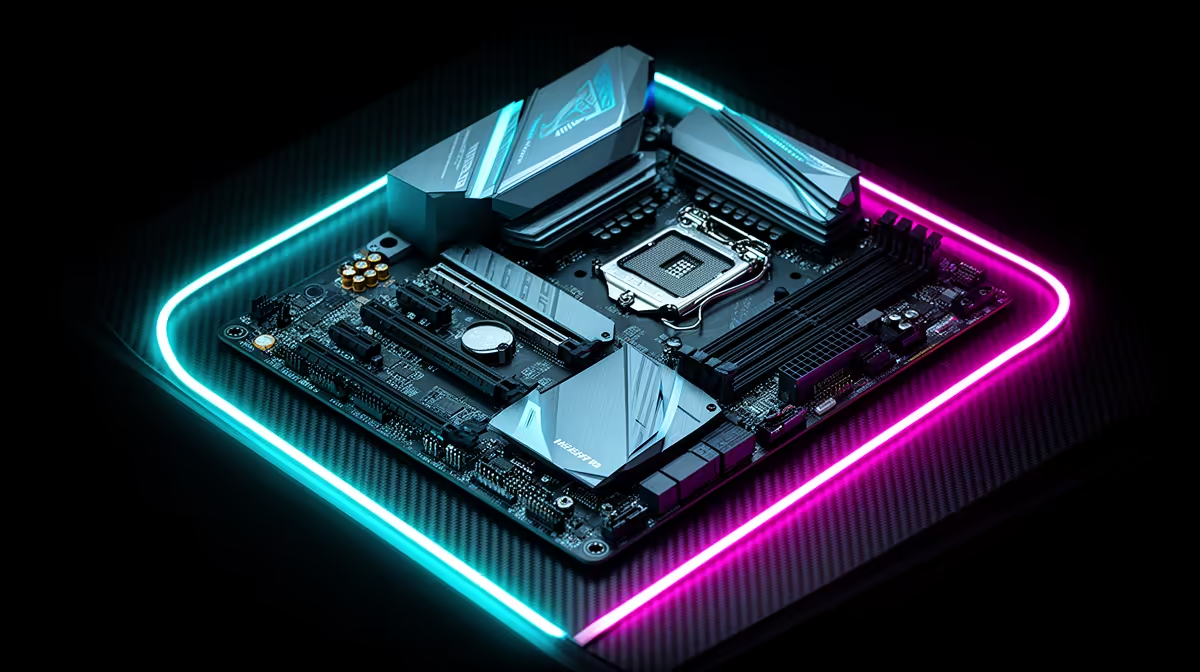
So, you’ve picked the perfect motherboard for your new rig. Lekker! But hold up... before you close that case, are you sure you’ve got everything? The motherboard is the heart of your PC, but the right gaming motherboard accessories are what give it a soul. From crucial cooling solutions to aesthetic upgrades that make your build pop, these add-ons transform a good PC into a great one. Let's dive into the must-haves for every SA gamer.
Forget the fluff for a second. These are the accessories that deliver tangible performance boosts, ensuring your rig runs smoother, faster, and cooler, especially during those intense gaming sessions.
That stock cooler in your CPU box? For serious gaming, it's often just not going to cut it. Upgrading your CPU cooler is one of the most vital investments you can make. It allows your processor to boost to higher clock speeds for longer, preventing thermal throttling and giving you more stable frame rates. Whether you choose a beefy air cooler or a sleek All-in-One (AIO) liquid cooler, this is a non-negotiable for performance. Even if you're starting with one of the more affordable Intel and AMD based motherboards, a better cooler is a worthwhile upgrade.
Still using a clunky old hard drive for your games? It's time for an upgrade. M.2 NVMe SSDs plug directly into your motherboard, offering speeds that leave traditional SATA drives in the dust. This means dramatically faster boot times, near-instantaneous game loading screens, and a snappier overall system. Most modern motherboards have at least one M.2 slot, making this one of the easiest and most impactful motherboard accessories for gaming you can buy.
Before buying any accessory, especially M.2 SSDs or CPU coolers, double-check your motherboard's manual or product page. Look for the M.2 key type (e.g., M-Key), supported drive lengths (e.g., 2280), and the CPU socket type (e.g., AM5 or LGA 1700). A few minutes of checking can save you a massive headache... and a return trip!
Performance is king, but let's be honest... we all want a rig that looks incredible. These aesthetic gaming motherboard accessories turn your PC from a boring beige box into a personalised masterpiece.
The standard ketchup-and-mustard cables from your power supply can ruin the look of an otherwise clean build. Custom sleeved cable extensions are a relatively cheap way to achieve that professional, tidy look. They connect to the end of your existing cables, making them easy to install and instantly elevating your PC's internal appearance.
A touch of RGB can bring any build to life. From RGB RAM and fans to standalone LED strips, you can create stunning visual effects. The key is synchronisation. Many modern AMD motherboards come with excellent ARGB headers and software suites like Aura Sync or Mystic Light, allowing you to control all your lighting from one place for a cohesive, dazzling light show.
A great build isn't just about today; it's about being ready for tomorrow. These motherboard accessories add functionality and ensure your PC stays relevant for years to come.
Don't have the luxury of running an Ethernet cable to your setup? A PCIe Wi-Fi card is the answer. It offers a more stable and faster connection than a USB dongle. Many cards also include Bluetooth, which is perfect for connecting wireless controllers, headsets, and other peripherals without any fuss. Whether you're building on one of the latest Intel motherboards or a Team Red equivalent, it's worth checking if you need to add this connectivity.
As you add more case fans for better cooling, you might run out of fan headers on your motherboard. A simple fan hub or PWM splitter solves this problem. It allows you to connect multiple fans to a single header, simplifying cable management and ensuring all your fans can be controlled in unison for optimal, quiet cooling.
Ready to Build Your Ultimate Rig? Your motherboard is the foundation, but the right accessories bring it to life. From blistering speed to jaw-dropping aesthetics, the perfect setup is within reach. Explore our massive range of PC components and find the must-have gaming motherboard accessories to complete your build today.
Most new motherboards include essentials like SATA cables, an I/O shield, M.2 screws, and a user manual. High-end models may add Wi-Fi antennas or RGB extension cables.
Yes, a CPU cooler is an essential accessory. While some CPUs include a stock cooler, an aftermarket cooler offers far superior thermal performance for gaming and overclocking.
High-speed RAM and a fast M.2 NVMe SSD are arguably the most crucial accessories. They directly impact loading times, multitasking, and overall system responsiveness for gaming.
Absolutely. Standoff screws are critical accessories that prevent your motherboard from making direct contact with the metal case, which would cause a dangerous short circuit.
Yes, you can add Wi-Fi to most modern motherboards using a PCIe Wi-Fi card. This is a great upgrade accessory if your board doesn't have built-in wireless connectivity.
Custom sleeved PSU cables are primarily for aesthetics, allowing you to color-match your build's theme. They improve the look of your PC and can make cable management easier.
For synchronized lighting, you need motherboard RGB lighting accessories compatible with your board's software (like ASUS Aura Sync), such as specific RGB fans, strips, and coolers.
Top RTX 5090 Under R5000 picks evaluated on performance, value & SA availability with current Rand pricing from Evetech.
Read more
Top Value RX 9070 XT Under R10,000 picks evaluated on performance, value & SA availability with current Rand pricing from Evetech.
Read more
Top RTX 5090 Under R4000 picks evaluated on performance, value & SA availability with current Rand pricing from Evetech.
Read more
Top RTX 5080 Under R15000 picks evaluated on performance, value & SA availability with current Rand pricing from Evetech.
Read more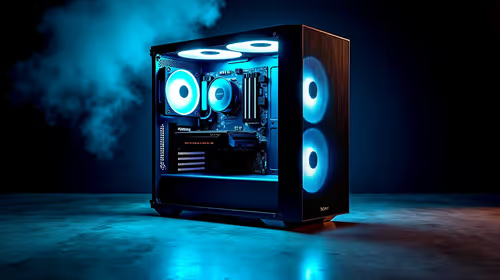
Core i5-14400F + B760 + RX 7800 XT Build Under. Full parts list, Rand pricing & expected performance. Build confidently with SA-available components.
Read more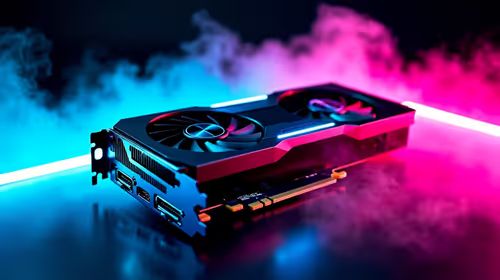
Top Budget RTX 5070 Ti Under R20,000 Gamers picks evaluated on performance, value & SA availability with current Rand pricing from Evetech.
Read more
AMD RX 9050 XT: Rumoured Specs, Price & Release. SA-focused analysis with local pricing data, real-world insights & actionable buying advice.

Can RTX 4080 Super Run AI Workloads for SA Developers Detailed answer with SA data, expert analysis & practical recommendations for local buyers.

Can RTX 4090 Run AI Workloads for SA Developers Detailed answer with SA data, expert analysis & practical recommendations for local buyers.

Top Settings for Intel Arc B580 at Ultrawide 1440p picks evaluated on performance, value & SA availability with current Rand pricing from Evetech.

RTX 4060 CS2 Low Settings at 1080p: FPS Results. Real-world benchmark data, FPS numbers & performance analysis. What SA gamers can actually expect.

Visual Artifacts: Possible GPU Issue Issue #1. Diagnosis steps, proven fixes & when to seek professional help. SA-specific support info included.

Can the RTX 4090 Handle 1440p 144Hz Gaming. Performance testing verdict with real data & practical recommendations for SA buyers.

Top ASUS GPU Under R15000 picks evaluated on performance, value & SA availability with current Rand pricing from Evetech.

GTA 6 Max Settings on RTX 5070. Tested & verified settings for best FPS and visual quality on SA hardware budgets.

Cyberpunk 2077 Max Settings on RTX 5080. Tested & verified settings for best FPS and visual quality on SA hardware budgets.

Starfield Max Settings on RTX 5070 Ti. Tested & verified settings for best FPS and visual quality on SA hardware budgets.
Top RTX 5090 Under R5000 picks evaluated on performance, value & SA availability with current Rand pricing from Evetech.