Choosing the Best laptop screen size for Minecraft
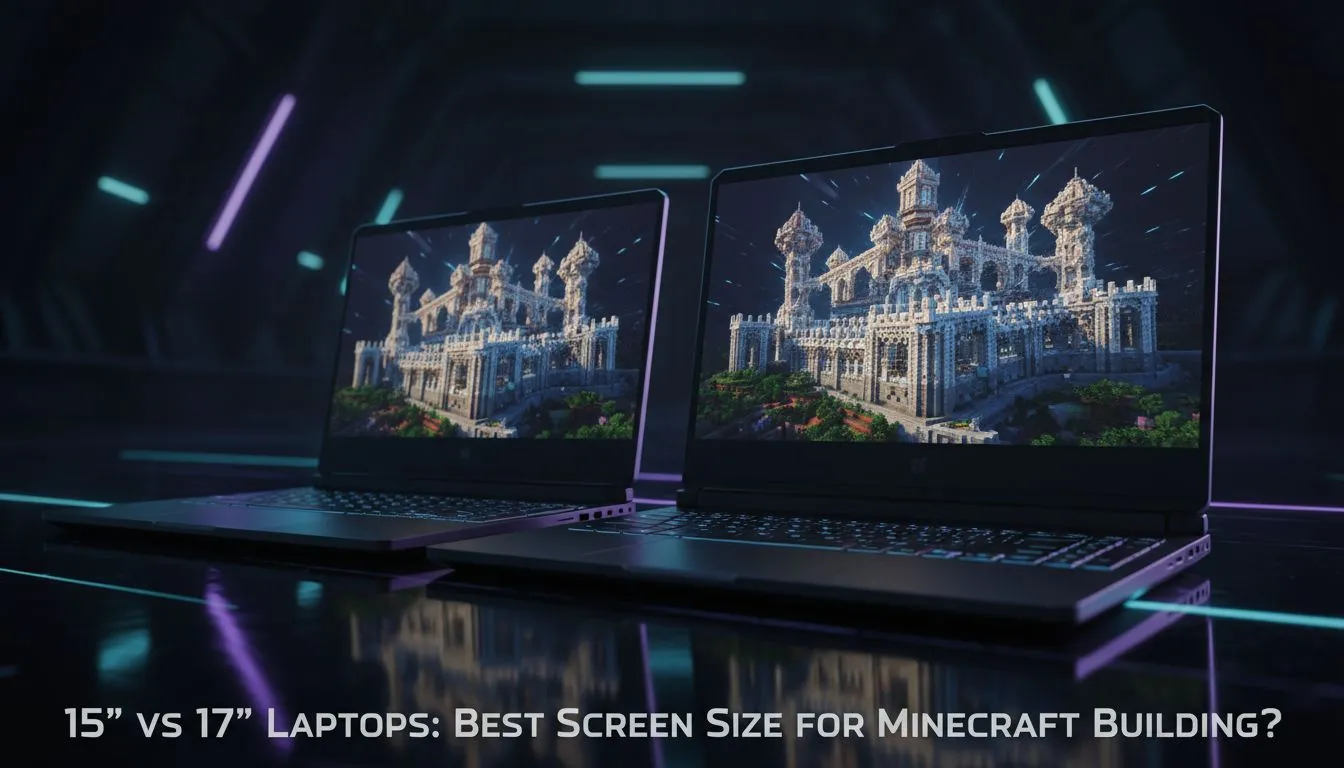
Minecraft might look simple, but those blocky vistas deserve a display that does them justice. Whether you are building a scale model of Cape Town or surviving the night in the Nether, your screen is your window into the Overworld. Deciding on the best laptop screen size for Minecraft often comes down to a choice between 15 and 17 inches. Let’s break down which one fits your setup. 🔧
The 15-Inch Sweet Spot for Portability
Most South African gamers start their journey with a standard 15.6-inch display. It is the gold standard for a reason. You get enough screen real estate to see your inventory clearly without the machine becoming a literal brick in your backpack. If you are looking for value, checking out Intel laptops on special often reveals great 15-inch options that balance performance and price perfectly.
For students or those who travel between home and a mate’s house, the 15-inch form factor is easier to fit into standard bags. While the screen is smaller, the pixel density often makes the game look sharper... provided you are running at a standard 1080p resolution.
The 17-Inch Immersive Experience
If you rarely move your setup from your desk, a 17.3-inch monster is the way to go. Minecraft is all about the view... those sunrise block-scapes look incredible on a larger panel. The extra space also helps with multitasking, like having a crafting wiki or Discord open on the side. Many of the latest Ryzen laptop deals feature these larger displays, giving you that desktop-like feel while remaining portable enough for the occasional move. 🚀
Minecraft Performance Tip ⚡
To get the most out of your screen size, ensure you allocate more RAM to Minecraft in the launcher settings. If your laptop has 16GB, allocating 4GB to 6GB can significantly reduce stuttering when exploring new chunks... especially when playing on a 17-inch display where every frame drop is more noticeable.
Performance and Budget Considerations
A bigger screen usually means a bigger chassis, which can lead to better cooling. This is crucial when you start adding shaders or heavy mod packs that push your hardware. You can find excellent best gaming laptop deals in both sizes, but remember that 17-inch models often carry a slight price premium.
For those on a stricter budget, searching for gaming laptops under R20k will typically yield high-quality 15-inch machines that run Minecraft flawlessly. At this price point, you are often choosing between a better GPU in a 15-inch body or a larger screen with slightly lower specs.
Visuals, Colour, and Shaders
To really make those blocks pop, you need a decent GPU to drive the resolution. High-end geforce rtx gaming laptops on special allow you to use Ray Tracing (RTX) in Minecraft. On a 17-inch screen, the lighting effects and reflections are breathtaking, though a high-refresh 15-inch panel is equally sharp for competitive PvP where every millisecond counts. ✨
Ready to Find Your Perfect Match? The 15 vs 17-inch debate is personal, but for the best Minecraft experience and value in South Africa, Evetech has you covered. Explore our massive range of laptop specials and find the perfect machine to build your digital empire.