Quick Answer
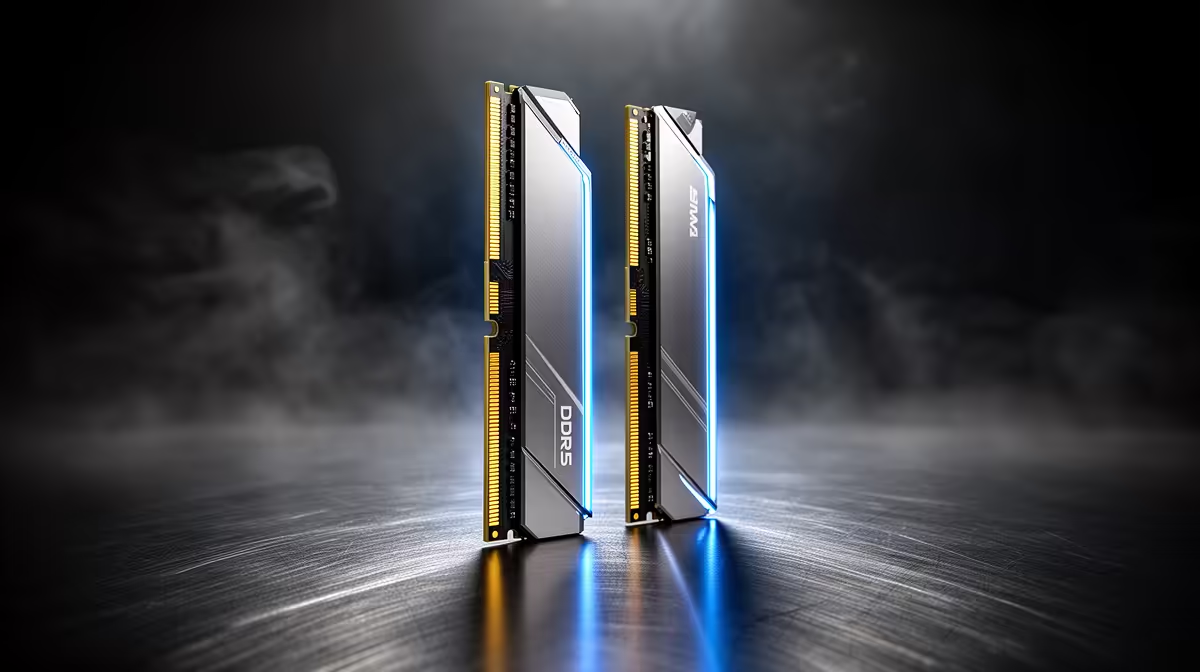
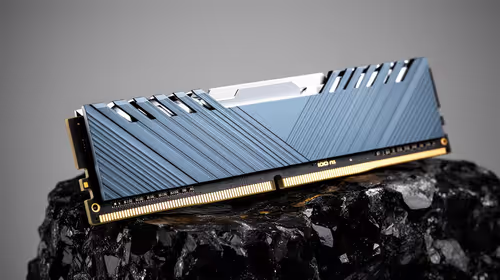
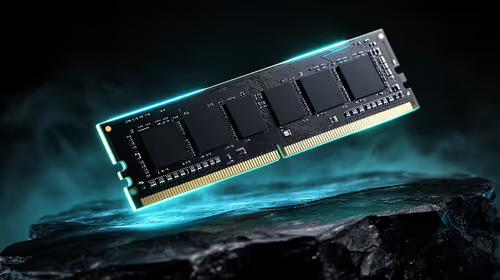
For SA gamers building on AM5, DDR5-6000 is the sweet spot because it runs the memory controller and RAM in a synchronised 1:1 mode for the lowest latency, which is what gaming benefits from most. A 32GB DDR5-6000 CL30 kit (around R1,800) is the value pick — faster kits cost more for 1-3 fps you will not feel. Enable EXPO so it runs at rated speed.
Why 6000 wins on AM5
AM5's memory controller, infinity fabric and RAM stay in lockstep at DDR5-6000, minimising latency. Push higher to 6400 or 6600 and the controller can fall out of that ideal ratio, adding latency and stability headaches that often erase the bandwidth gain. So in games, well-tuned 6000 matches or beats faster kits while being easier to run and cheaper to buy.
What to buy and set
Choose a matched 2x16GB DDR5-6000 CL30 kit for a gaming rig (32GB total), and a 2x32GB kit if you also stream or create. Enable EXPO in the BIOS, or the RAM defaults to a slower 4800 speed and you lose the benefit you paid for. Tight timings (low CL) matter more than chasing frequency, so prioritise a CL30 kit over a faster CL36 one. Stick to a two-stick kit rather than filling all four DIMM slots, since four single-rank modules can force the memory controller to drop below 6000 for stability. With EXPO on and a 32GB CL30 kit in place, your remaining budget is best spent on the GPU, which lifts frame rates far more than any memory tuning will.
FAQ
Why is DDR5-6000 best for AM5?
It keeps the memory controller and RAM in a 1:1 ratio for the lowest latency, which gaming benefits from most. Faster kits often break that ratio.
Do I need to enable EXPO?
Yes. Without EXPO the RAM runs at a slow 4800 default. Enable it in the BIOS so the kit hits its rated DDR5-6000 speed.
Should I buy 32GB or 64GB?
32GB DDR5-6000 suits pure gaming. Choose 64GB if you stream or create alongside gaming. Prioritise CL30 timings either way.
Before you buy
For AM5 gaming, buy a 32GB DDR5-6000 CL30 kit and enable EXPO — frequency beyond 6000 adds cost, not felt frames.