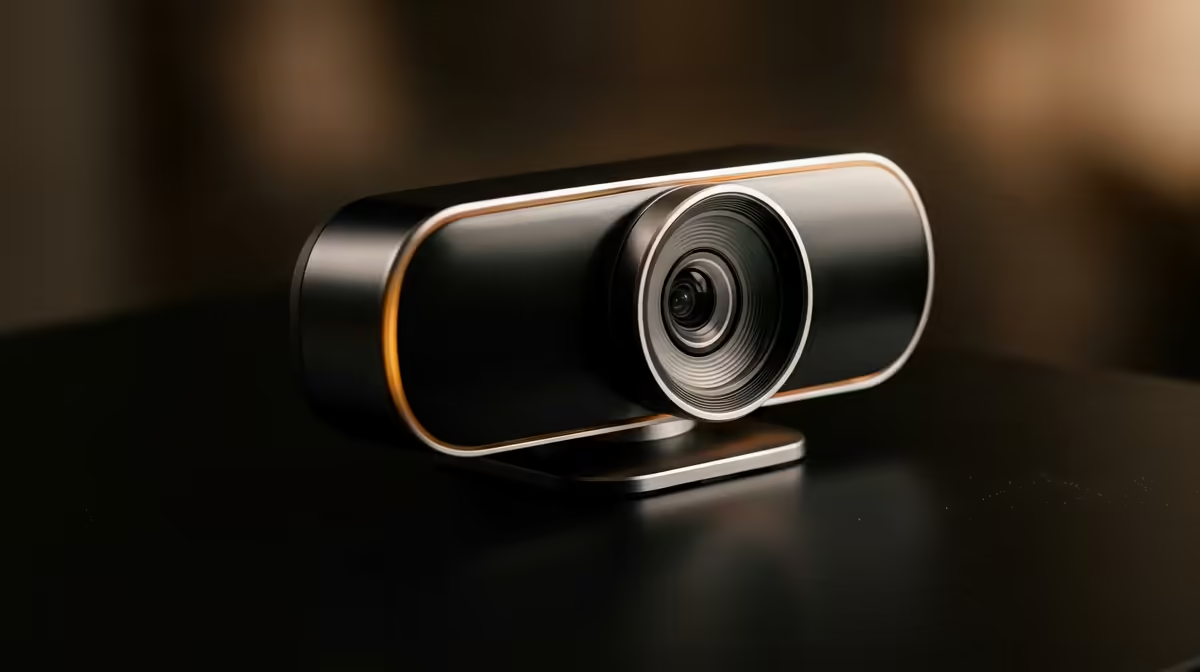
Staring at a grainy, pixelated version of yourself on stream? Before you splash out thousands on a new camera, let's talk about the real reason your webcam feed looks unprofessional. It’s not your camera… it’s your lighting. Getting that crisp, buttery-smooth look is easier and more affordable than you think. Here’s how to find the best lighting for streaming in South Africa and finally do your webcam justice. 🚀
Why Your Webcam Feed Looks Grainy (It's All About Light)
Every camera sensor, from a budget R500 model to a pro DSLR, needs light to create a clean image. In a dimly lit room, your webcam's sensor has to digitally boost the brightness. This process, called increasing the ISO, creates "digital noise"—the ugly grain and blocky pixels that plague so many streams.
The fix isn't necessarily a more expensive camera; it's giving your current one more light to work with. Provide ample, soft light, and even a basic webcam can produce a stunningly clear picture. The goal is to let the camera work at its lowest, cleanest ISO setting. A great setup transforms the performance of even a high-end webcam, making every rand you spent on it count.
The Three Pillars of Pro Stream Lighting
You don't need a Hollywood film set to look good. Most professional-looking streams use a simple, effective technique called three-point lighting. It’s the gold standard for a reason.
### Key Light: Your Main Actor
This is your primary, and brightest, light source. It's usually placed slightly off to one side (about 45 degrees from you) and positioned a little above eye level. Its job is to illuminate the majority of your face. A dedicated LED panel or a ring light works perfectly here.
### Fill Light: Banishing Harsh Shadows
The key light will create shadows on the opposite side of your face. The fill light, which is a softer, less intense light, is placed on the other side to "fill in" those shadows. This creates a more even and flattering look, preventing that dramatic, one-sided lighting effect.
### Backlight: Creating That Pro "Pop" ✨
Ever notice how pro streamers seem to pop right off the screen? That’s the backlight. Placed behind you and out of the camera's view, this light hits your hair and shoulders. It creates a subtle, bright outline that separates you from your background, adding a fantastic sense of depth.
Pro Tip: Match Your Colour Temperature! 💡
Ever seen a stream where the person looks orange but the background is blue? That's mismatched colour temperature. Most streaming lights let you adjust this, measured in Kelvin (K). For a clean, natural daylight look, set all your lights to the same value, usually between 5000K and 6000K. Consistency is key!
Finding the Best Streaming Lights in South Africa
Getting great webcam lighting in South Africa is easier than ever. You can build a setup piece by piece or grab an all-in-one kit.
For your main key light, purpose-built LED panels are a top choice because they provide soft, diffuse light that won't blind you. You can find excellent options like the Corsair Elgato Key Light, which are designed specifically for content creators. They clamp right onto your desk, saving precious space.
To add personality and that crucial backlight separation, RGB is your best friend. Instead of a plain white light, you can add a splash of colour to your background. Smart lighting like modular panels from brands like Cololight let you create custom shapes and effects, making your stream instantly recognisable.
Ultimately, the best lighting for streaming is a combination that works for your space and budget. From single ring lights to a full three-point setup, you can explore a full range of streaming essentials to find the perfect fit.