

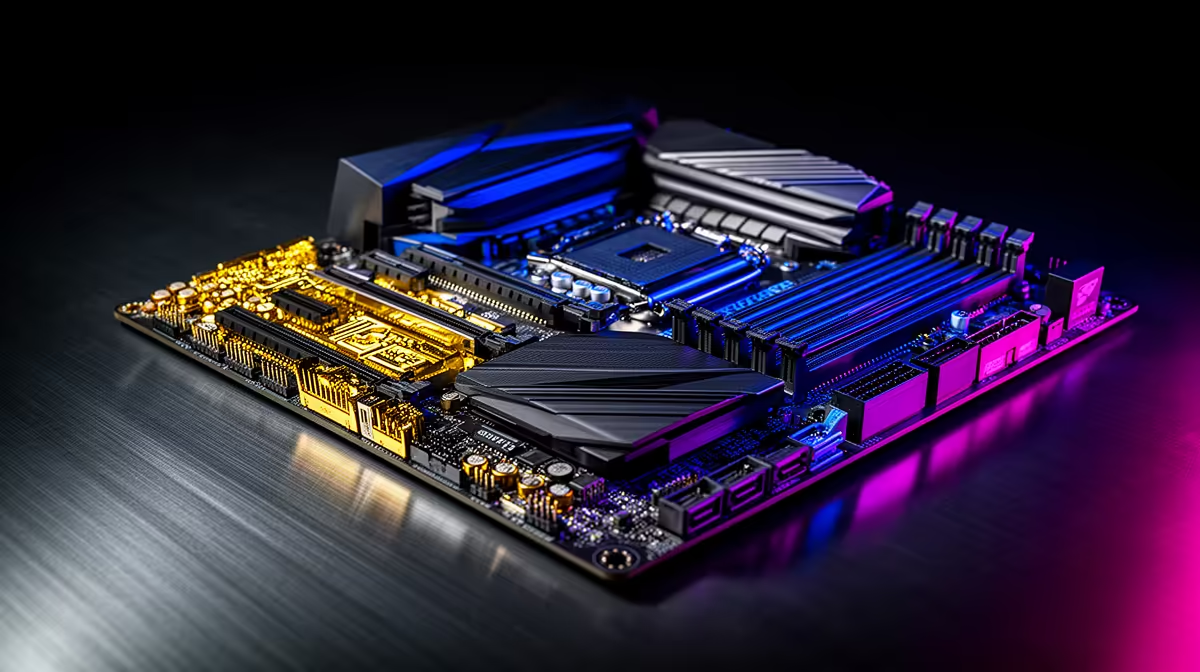
Building a new gaming rig in South Africa? Choosing the right motherboard can feel like navigating a maze. It’s the backbone of your entire system, dictating which CPU you can use, how fast your memory runs, and what features you get. Get it wrong, and you bottleneck your performance before you even start. This guide will help you find the best motherboards for gaming and pair them perfectly with your chosen CPU. Let's get building! 🔧
The Core of Your PC: Why Your Motherboard Matters
Think of your motherboard as the central nervous system of your PC. It connects every single component—your CPU, graphics card, RAM, and storage—allowing them to communicate. The chipset on the board is the traffic controller, determining compatibility and features. A good gaming motherboard provides stable power for overclocking, faster data lanes for your GPU and SSD, and the connectivity you need for all your peripherals. It's not just a circuit board; it's the foundation of your gaming experience.
Intel vs. AMD: Choosing Your Platform
The first big decision in any PC build is choosing between Team Blue (Intel) and Team Red (AMD). This choice determines your motherboard socket and chipset options.
Intel Motherboards
Intel's current platforms, like the LGA 1700 socket, are known for strong single-core performance, which is fantastic for gaming. They are typically paired with Z-series motherboards for overclocking enthusiasts or B-series and H-series boards for more budget-conscious builds that still pack a punch. To see what's available for Team Blue, you can browse our full range of Intel motherboards and find the perfect fit for your Core i5 or i9 processor.
AMD Motherboards
AMD, with its AM5 socket, has been praised for its incredible multi-core performance and platform longevity. This makes them excellent for gamers who also stream or create content. X-series motherboards are the top-tier choice for serious overclockers, while B-series boards offer a brilliant balance of features and price for the majority of gamers. If you're leaning towards a Ryzen CPU, be sure to explore the latest AMD motherboards to unlock its full potential.
Key Features of the Best Gaming Motherboards
When you're comparing boards, a few key specs make all the difference for a high-performance gaming rig.
- VRMs (Voltage Regulator Modules): These are crucial for delivering clean, stable power to your CPU. Better VRMs with good cooling mean better performance, especially when overclocking.
- PCIe Slots: Look for at least one PCIe 5.0 x16 slot for your graphics card to ensure you're ready for next-gen GPUs.
- RAM Support: DDR5 is the new standard, offering higher speeds than its predecessor. Ensure your board supports the speed and capacity you're aiming for.
- Connectivity: Check for enough USB ports, modern Wi-Fi (like Wi-Fi 6E), and 2.5G LAN for fast, lag-free online gaming.
BIOS Flashback Pro Tip ⚡
Many modern motherboards come with a feature called BIOS Flashback. This lets you update the motherboard's BIOS with just a USB stick and a power supply—no CPU or RAM needed! It's a lifesaver if you buy a new CPU that requires a BIOS update to work with an older board. Always check for this feature!
CPU and Motherboard Pairings for Every SA Gamer
Finding the best motherboard for gaming is all about balance. You don't need a R10,000 board for an entry-level CPU. Here are some smart pairings to maximise your performance without breaking the bank.
The Budget-Friendly Build (Under R15,000 PC)
For a solid 1080p gaming experience, you can't go wrong with a CPU like the Intel Core i3/i5 or an AMD Ryzen 5. Pair these with a reliable B-series motherboard (like a B760 for Intel or a B650 for AMD). These boards provide all the essential features you need without the premium price tag. You can often find great deals on budget-friendly motherboards that deliver fantastic value.
The Mid-Range Sweet Spot (R15,000 - R30,000 PC)
This is where most gamers live. A CPU like the Intel Core i5/i7 or AMD Ryzen 7 is your target. Pair it with a feature-rich B-series or a more accessible Z-series (Intel) or X-series (AMD) motherboard. This combination gives you excellent performance for 1440p gaming, potential for light overclocking, and better connectivity options. 🚀
The High-End Beast (R30,000+ PC)
If you're running a top-tier Intel Core i9 or AMD Ryzen 9, you need a motherboard that can keep up. A high-end Z-series (Intel) or X670E (AMD) motherboard is non-negotiable. These offer the best power delivery (VRMs), extensive cooling, and the fastest connectivity, ensuring your flagship CPU isn't held back in any way.
Ready to Build Your Ultimate Rig? Choosing the right motherboard is the first step to PC gaming greatness. With this guide, you're armed with the knowledge to make the perfect choice. Whether you're Team Red or Team Blue, we've got the foundation for your next build. Explore our massive range of PC components and start building your dream machine today.











