


Best SSD for Gaming in South Africa - Updated July 2026
The best SSD for gaming is available at Evetech from R1,599 including VAT, with 58 drives in stock. A PCIe Gen4 NVMe drive at 500GB to 1TB is the recommended pick for most gamers.
Read moreLaptops within reach of the NSFAS device allowance are available at Evetech from R6,999 including VAT, with 37 models in stock. Most students should budget a further R1,800 to R4,300 above the R5,200 allowance.
NSFAS pays a device allowance of roughly R5,200, and the honest answer every prospective student deserves is that this does not fully cover a laptop on its own. The best NSFAS laptop search usually starts by looking for something under that number, but the real entry price in South Africa sits closer to R7,000, which means most students need to plan for a gap of a few thousand Rand. Here is what that gap actually looks like in Rand, and what to prioritise so the money you do spend lands on the specs that matter.
Laptops within reach of the NSFAS device allowance are available at Evetech from R6,999 including VAT, with 37 models in stock. The Asus Chromebook CM14 at R6,999 is the closest match to the allowance itself, but most students land in the R7,999 to R9,499 bracket for a full Windows laptop, which means budgeting an extra R1,800 to R4,300 beyond what NSFAS pays.
Prices verified 16 July 2026. These are in-stock models at Evetech, cheapest first, and every price includes VAT.
Be wary of anyone advertising a full Windows laptop at R5,200 or below. At that figure you are either looking at a very old, worn refurbished unit or a machine so limited it will struggle with a university learning portal and Microsoft Office open at the same time. The realistic distance between the allowance and a laptop that lasts a full qualification runs from R1,800 at the low end, for the Chromebook, up to around R4,300 for a Windows machine with 16GB of RAM like the Ninkear A15 Pro. Knowing that number early is the whole point: it turns a vague shortfall into a figure you can plan around well before registration week.
The Chromebook at R6,999 sits closest to the allowance and is a genuinely capable machine for browser-based coursework, online learning portals and typing assignments. Where it stops helping is anything that needs installed desktop software, so check with your faculty first: some diplomas and degrees, particularly those built around specialised software, require Windows. That single R1,000 step up to the ASUS Vivobook Go 15 at R7,999 does more work than any other Rand on this list, because it does not just add speed, it swaps the operating system and opens up every desktop application your modules might expect. If your course is browser-based, the Chromebook is not a compromise. If it is not, that R1,000 is the difference between a laptop that finishes your qualification and one you outgrow in first semester. You can browse the full range of AMD-based options on the AMD Ryzen 5 laptops page.
Confirm with your institution whether the NSFAS device allowance reaches you directly or goes to a laptop supplier, since the process differs between universities and TVET colleges and it changes how you time the purchase. Once you know your number, put it into RAM and storage ahead of processor speed. 8GB of RAM and 256GB or more of storage covers a standard course load comfortably, and the HP Notebook 255R G10 and ASUS Vivobook X1504ZA both hit that mark at R8,499. A quicker chip will not rescue a machine that runs out of memory with a learning portal, a recorded lecture and a document open together, which is the single most common frustration at this end of the market. The AMD laptops on special page is worth a look ahead of registration, because a marked-down Ryzen model can sometimes shrink the very gap you were bracing for.
Not fully. The NSFAS device allowance is around R5,200, while the cheapest genuinely usable laptop in South Africa starts around R6,999, so most students need to cover a further R1,800 to R4,300 themselves.
The Asus Chromebook CM14 at R6,999 including VAT is the closest match to the allowance, suitable for browser-based coursework and online learning portals rather than installed desktop software.
Put the extra into RAM and storage rather than processor speed. 8GB of RAM and at least 256GB of storage, as on the ASUS Vivobook Go 15 at R7,999, serves a standard course load better than a quicker chip with less memory behind it.
Check your course requirements first. A Chromebook suits browser-based study well, but if your qualification needs specific desktop software, a Windows laptop like the ASUS Vivobook Go 15 from R7,999 is the safer choice.
8GB is enough for a typical course load. If your budget can stretch to R9,499, the Ninkear A15 Pro's 16GB will handle heavier multitasking for the full length of your studies.
Ready to plan your NSFAS laptop purchase? Browse every in-stock laptop near the NSFAS device allowance with live South African pricing, and see exactly what gap you need to cover.
Not fully. The NSFAS device allowance is around R5,200, while the cheapest genuinely usable laptop in South Africa starts around R6,999, so most students need to cover a further R1,800 to R4,300 themselves.
The Asus Chromebook CM14 at R6,999 including VAT is the closest match to the allowance, suitable for browser-based coursework and online learning portals rather than installed desktop software.
Put the extra into RAM and storage rather than processor speed. 8GB of RAM and at least 256GB of storage, as on the ASUS Vivobook Go 15 at R7,999, serves a standard course load better than a quicker chip with less memory behind it.
Check your course requirements first. A Chromebook suits browser-based study well, but if your qualification needs specific desktop software, a Windows laptop like the ASUS Vivobook Go 15 from R7,999 is the safer choice.
8GB is enough for a typical course load. If your budget can stretch to R9,499, the Ninkear A15 Pro's 16GB will handle heavier multitasking for the full length of your studies.
The best SSD for gaming is available at Evetech from R1,599 including VAT, with 58 drives in stock. A PCIe Gen4 NVMe drive at 500GB to 1TB is the recommended pick for most gamers.
Read more
The best streaming PC range is available at Evetech from R20,684 including VAT, with 22 models in stock. Every build pairs a multi-core CPU with an NVENC or Quick Sync capable GPU, so streaming and gaming can run on one machine without stealing frame rate.
Read more
The RTX 5070 is available at Evetech from R11,899 including VAT, with 18 models in stock and most cards priced between R11,899 and R14,000. It is the current 1440p value pick in the NVIDIA 50-series.
Read more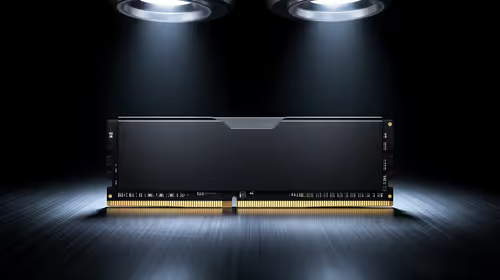
16GB DDR5 RAM is available at Evetech from R3,799 including VAT, with 22 modules in stock. It is the sensible baseline for budget and esports builds.
Read more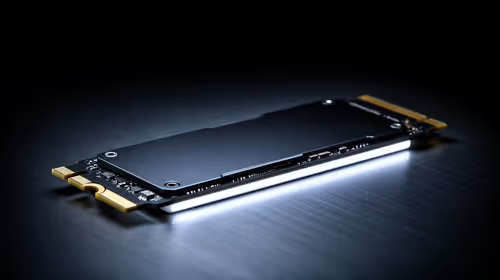
The cheapest 1TB NVMe SSD is available at Evetech from R2,599 including VAT, with 21 drives in stock. 1TB PCIe Gen4 is the current sensible default for a gaming or work PC.
Read more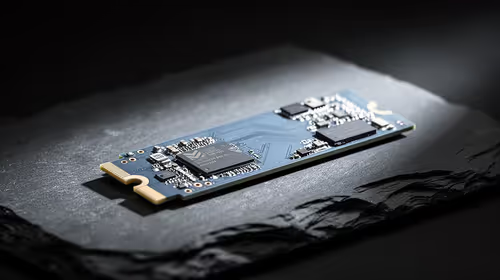
The cheapest 2TB NVMe SSD is available at Evetech from R4,999 including VAT, with 21 drives in stock. 2TB is now the comfortable capacity for a real gaming library.
Read more
Wi-Fi 7 vs Wi-Fi 6e for cinematic story games comes down to router support, latency goals, device compatibility, and coverage. SA buyers should match the choice to the real network setup.

The real world difference between PCIe 5.0 and PCIe 4.0 for MMO and live-service games is usually about loading, patches, and headroom. SA players should weigh NVMe speed, GPU lanes, CPU limits, and platform cost.

Windows 11 gaming laptop dead pixel checks begin with a full-screen colour test. This how to fix dead pixel windows 11 gaming laptop guide helps SA users compare settings, drivers, external screens, and warranty routes.

AM5 motherboard stuck pixel fixes in South Africa start with panel, cable, GPU output, and Windows checks. Use a clean test path before blaming the motherboard or replacing screen hardware.

FPS drops blamed on a wireless mouse often point to input, driver, USB, network, or system-load checks. Use a quick SA-friendly troubleshooting flow to isolate software, firmware, thermals, storage, and game settings before replacing hardware.

How to fix fps drops on steam deck starts with power profile, shader cache, storage health, and per-game settings. For South Africa, check charger quality, heat, and download stability before assuming the handheld needs repair. Retest after updates.

How to fix low FPS after an RTX 5080 build upgrade starts with driver cleanup, display settings, thermals, and power mode. For SA gamers, verify GPU usage, PCIe speed, RAM profile, and CPU limits before changing parts.

Hollow Knight Silksong at 4K needs a GPU matched to settings, VRAM, CPU balance, and monitor goals. Use this SA guide to compare tiers without treating FPS target or prices as fixed.
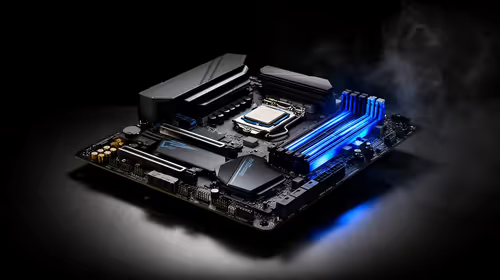
How to fix FPS drops after a Ryzen 9 9950X3D starts with BIOS, chipset, EXPO, power, and GPU driver checks. It helps isolate upgrade stutter on high-end SA gaming rigs before you change hardware, reinstall Windows, or retune cooling.
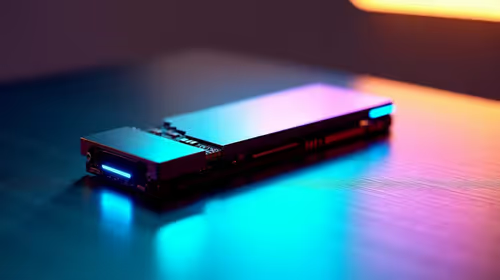
PCIe 5.0 and PCIe 4.0 differ most in lane support, compatibility, and upgrade value for cinematic story games. SA buyers should match the choice to their actual hardware and games.
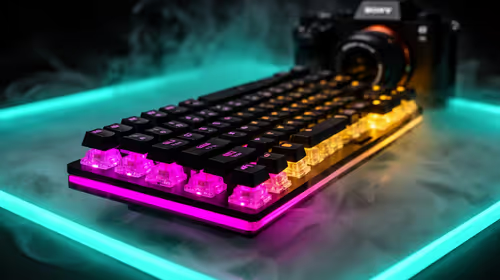
FPS drops Windows 11 mechanical keyboard issues can come from USB polling, keyboard utilities, power settings, or overlays. This gaming checklist helps test input-device causes before deeper GPU or CPU troubleshooting.
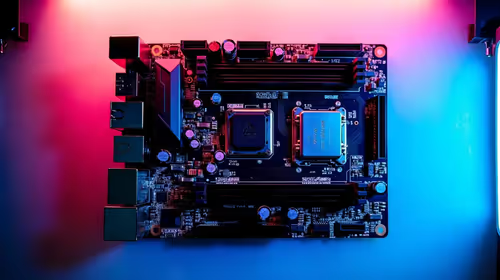
ATX 3.1 vs ATX 3.0 for streaming on Twitch and YouTube buyers - what changes is mostly about compatibility, budget, upgrade path, and setup fit. SA buyers should check device support and real needs before expecting a clear win from either option.