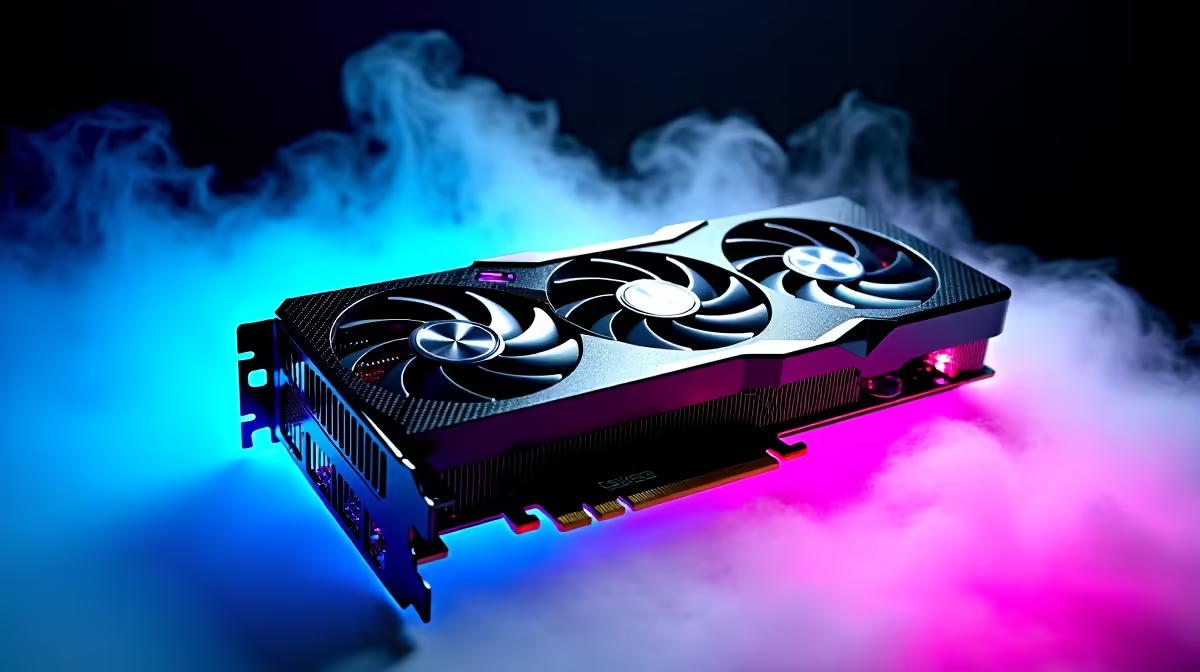
When low FPS shows up on a fresh RTX 5080, the instinct is to blame the new part. In practice the cause sits in drivers, sync settings, or the display path - all things you can rule out in minutes.
Quick Answer
On this build, low FPS after an upgrade points to a config gap - an old display cable forcing a low refresh, V-Sync locking you to 60fps, or in-game settings still on a previous preset. Each is a free fix worth tens of frames. It matters locally because it stops you buying around a problem that a single setting change would have solved for free.
How to Pin Down Low Fps on a RTX 5080
Confirm the RTX 5080 is actually doing the work: in the game's GPU/CPU overlay, check which part is at 95-100% load. If neither is, a power plan or frame cap is throttling you. If the GPU sits idle while frames stay low, the wrong GPU is selected or Resizable BAR is off. Each is a free fix worth real frames.
RTX 5080 Settings That Actually Matter
The RTX 5080 wants a clean PCIe slot and a current driver; confirm Resizable BAR is On in BIOS and that the card is in the top x16 slot. Do a clean GPU driver install (DDU in Safe Mode, then the latest package) so no leftover profile from your previous card is fighting the new one. Use a certified DisplayPort 2.1 or HDMI 2.1 cable so the panel can run its full refresh - an old cable silently caps you at 60Hz. As a yardstick, a modern 1440p title should sit comfortably in the 90-160fps band on this class of card, so use that as your pass/fail line rather than chasing a perfect number.
What's Worth Buying Locally
Treat the result as a buying guide. A problem that vanishes with a different cable, port, or sync setting costs nothing to fix. A problem that only shifts with more capable hardware tells you exactly what to budget for. That keeps SA spending sensible - you upgrade the rtx 5080 graphics cards or supporting part the test pointed at, instead of guessing and over-buying.
FAQ
Does storage speed matter for low FPS?
For loading and streaming hitches, yes. The RTX 5080 wants a clean PCIe slot and a current driver; confirm Resizable BAR is On in BIOS and that the card is in the top x16 slot. Keeping the game on your fastest NVMe drive with 15-20% free space removes a lot of avoidable stutter.
Is the RTX 5080 faulty if I still get low FPS?
Usually not. Low fps that survives a clean driver install, a verified memory profile and the correct sync settings is rare - work the free fixes first. Only book a hardware check if a known-good test scene still misbehaves after every setting is ruled out.
What single setting helps low FPS the most on this setup?
For most users it's the sync and frame-cap combination: turn V-Sync off, cap frames a few below your refresh rate, and enable a low-latency mode. A modern 1440p title should sit comfortably in the 90-160fps band on this class of card.
anything, run the baseline test above. Note down which single change fixed the low FPS so you can re-apply it after the next driver or Windows update. Only browse new RTX 5080 Graphics Cards at Evetech if a clean, fully-tuned setup still falls short.