

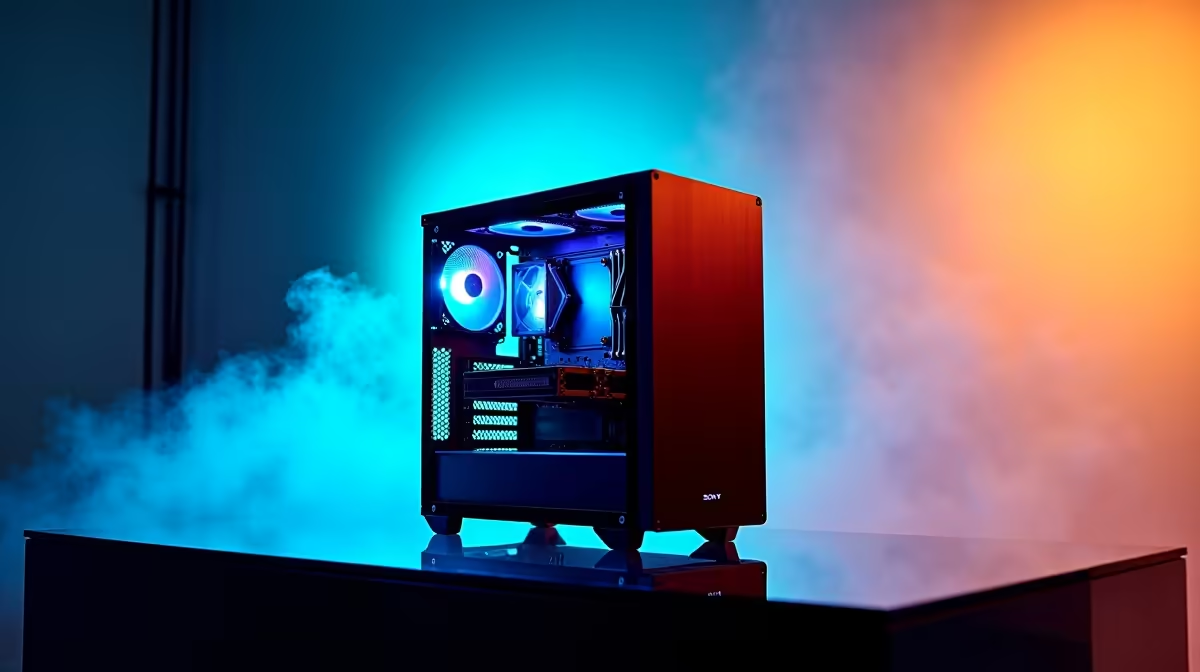
Designing the skyline of Sandton or drafting a modern coastal home in Cape Town requires more than just a good eye. It demands serious computing power. If your current machine crashes when you load a complex Revit model, it is time for an upgrade. Finding the best PC build for architects in South Africa 2026 means balancing heavy processing power with elite graphics capabilities.
Why CAD and Revit Demand Serious Power 🏗️
Architectural software is notoriously greedy. Programs like AutoCAD rely heavily on single-core processor speed. Conversely, 3D rendering engines like V-Ray or Lumion need massive multi-core performance and heavy graphical grunt. You cannot afford a bottleneck when a client is waiting on a final render.
Many professionals assume any standard office computer will do the job. That is a costly mistake. Purpose-built machines save hours of rendering time each week. If you prefer a machine that is ready to work out of the box, exploring pre-built desktop workstations is a smart first step.
Crafting the Best PC Build for Architects in South Africa 2026
To build a workstation that will not stutter during heavy 3D rendering, you need to focus on three main pillars... the CPU, RAM, and GPU.
First, aim for a processor with high clock speeds. Intel Core i7 or AMD Ryzen 7 CPUs are the sweet spot for most drafting tasks. Next, you need memory. Do not settle for less than 32GB of RAM. Complex building models will devour your memory in seconds.
Finally, the graphics card is where your visualisations come to life. Real-time rendering requires serious VRAM. Investing in high-end graphics cards ensures your textures load perfectly and your lighting calculations are instantaneous.
Productivity Pro Tip ⚡
When working in Revit or AutoCAD, always install your software and active project files on a Gen4 NVMe SSD. The read and write speeds will drastically reduce your file load times and auto-save delays compared to older storage drives.
Maximising Your ZAR for 3D Rendering 🇿🇦
Building a top-tier workstation in South Africa means keeping an eye on the exchange rate. You want maximum performance without blowing your entire studio budget.
Interestingly, many components designed for the gaming market overlap perfectly with architectural needs. In fact, many high-performance gaming PCs make incredible rendering workstations because they already pack the necessary cooling and GPU power.
If you need to meet clients on-site, you might want to skip the desktop entirely. Modern powerful laptops now rival desktop performance, letting you render 3D fly-throughs right from the boardroom table.
To keep costs down, it is always wise to watch for deals. Keep an eye on weekly tech specials to grab premium components at a fraction of their normal ZAR price.
Future-Proofing Your Architecture Studio
Software requirements will only grow heavier by 2026. AI-assisted drafting and real-time ray tracing are becoming standard in the industry. By investing in a balanced, high-quality system today, you ensure your workflow remains smooth for years to come.
Ready to Build Your Studio's Dream Machine? Rendering times shouldn't dictate your deadlines. Whether you need a custom drafting powerhouse or a mobile workstation, Evetech has the hardware to bring your blueprints to life. Explore our massive range of PC deals and find the perfect machine to conquer your next project.











