

Quick Answer
A R30,000 streaming budget in South Africa buys a Ryzen 7 or Core i7 PC with an RTX 4060, a 1080p 144Hz monitor, a USB condenser mic, a 1080p webcam, and a small lighting kit, with a bit left for a UPS. Spend roughly 60% on the PC, 25% on capture and audio, and 15% on accessories.
How to Split R30,000 Across the Stack
The streaming PC eats most of the budget because dropped frames and laggy encoding kill viewer retention faster than anything else. Aim for around R18,000 to R20,000 on a tower with a Ryzen 7 7700 or Intel Core i7 14700, RTX 4060, 32GB DDR5, and a 1TB NVMe. That handles NVENC encoding while leaving CPU headroom for OBS overlays, browser, and Discord. Then R5,000 goes to camera and audio (the make-or-break combo for chat retention), R3,000 to a 1080p high-refresh monitor, and the last R2,000 to lighting plus a small line-interactive UPS.
The PC Build That Anchors the Setup
Ryzen 7 7700 paired with an RTX 4060 hits the value sweet spot for sub-R30K streaming rigs in SA. The 4060's NVENC encoder offloads streaming from the CPU entirely, meaning you can game at high settings while streaming 1080p60 without frame drops. 32GB of DDR5 6000 is non-negotiable in 2026, modern Chromium tabs and OBS will happily eat 16GB on their own. A 1TB Gen4 NVMe holds your OS and a couple of current titles, then add a SATA SSD later if you stream multiple games.
Audio, Camera, and Lighting on a Lean Budget
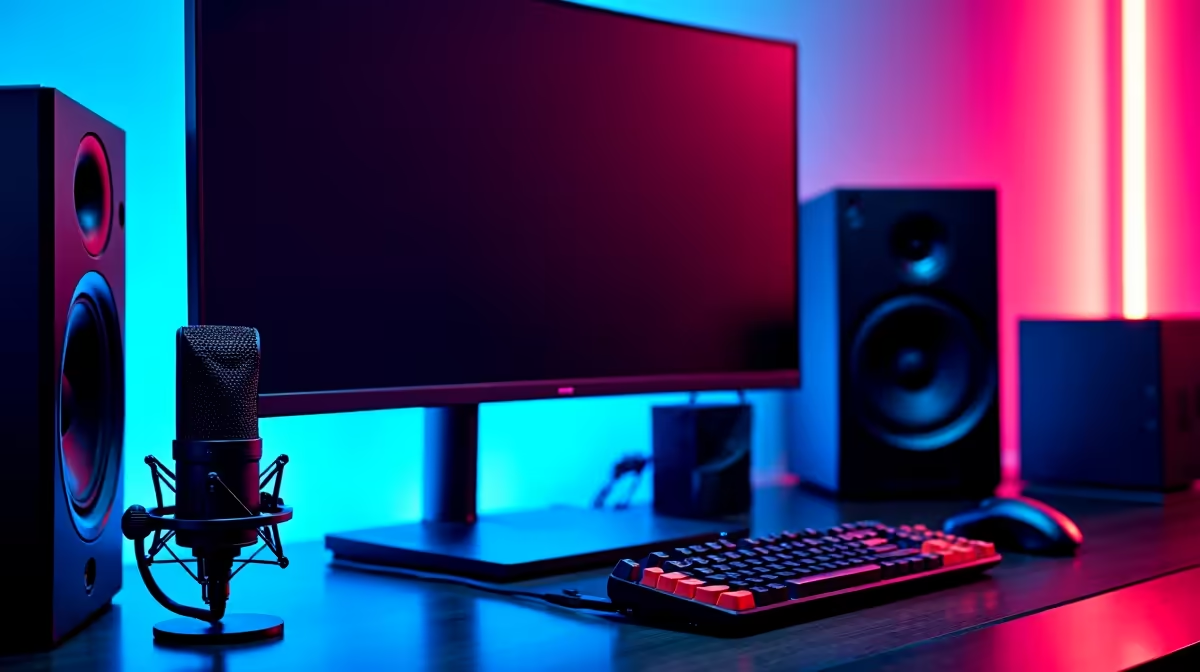
A USB condenser microphone in the R1,500 to R2,500 range (think entry-level brand-name USB mics with cardioid pickup) gets you 90% of the audio quality of a pro XLR setup without a separate interface. Pair it with a desk-arm boom and a foam pop filter. For camera, a solid 1080p60 webcam at around R1,800 beats any 4K cam used in poor light, and SA bedrooms are almost always poorly lit. Finish with a single 60W bi-colour LED panel and a small RGB bar behind you, total around R1,500.
Load-Shedding-Proofing the Rig
A streaming PC pulling 350W under load plus monitor and lights needs at least an 850VA line-interactive UPS to give you 8 to 12 minutes of clean shutdown time when stage 4 hits. That's enough to wrap a stream gracefully, save your OBS scenes, and shut down without corrupting your NVMe. Don't try to stream through the outage on a small UPS, the runtime won't be there. Budget around R1,500 to R2,000 for a UPS that actually does the job, the cheap R600 ones are glorified surge protectors.
Frequently Asked Questions
What is the best streaming setup under R30,000 to buy in South Africa?
A Ryzen 7 7700 + RTX 4060 PC with 32GB DDR5, a 1080p 144Hz monitor, a USB condenser mic, a 1080p60 webcam, basic lighting, and an 850VA UPS. This combo handles 1080p60 streaming on Twitch or YouTube while leaving frame headroom for AAA titles.
What are common mistakes when setting up a streaming setup under R30,000?
Overspending on the GPU and underspending on audio is the classic trap. Viewers tolerate a slightly less crisp picture, they will not tolerate hissy or boomy audio. Skipping a UPS in load-shedding zones is the second mistake, one corrupted stream and you've lost a week of momentum.
Do I need special tools or parts in SA?
You'll need a SA two-pin or three-prong UPS that matches your wall sockets, plus a multi-plug with surge protection for the desk. Make sure your monitor and PC come with local-spec power cables, not US flat-pin plugs that need janky adapters.
Ready to Find Your Perfect Match? Configure a streaming PC that fits inside R30K. Browse the best gaming PC deals











