

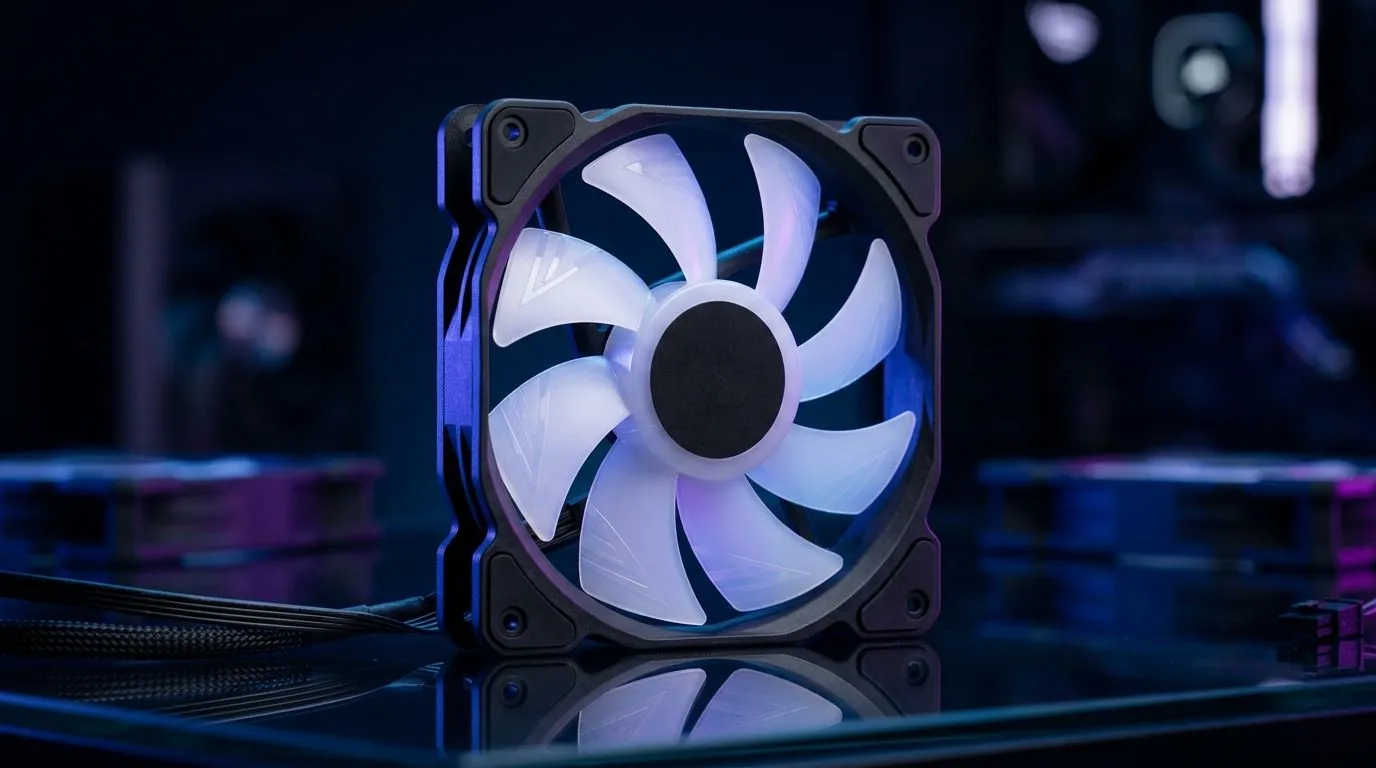
Best Value 120mm Case Fan: Features to Prioritise in SA builds
If you’ve ever built a PC in a South African summer… you already know the pain. Dust builds up, temps creep up, and fans start sounding like a cheap blender. 🔧 The good news? A better 120mm case fan is one of the easiest ways to improve airflow without blowing your budget.
In this Build Lab guide, we break down the Best Value 120mm Case Fan: Features to Prioritise in SA. Not just specs for the sake of it… but what actually matters for gaming rigs, streaming PCs, and quiet office builds.
Best Value 120mm Case Fan: Airflow vs Noise, the practical trade-off
A 120mm fan is a sweet spot for most mid-tower cases. But “best value” depends on whether you’re prioritising cooling, silence, or both.
Here’s what to prioritise first:
Blade and bearing type (for real-world longevity)
- Bearing type affects how long the fan stays smooth, especially when it spins for years.
- Look for designs that keep noise consistent over time. Cheap fans often get louder as they age.
Static pressure for GPU-heavy setups
If your case has dust filters, tight mesh fronts, or a radiator mounted close to panels, you’ll want better static pressure. That helps the fan push air through resistance, not just across open space.
RPM range that matches your temperament
Higher RPM can cool more, but it’s not automatically “better”.
- For gaming PCs: aim for strong airflow at moderate RPM, then let the fan ramp when needed.
- For quiet builds: choose fans known for calmer operation, ideally with PWM control.
Best Value 120mm Case Fan: RGB and control features that don’t waste money
RGB is fun, but it should not become your whole personality or your whole budget. ✨ When comparing fans, make sure the lighting features are actually useful for your build goals.
PWM control and motherboard compatibility
For best value, go for fans that support PWM so your motherboard can tune fan curves. This usually means:
- smoother adjustments
- less “full speed all the time” behaviour
RGB considerations in SA builds
Some fans only work with proprietary controllers. Others sync cleanly with motherboard software. Either way, don’t buy RGB just because it exists. Buy it because it integrates.
Build Lab Pro Tip ⚡
On Windows gaming PCs, set up a controlled fan curve in your BIOS (or motherboard software) once, then leave it alone. If your temps spike during matches, adjust slowly in 5°C steps rather than jumping from silent to jet-engine. That keeps noise stable and improves component longevity.
Best Value 120mm Case Fan: Sizing and what fits your chassis
Before you order, confirm your case supports 120mm mounts in the locations you care about (front intake, rear exhaust, and top exhaust). Even small placement differences matter.
If you’re planning a multi-fan layout, check these before committing:
- clearance around the fan frame and front dust filter
- space for cable routing near the fan header
- whether your case supports push or pull for radiators
Want to browse 120mm options first? Start with Evetech’s full list of case fans here: 120mm case fans from Evetech. If you’re also comparing larger configurations, you can check 140mm fan options too.
For brand comparisons, Evetech has clean filters that make it easy to shortlist. For example, if you’re considering Corsair models, explore: CORSAIR case fans. And for Deepcool builds, see: Deepcool case fans. If you want to view the general selection across the range, this is the main hub: Evetech case fans category.
Lighting filters: pick a lane
If your goal is a stealth build, filter out unnecessary LEDs. For non-RGB picks, use this view: Non-lighting (no RGB) fans. If you want RGB effects for your rig aesthetic, browse: RGB-enabled case fans. 🚀
Best Value 120mm Case Fan: A quick buying checklist before checkout
Before you hit “add to cart”, answer these:
- Is PWM supported? (Better control, better value.)
- Do I need static pressure? (Filters, mesh, radiators.)
- Will I actually hear it during gaming? (Prioritise the noise profile.)
- Do I want RGB or do I just want airflow? (Don’t pay for features you’ll disable.)
Once you match these, you’ll almost always get better cooling per rand… and less buyer’s remorse.
Ready to Find Your Perfect Match? The Mac vs Windows debate is complex, but for maximum power, choice, and value in South Africa, Windows is hard to beat. Explore our massive range of laptop specials and find the perfect machine to conquer your world.











