


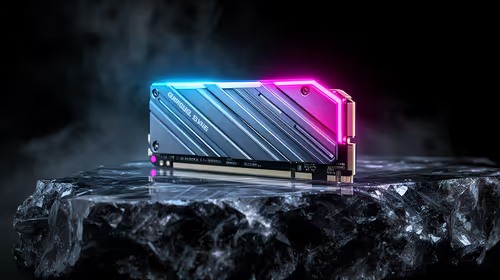
Best SSD for Gaming in South Africa - Updated July 2026
The best SSD for gaming is available at Evetech from R1,599 including VAT, with 58 drives in stock. A PCIe Gen4 NVMe drive at 500GB to 1TB is the recommended pick for most gamers.
Read moreThe best video editing PCs are available at Evetech from R31,499 including VAT, with 16 models in stock. Ryzen 7 and Core Ultra 7 builds paired with RTX 5060 Ti, RTX 5070 or RX 9070 XT graphics handle 4K timelines, with 32GB memory options for heavier projects.
Timeline scrubbing, colour grading and exporting 4K footage all lean on different parts of a PC than gaming does, which is why a best video editing PC shortlist looks different from a gaming one even when the specs overlap. Editing software rewards CPU core count for effects and rendering, GPU VRAM for accelerated timeline playback and colour work, and fast storage for shuffling large footage files, and the builds that balance those three well are not always the same ones topping a pure gaming benchmark.
The best video editing PCs are available at Evetech from R31,499 including VAT, with 16 models in stock. Multi-core CPUs like the Ryzen 7 7800X3D and Ryzen 7 9700X paired with RTX 5060 Ti or RTX 5070 GPUs handle Premiere Pro, DaVinci Resolve and similar software comfortably, with the 32GB memory options better suited to heavier 4K timelines and colour-graded projects.
Prices verified 16 July 2026. These are in-stock models at Evetech, cheapest first, and every price includes VAT.
The pattern across this list is memory, not CPU or GPU tier. Two of the six builds pair the exact same Ryzen 7 9700X and RTX 5070 combination, with the only difference being 12GB versus 32GB of DDR5, a R2,205 gap that buys real headroom for large timelines with multiple 4K or 6K clips loaded at once. The same logic applies to the two Core Ultra 7 270K builds at the top of the range. If your footage is mostly 1080p or light 4K, the entry-level memory configurations are fine; if you are working with layered, colour-graded or multicam 4K projects, the 32GB options are worth the extra spend.
Editing software increasingly offloads work to the GPU: timeline scrubbing, applying effects in real time, colour grading and hardware-accelerated export all lean on GPU compute and VRAM rather than the CPU alone. This is where the GPUs in this list earn their keep, the RTX 5060 Ti, RTX 5070 and RX 9070 XT all carry enough VRAM to keep a 4K timeline responsive without constant proxy generation. If you edit primarily in DaVinci Resolve, the RX 9070 XT build in this list is worth a close look, since Resolve's colour tools are well optimised for AMD hardware, and you can browse AMD's wider Radeon RX 9060 XT gaming PC range for other AMD-based options at a lower entry point. If your pipeline sits inside Adobe's ecosystem, the RTX-based builds have the more mature hardware encoder support for fast exports.
Rendering and exporting still lean heavily on CPU core count, which is why every build here uses a Ryzen 7 or Core Ultra 7 chip rather than a mid-range Ryzen 5. The Ryzen 7 7800X3D's large cache is a genuine advantage for effects-heavy timelines, while the Ryzen 7 9700X and Core Ultra 7 270K trade some of that cache for higher clock speeds that help with single-pass exports. Fast NVMe storage matters just as much as either: the Core Ultra 7 270K build with 1TB of NVMe at R34,124 is worth prioritising if you are working directly off local storage rather than an external drive, since read speed directly affects how smoothly high-bitrate footage plays back. For buyers exploring Intel-based alternatives at a lower entry point, the Intel Arc gaming PC range is worth comparing, though the builds above are the stronger fit for serious editing work.
Video editing PCs built for 4K work start at R31,499 including VAT at Evetech, with 16 models in stock pairing Ryzen 7 or Core Ultra 7 CPUs with RTX 5060 Ti, RTX 5070 or RX 9070 XT graphics.
16GB handles 1080p and light 4K editing. For layered, colour-graded or multicam 4K timelines, 32GB avoids slowdowns and is worth the extra cost.
Yes. Modern editing software offloads timeline scrubbing, effects and export to the GPU, so VRAM and GPU compute matter almost as much as the CPU for a smooth editing experience.
Both work well on current hardware. AMD's RX 9070 XT is well suited to DaVinci Resolve's colour tools, while NVIDIA's RTX 5070 has more mature hardware encoder support inside Adobe's editing software.
Fast NVMe storage in the 1TB range is a sensible starting point if you edit directly off local storage, since read speed affects how smoothly high-bitrate 4K footage plays back during editing.
Ready to build your video editing setup? Compare every in-stock video editing PC at Evetech and choose the CPU, GPU and memory combination that matches your footage.
Video editing PCs built for 4K work start at R31,499 including VAT at Evetech, with 16 models in stock pairing Ryzen 7 or Core Ultra 7 CPUs with RTX 5060 Ti, RTX 5070 or RX 9070 XT graphics.
16GB handles 1080p and light 4K editing. For layered, colour-graded or multicam 4K timelines, 32GB avoids slowdowns and is worth the extra cost.
Yes. Modern editing software offloads timeline scrubbing, effects and export to the GPU, so VRAM and GPU compute matter almost as much as the CPU for a smooth editing experience.
Both work well on current hardware. AMD's RX 9070 XT is well suited to DaVinci Resolve's colour tools, while NVIDIA's RTX 5070 has more mature hardware encoder support inside Adobe's editing software.
Fast NVMe storage in the 1TB range is a sensible starting point if you edit directly off local storage, since read speed affects how smoothly high-bitrate 4K footage plays back during editing.
The best SSD for gaming is available at Evetech from R1,599 including VAT, with 58 drives in stock. A PCIe Gen4 NVMe drive at 500GB to 1TB is the recommended pick for most gamers.
Read more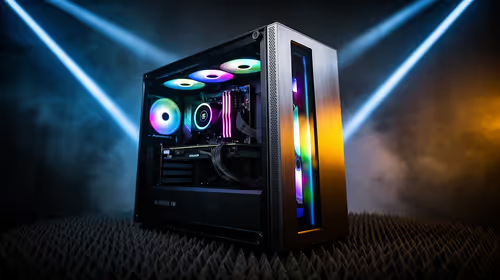
The best streaming PC range is available at Evetech from R20,684 including VAT, with 22 models in stock. Every build pairs a multi-core CPU with an NVENC or Quick Sync capable GPU, so streaming and gaming can run on one machine without stealing frame rate.
Read more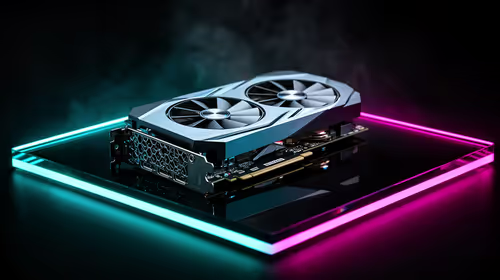
The RTX 5070 is available at Evetech from R11,899 including VAT, with 18 models in stock and most cards priced between R11,899 and R14,000. It is the current 1440p value pick in the NVIDIA 50-series.
Read more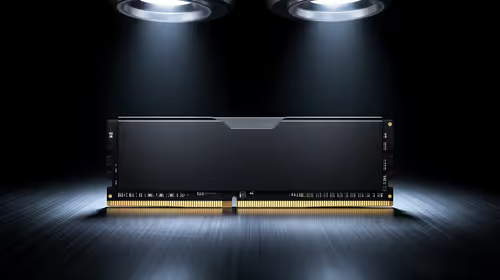
16GB DDR5 RAM is available at Evetech from R3,799 including VAT, with 22 modules in stock. It is the sensible baseline for budget and esports builds.
Read more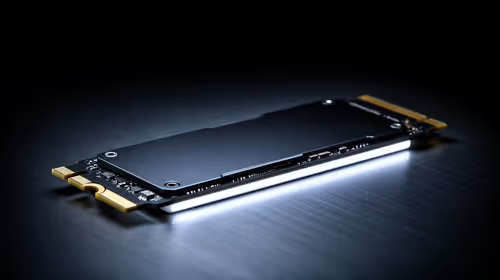
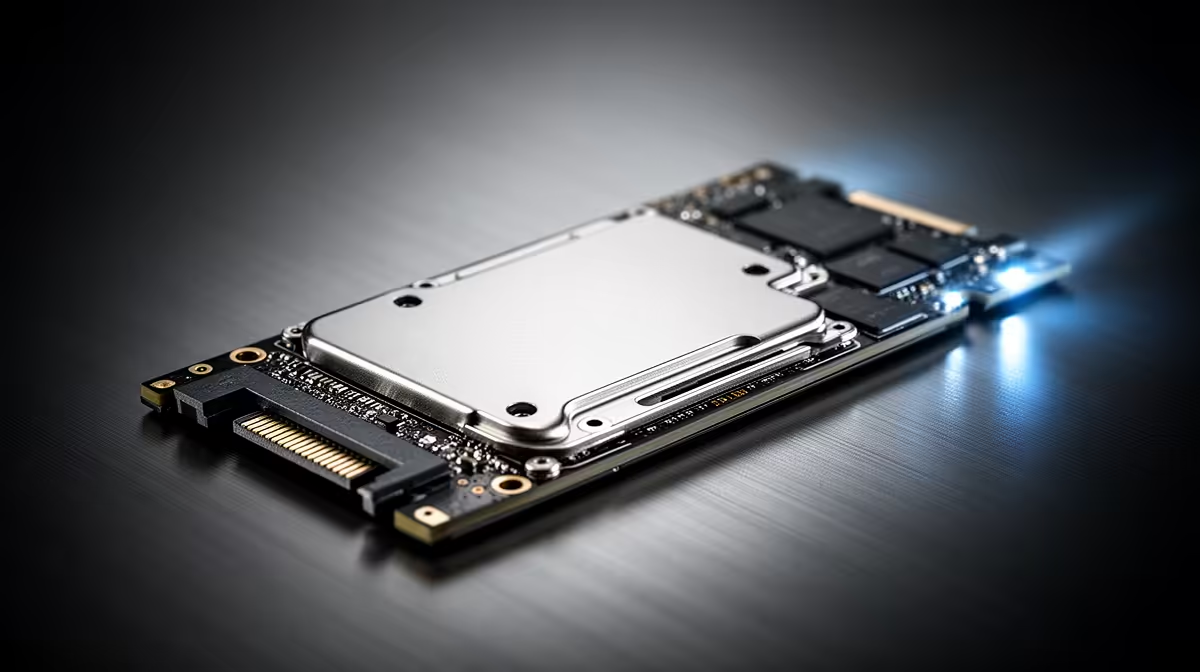
The cheapest 1TB NVMe SSD is available at Evetech from R2,599 including VAT, with 21 drives in stock. 1TB PCIe Gen4 is the current sensible default for a gaming or work PC.
Read more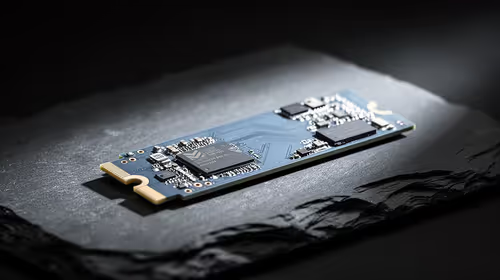
The cheapest 2TB NVMe SSD is available at Evetech from R4,999 including VAT, with 21 drives in stock. 2TB is now the comfortable capacity for a real gaming library.
Read more
Wi-Fi 7 vs Wi-Fi 6e for cinematic story games comes down to router support, latency goals, device compatibility, and coverage. SA buyers should match the choice to the real network setup.

The real world difference between PCIe 5.0 and PCIe 4.0 for MMO and live-service games is usually about loading, patches, and headroom. SA players should weigh NVMe speed, GPU lanes, CPU limits, and platform cost.

Windows 11 gaming laptop dead pixel checks begin with a full-screen colour test. This how to fix dead pixel windows 11 gaming laptop guide helps SA users compare settings, drivers, external screens, and warranty routes.

AM5 motherboard stuck pixel fixes in South Africa start with panel, cable, GPU output, and Windows checks. Use a clean test path before blaming the motherboard or replacing screen hardware.

FPS drops blamed on a wireless mouse often point to input, driver, USB, network, or system-load checks. Use a quick SA-friendly troubleshooting flow to isolate software, firmware, thermals, storage, and game settings before replacing hardware.

How to fix fps drops on steam deck starts with power profile, shader cache, storage health, and per-game settings. For South Africa, check charger quality, heat, and download stability before assuming the handheld needs repair. Retest after updates.

How to fix low FPS after an RTX 5080 build upgrade starts with driver cleanup, display settings, thermals, and power mode. For SA gamers, verify GPU usage, PCIe speed, RAM profile, and CPU limits before changing parts.

Hollow Knight Silksong at 4K needs a GPU matched to settings, VRAM, CPU balance, and monitor goals. Use this SA guide to compare tiers without treating FPS target or prices as fixed.
The best SSD for gaming is available at Evetech from R1,599 including VAT, with 58 drives in stock. A PCIe Gen4 NVMe drive at 500GB to 1TB is the recommended pick for most gamers.
The best streaming PC range is available at Evetech from R20,684 including VAT, with 22 models in stock. Every build pairs a multi-core CPU with an NVENC or Quick Sync capable GPU, so streaming and gaming can run on one machine without stealing frame rate.
The RTX 5070 is available at Evetech from R11,899 including VAT, with 18 models in stock and most cards priced between R11,899 and R14,000. It is the current 1440p value pick in the NVIDIA 50-series.
16GB DDR5 RAM is available at Evetech from R3,799 including VAT, with 22 modules in stock. It is the sensible baseline for budget and esports builds.