

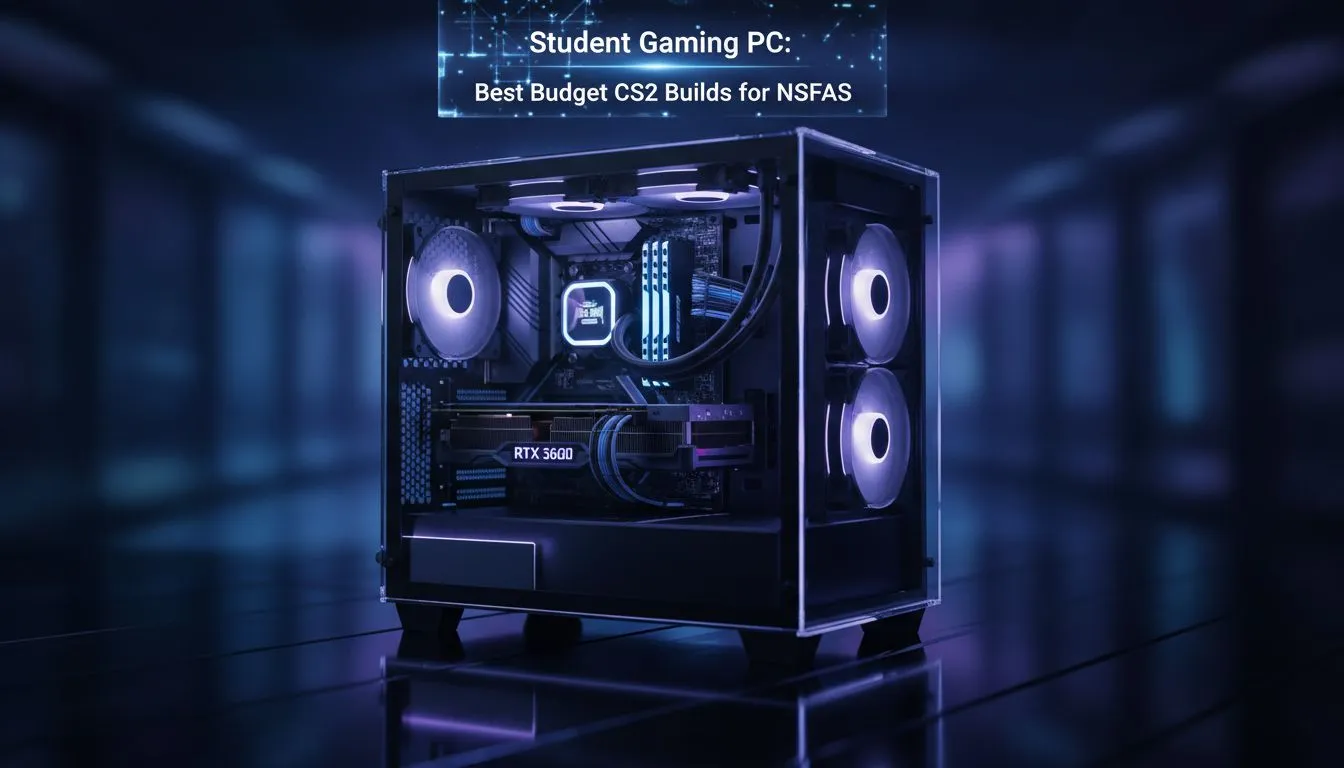
Finding the Sweet Spot for a Budget CS2 PC Build
Studying in South Africa is expensive enough without needing a high-end rig to keep up with your mates in Counter-Strike 2. If you are looking for a Budget CS2 PC Build that fits your NSFAS budget, you are in the right place. We know that every Rand counts when you are balancing textbooks and headshots, so let’s find you a machine that performs without breaking the bank. 🚀
Counter-Strike 2 is a bit more demanding than its predecessor, CS:GO. The move to the Source 2 engine means you need a slightly more modern GPU to handle the smoke physics and lighting effects. However, you do not need to spend a fortune to get a competitive edge. Many students find that our dedicated budget gaming PCs provide exactly the right balance of price and performance for 1080p gaming.
Why Your NSFAS Budget Goes Further at Evetech
When you are working with a limited allowance, every saving matters. We focus on providing hardware that offers the best "bang for your buck" in the local market. For those who have managed to save up a bit of their stipend, browsing the best gaming PC deals is often the best way to find a discounted system that would usually be out of reach.
A solid entry-level build usually revolves around a modern quad-core or six-core processor and a mid-range graphics card. This combination ensures that your frames per second remain stable even when the utility starts flying on a crowded bombsite. If you are looking for something ready to plug in and play, our pre-built PC deals offer a hassle-free way to get into the game without worrying about component compatibility. 🔧
CS2 Performance Tip ⚡
To get the most out of your budget rig, ensure you enable 'NVIDIA Reflex Low Latency' in the CS2 settings. It reduces system latency significantly, making your mouse movements feel more responsive during those high-intensity clutch moments on Mirage or Dust II.
Performance Expectations for Counter-Strike 2
What does a Budget CS2 PC Build actually look like in terms of numbers? For most South African students, hitting a consistent 144Hz refresh rate is the goal. To achieve this, you should look at systems within our range of PCs under R20k. These machines are specifically curated to handle modern esports titles with ease... ensuring you aren't lagging while your teammates are counting on you.
Choosing the Right Components
- CPU: Aim for at least an Intel Core i3 or AMD Ryzen 5.
- RAM: 16GB is the modern standard... 8GB is becoming a struggle for Windows 11 and background apps like Discord.
- Storage: An SSD is non-negotiable for fast map loading times.
While most students are looking for affordability, we know some of you are also using your rigs for heavy-duty projects like engineering CAD or video editing. In those cases, it might be worth looking at PCs above R20k to ensure your hardware can keep up with your degree requirements as well as your gaming habits. ✨
Best NSFAS Student Gaming PCs: The Verdict
Getting a competitive CS2 experience on a student budget is entirely possible in South Africa. By focusing on the essentials... a decent GPU and a fast SSD... you can build a machine that serves you well in the lecture hall and on the server. Remember to keep an eye on our specials, as local pricing can fluctuate based on stock levels and exchange rates. 🇿🇦
Ready to Find Your Perfect Match? The budget vs performance debate is complex, but for maximum power, choice, and value in South Africa, Evetech is hard to beat. Explore our massive range of gaming PC deals and find the perfect machine to conquer your world.











