

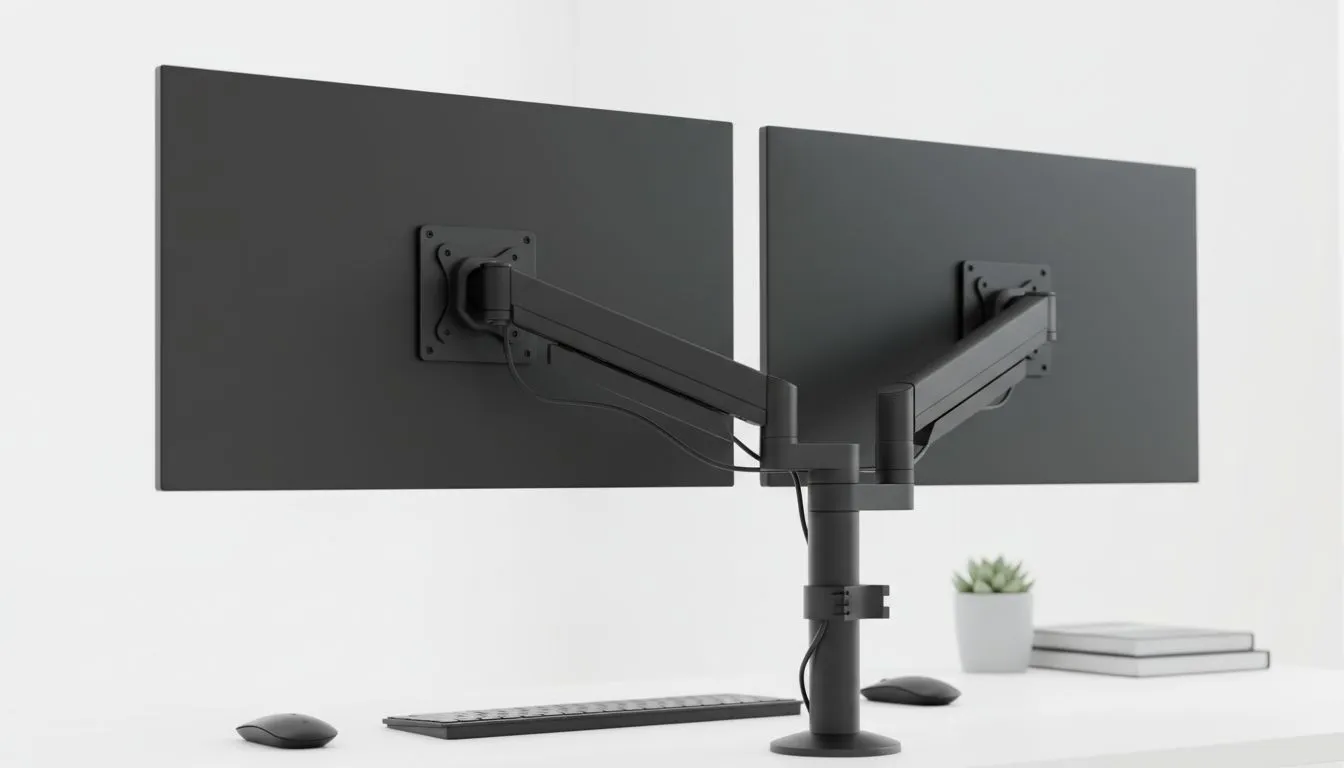
Staring at a single screen while juggling Discord, Chrome, and your favourite game is a recipe for a headache. We have all been there... trying to squeeze a spreadsheet and a YouTube tutorial onto one tiny 1080p panel. It is time to level up. Building a budget dual monitor setup does not mean spending your entire month's salary. It is about choosing the right gear for an affordable dual-screen workstation. 🚀
Why an Affordable Dual-Screen Workstation Changes Everything
The jump from one screen to two is arguably the biggest productivity boost you can give yourself. Research suggests that multi-monitor users complete tasks significantly faster than those stuck on a single display. Whether you are a student in Cape Town or a freelance editor in Joburg, having the extra screen real estate allows you to keep your primary task front and centre while your references stay visible on the side.
When browsing for a budget dual monitor setup, the first thing to consider is the panel tech. For the best viewing angles and colour accuracy, especially if the second screen is tilted, you should aim for an IPS panel. This ensures that the image does not wash out when you look at it from an angle... a common issue with cheaper TN panels.
Choosing Your Monitor Style and Shape
How you orient your screens depends on your desk space and what you do most. Some users prefer two identical traditional flat screens side-by-side for a seamless horizontal workflow. This is usually the most cost-effective way to build an affordable dual-screen workstation since flat panels are often priced more competitively.
However, if you find yourself turning your head too much, a curved monitor can help wrap the digital workspace around your field of view, making the edges of the screen easier to see without straining your neck. Evetech stocks a huge variety of PC monitors that cater to both preferences, allowing you to mix and match to find your perfect ergonomic fit. ⚡
Productivity Pro Tip ⚡
On Windows, use the 'Windows Key + Arrow Keys' to quickly snap your windows to the corners of your dual screens. If you want even more control, look into 'PowerToys FancyZones' to create custom zones that perfectly fit your unique monitor layout and workflow.
Syncing Your Performance for Gaming and Work
If you plan to use your budget dual monitor setup for gaming, you need to think about how your GPU talks to your screens. Screen tearing can be a major distraction when you are in the middle of a match. For those running Team Red, budget-friendly FreeSync monitors are the way to go. They synchronise the refresh rate of the display with your graphics card to keep things buttery smooth.
On the other hand, NVIDIA users should look for G-Sync compatible displays to ensure they get the same tear-free experience. If you are looking for a screen that works well with almost any modern GPU, choosing a monitor with Adaptive Sync technology is a smart, future-proof move for any affordable dual-screen workstation. 🔧
Final Thoughts on Your Budget Dual Monitor Setup
Building the ultimate workspace does not require a massive investment all at once. You can start with one high-quality screen and add a second one later as your budget allows. By focusing on panel quality and sync technology, you ensure that your budget dual monitor setup feels like a premium experience without the premium price tag. ✨
Ready to Find Your Perfect Match? A dual-monitor setup is the ultimate upgrade for work and play in South Africa. Explore our massive range of monitor specials and find the perfect displays to build your dream workstation today.











