


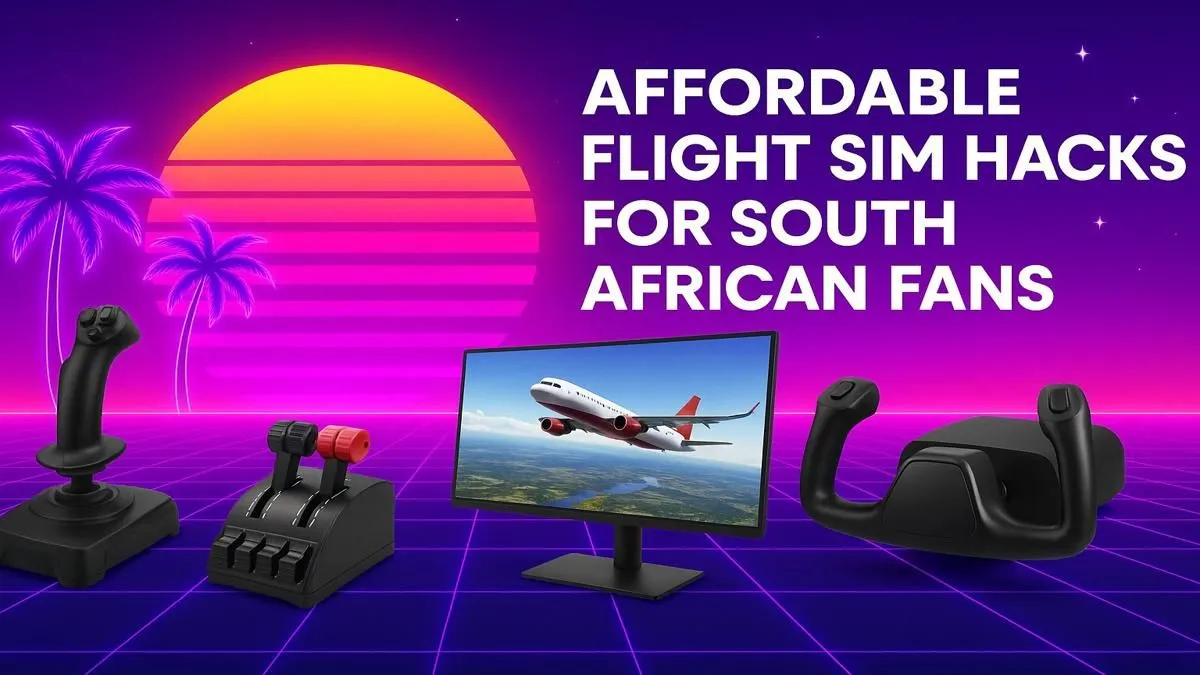
Ever dreamt of soaring over the Drakensberg at sunrise or banking over the Cape Town stadium? With Microsoft Flight Simulator, that dream is a reality. But for many in Mzansi, the perceived cost feels like a barrier. The good news? Creating a budget flight sim setup in South Africa is more achievable than you think. You don't need a multi-million Rand cockpit to experience the thrill of flight. ✈️
Your PC: The Heart of the Operation
Before you even think about yokes and pedals, you need a capable PC. This is the engine of your entire flight sim experience. While you can build from scratch, a great starting point for an affordable flight sim setup is a pre-configured gaming rig. Look for a machine with a solid CPU like an Intel Core i5 or AMD Ryzen 5, at least 16GB of RAM, and a decent graphics card (think NVIDIA RTX 30-series or newer).
These machines are optimised to run demanding titles like MSFS smoothly, saving you the headache of component compatibility. You can find excellent Microsoft Flight Simulator gaming PCs that deliver fantastic performance without breaking the bank.
Your Window to the World: The Monitor
Your monitor is your cockpit window. For flight simulation, immersion is key. While any good quality display will work, many virtual pilots swear by curved screens. A curved panel fills more of your peripheral vision, making you feel like you're actually sitting in the pilot's seat. The subtle wrap-around effect can make checking your instruments and spotting landmarks feel far more natural. Exploring a range of curved monitors can reveal some surprisingly affordable options.
Of course, if your budget is tight, a high-quality flat panel is still a massive upgrade over an old screen. Focus on getting a display with good colour accuracy and a decent resolution… 1080p is the minimum, while 1440p is the sweet spot for budget builds. There are plenty of fantastic PC monitors that offer incredible value.
Field of View (FOV) Tip 🖥️
Don't just unbox and play! In your flight simulator's graphics settings, experiment with the Field of View (FOV) slider. A wider FOV can increase immersion on a curved or ultrawide monitor, while a slightly narrower FOV on a standard monitor can make the cockpit instruments appear larger and easier to read. Find what feels right for you.
Taking Control: Yokes, Sticks, and Throttles
This is where your setup transforms from a game into a simulator. Ditching the keyboard and mouse for proper flight controls is non-negotiable for an authentic experience. For your first budget flight sim setup in South Africa, you have two main paths:
1. The Joystick (HOTAS)
A Hands-On Throttle-And-Stick (HOTAS) setup is a fantastic all-in-one starting point. It's versatile, great for everything from commercial airliners to fighter jets, and doesn't take up much desk space. 🕹️
2. The Yoke
If you plan on flying mostly Cessnas or Boeing airliners, a yoke provides a more realistic control method. It offers a different feel that many civil aviation enthusiasts prefer.
For a cost-effective flight simulator rig, starting with a quality joystick is often the best bet. You can find reliable and immersive options from brands like Thrustmaster that offer a huge leap in realism for a reasonable price.
The Captain's Chair: Long-Haul Comfort
You might be flying a virtual A380 for hours on a trip from OR Tambo to Heathrow. The last thing you want is a sore back pulling you out of the experience. While a dedicated flight sim chair can be pricey, a good ergonomic seat is a worthwhile investment. It provides the support needed for long sessions, ensuring you're focused on your flight plan, not your posture.
Many gaming chairs in South Africa offer the adjustability and lumbar support that make a world of difference during those long-haul flights.
Ready for Takeoff? Building your dream flight sim setup is a journey, not a race. Start with a solid foundation and add new gear as you go. Evetech has all the components you need to get airborne. Design your perfect flight sim PC with our Custom PC Builder and prepare for your next adventure.











