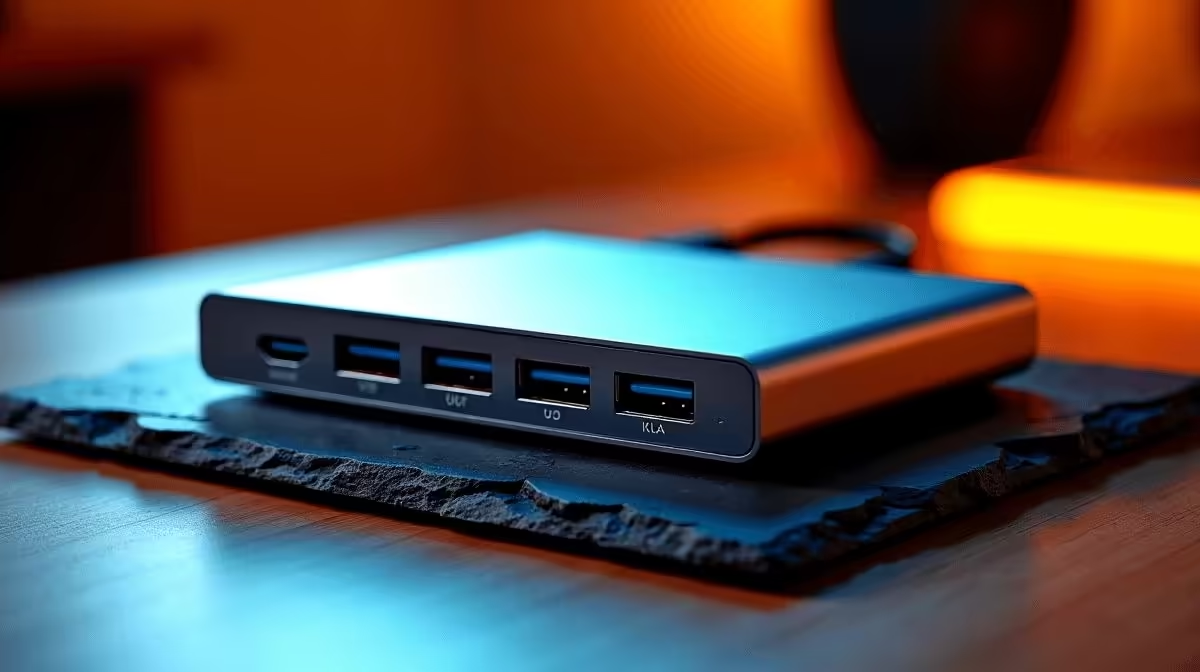
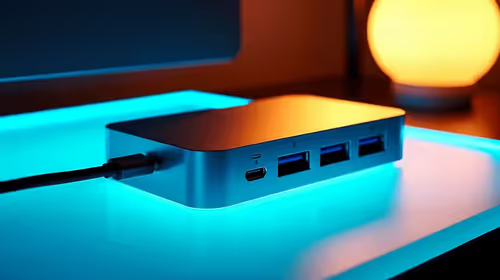
The terms "hub" and "docking station" are used interchangeably in most SA online stores, which makes the buying decision harder than it should be. A USB-C hub vs docking station comparison reveals two genuinely different product categories, and getting this wrong means either overspending on ports you never use or struggling with a hub that cannot handle your actual daily setup.
Quick Answer
A USB-C hub is a bus-powered, portable device typically offering 5 to 11 ports, suited for one or two monitors and a handful of peripherals. A docking station is mains-powered, desk-bound, and designed for multiple monitors, dedicated Ethernet, audio, and up to 15 or more ports. For most laptop users with one external monitor and basic USB needs, a hub in the R900 to R1,600 range is sufficient. A dock makes sense when your setup involves two monitors at 4K, multiple storage drives, and a need for stable network throughput all day.
🔌 What Actually Separates a Hub from a Dock
The distinction comes down to power source, bandwidth, and build intent.
Power source. A hub draws power from the laptop through the same USB-C connection carrying data and video, while a separate pass-through port charges the laptop simultaneously. A docking station runs off its own mains supply, unconstrained by the laptop's port power budget. It can deliver 130W or 180W to the laptop and power multiple hard drives without the battery dipping under load.
Bandwidth allocation. Most hubs share a single USB 3.2 or USB-C Alt Mode connection for all traffic: video, data, and network compete for the same pool. A Thunderbolt dock uses a dedicated 40 Gbps tunnel separate from the USB data bus, so simultaneous 4K output, storage transfers, and Ethernet do not compete.
Build intent. Hubs are compact, designed to travel in a laptop bag. Docks are desk fixtures. If portability matters, a hub wins outright. If the device sits on a desk in a Joburg home office or a Cape Town boardroom permanently, a dock's build suits that role better.
📊 How Many Ports Do You Actually Need?
The honest answer for most users is fewer than they think. A typical laptop peripheral audit covers one external monitor, a wired keyboard and mouse, an occasional external drive, Ethernet, and an SD card slot. That is six port functions, well within a 7-in-1 or 8-in-1 hub. Paying for an 11-in-1 or a full dock to cover USB-A ports that are rarely filled simultaneously is a real budget waste.
Where port count genuinely matters: creative teams running two displays, engineers with multiple development devices, or users who simultaneously chain an SSD, drawing tablet, webcam, and audio interface. In those setups, a dock's bandwidth headroom prevents the slowdowns that happen when five devices compete for a shared 10 Gbps pool.
🛒 When a Hub Can Replace a Dock
A hub is a legitimate dock replacement when three conditions hold: you drive one external monitor (or one 4K plus one 1080p), you do not transfer large files while the monitor is active, and the hub stays on your desk rather than travelling.
The most common mistake is spending R3,000 to R5,000 on a dock when a R1,200 to R1,800 hub handles everything in the actual workflow. The inverse is buying a budget hub for a dual-4K editing bay and troubleshooting dropped monitors for weeks afterward.
Match the product to your real bandwidth demand, not to the maximum scenario you might eventually encounter.
Frequently Asked Questions
Can a USB-C hub power external hard drives without a separate adapter?
A bus-powered hub can supply enough current for typical portable SSDs and most 2.5-inch portable drives. Larger 3.5-inch desktop drives require their own power adapter regardless of the hub.
Do docking stations work with any USB-C laptop?
Full Thunderbolt functionality needs a Thunderbolt port on the laptop. A standard USB-C dock still works on non-Thunderbolt laptops but is limited to USB 3.2 bandwidth, reducing simultaneous high-speed operations.
Is an 11-in-1 hub the same as a docking station?
No. Despite similar port counts, an 11-in-1 hub remains bus-powered and shares a single USB connection to the host. A dock runs off mains power and, in Thunderbolt models, uses a dedicated high-bandwidth tunnel a hub cannot replicate.
What is the minimum hub spec for a desk setup with one 4K monitor?
You need HDMI 2.0 or DisplayPort 1.2 output, at least 85W power delivery pass-through, and USB 3.1 on the USB-A ports. A hub matching this in the R1,000 to R1,600 range is a solid permanent desk choice.
Does a dock improve internet speed compared to a hub?
Both can include Gigabit Ethernet, so the theoretical ceiling is the same. A dock's dedicated bandwidth makes network traffic less likely to compete with USB transfers, producing more consistent throughput under heavy simultaneous load.
Not sure whether a hub or dock is right for your setup?
Browse Evetech's USB-C hub and docking station range side by side to match port count, bandwidth, and price to your actual daily workflow.