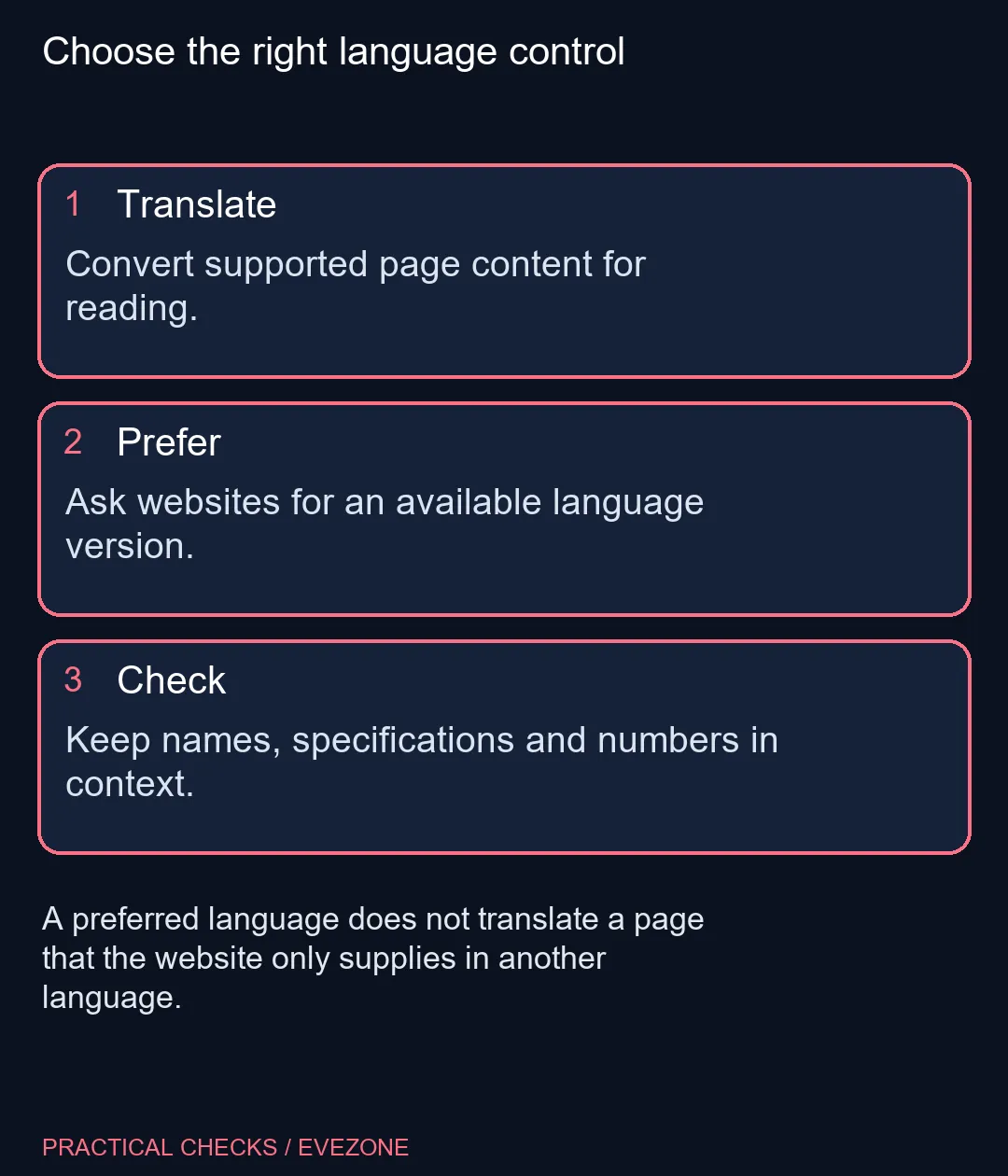
An overseas support page can contain the answer you need while opening in a language you do not read comfortably. Firefox translate page helps with supported content, whereas preferred-language settings ask a website for a version it already offers. Understanding that difference prevents a lot of fruitless setting changes.
Quick Answer
Use Firefox's translation controls for supported page content. Mozilla says translation runs on your device once the required language files are downloaded. Use preferred website languages when you want a site to supply an available language version instead. Checking these controls costs R0 and does not change the facts in the original document.
🌍 Translate the content in front of you
Open the page and inspect Firefox's translation options. A full-page operation suits a long article, while a selected-text translation can be more convenient for one unfamiliar paragraph. Choose the correct source and destination language when the controls require them.
Not every page or language will present the same available choices. If a translation option is missing, do not assume that changing your list of preferred website languages will enable an unsupported translation. First establish which function you are trying to use.
Mozilla describes the translation process as local to the device. Required language files need to be downloaded before that local processing is available. An offline capability for already loaded content does not mean Firefox can fetch a new online support page while your connection is down.
🗣 Request a website's own language version
Preferred website languages serve another purpose. They express the language versions you would like a multilingual website to provide. A site that supports those choices may respond with one of its existing versions; a site with only one language has no extra version for that preference to select.
Review the order of your language preferences if a multilingual site repeatedly opens in an unexpected language. The website may also have its own language selector or account setting. Compare those controls with the browser preference rather than repeatedly translating a page that already has an official version you can use.
🔢 Read technical details with the original nearby
Translation can help with a support procedure, but model names, port labels and numerical units deserve attention. Keep the original available when a step depends on an exact switch name or hardware identifier. A fluent sentence is not a separate confirmation that a specification is correct.
For a purchase, find the specification for the exact selected configuration. Do not turn a translated family description into a promise about every variant. That is especially useful when a manufacturer page combines several models in one table or selector.
💻 Choose a machine for the whole task
If you are browsing all laptops on special or mini pcs, language support is one part of your workflow. Consider the applications, screen space and documents you actually use alongside the browser. Translation settings alone are not a reason to assume that a particular processor or graphics card is required.
Try the page and the available language controls on your present computer first. A clear distinction between translation, website preference and browser menus often solves the immediate confusion without a hardware change.
Frequently Asked Questions
Does Firefox send page text to a translation server?
Mozilla says its built-in translation operates on the device. The required language files must first be available locally.
Can it translate without a connection?
Mozilla documents offline translation once the needed language files are downloaded. Loading a new online page still needs a connection.
Why does my preferred language not translate a page?
Preferred languages ask a website for a version it offers. They do not create a translated version of content the site does not provide in that language.
Can I translate only selected text?
Mozilla documents selected-text translation as well as full-page translation. Availability depends on the supported language and Firefox controls.
Should I trust a translated specification automatically?
Check the original names, units and model identifiers. Translation assists reading and does not independently verify the product facts.
Will changing website languages change every Firefox menu?
Website-language preferences concern page versions requested from websites. Browser interface language and translation are separate controls.
Comparing a work laptop?
Explore Evetech systems around your everyday applications and reading workspace.