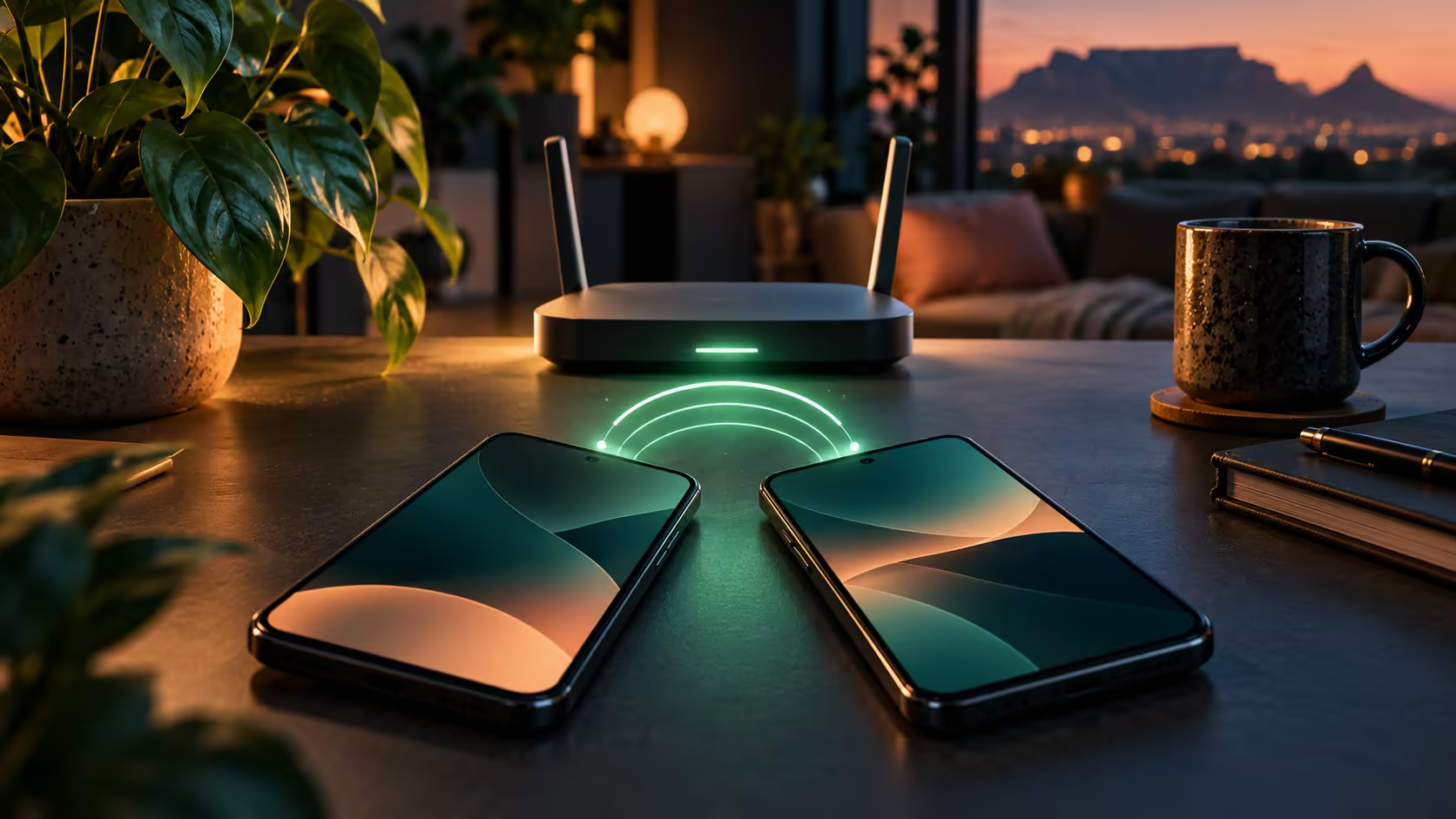
Visitors do not always need a password read out character by character. If you are asking how to share wifi password on iphone, the nearby-sharing process can let a trusted person join the network you already use. The details that often matter are the unlocked sender, the recipient's selected network and the contact information on both devices.
Quick Answer
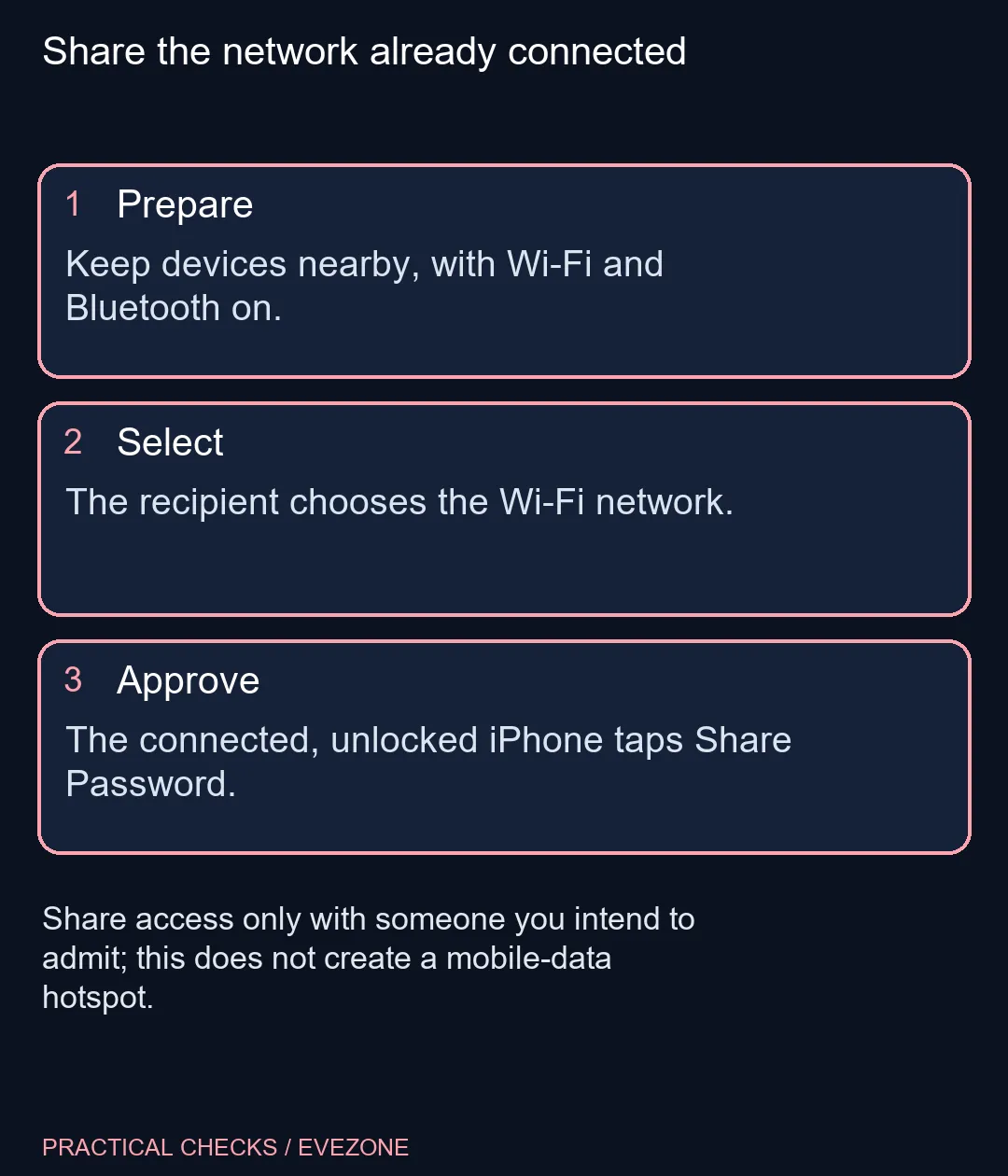
Keep both Apple devices nearby with Wi-Fi and Bluetooth on, Personal Hotspot off and each person's Apple Account details saved in the other's Contacts. The unlocked, connected iPhone approves Share Password after the recipient selects the network. This needs R0 in new hardware and shares Wi-Fi access, not cellular data.
📱 Prepare both devices before waiting
The phone providing access must already be connected to the intended wireless network. Unlock it and keep it close to the joining device. On both devices, enable Wi-Fi and Bluetooth, sign in to the relevant Apple Account and turn off Personal Hotspot. Apple also recommends current system software for the participating devices.
Check the Contacts entries in both directions. Each person should have the other's Apple Account email address or phone number saved. That is a more useful first check than repeatedly opening the Wi-Fi menu while assuming the router must be at fault. Carry out the steps with someone you actually intend to admit to the network.
📶 Let the recipient choose the network
The person joining opens Wi-Fi settings and selects the network name. The already connected iPhone should then present the sharing request. Approve Share Password and finish the prompt. Pay attention to the recipient and network involved rather than approving an unexpected request automatically.
In a South African shared house or res, access should still follow the network owner's rules. Nearby sharing is a convenience, not permission to pass on someone else's connection. It also does not create a guest network or change the router's password. Those are separate administrative tasks and should be handled separately.
🔍 Recover without resetting everything
If the prompt does not appear, revisit the preparation checklist before changing equipment. Confirm the sender is unlocked, connected and close enough, then check the contact details and hotspot state. Apple recommends restarting both devices and trying again when the setup animation does not appear.
If sharing still fails, ask the network owner about a permitted manual connection. Do not reset a household router to solve a missing phone prompt. Compare wireless routers for a real coverage requirement and wireless networking for broader equipment needs, but keep those purchases separate from this device-to-device process. The useful outcome is a trusted device joining the right network with the owner's permission.
Frequently Asked Questions
Can this nearby sharing connect an Android phone?
These nearby-sharing steps are for Apple devices. Ask the network owner for an appropriate manual or other supported method for Android.
Does Personal Hotspot need to be off?
Yes. Apple lists turning Personal Hotspot off among the preparation steps for Wi-Fi password sharing.
Why check the Contacts entries?
Each person should have the other's Apple Account email address or phone number saved in Contacts for this sharing method.
Which person selects the network first?
The person joining selects the Wi-Fi network. The unlocked iPhone already connected to it then approves Share Password.
What if no sharing prompt appears?
Check the preparation requirements, restart both devices and try again. If necessary, ask the network owner for a permitted manual connection.
Can an iPhone share the network with a Mac or iPad?
Apple lists nearby Mac and iPad devices as recipients too. This still shares an existing Wi-Fi network, not cellular data.
Want more dependable home Wi-Fi?
Check the sharing steps first, then compare networking equipment only for an identified coverage or capacity need.