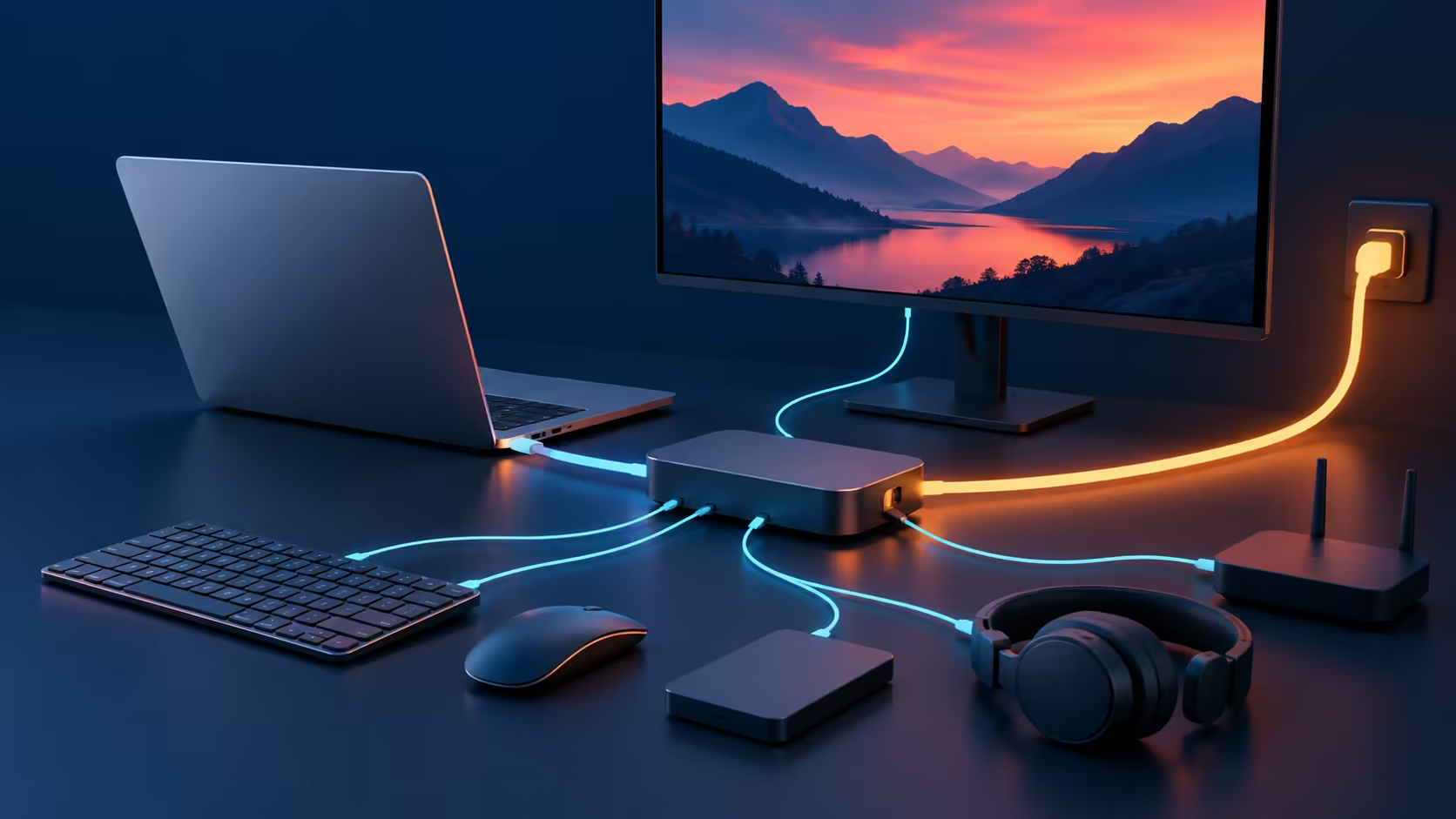
One travel device can be easier to pack than a charger and a separate hub, provided it supports the laptop you actually own. Targus DOCK402 combines those roles, but the maximum power figure and the maximum display mode each have their own compatibility conditions.
Quick Answer
Check USB-C video support, negotiated charging and the single HDMI output before buying.140 W needs compatible PD3.1 EPR equipment, and bus-powered mode does not charge the host. A separate ASUS Vivobook Go 15 Corei 3 laptop was R8,499 on 28 October; that is local laptop context, not a dock price or a compatibility endorsement.
🔋 Read power as a negotiated budget
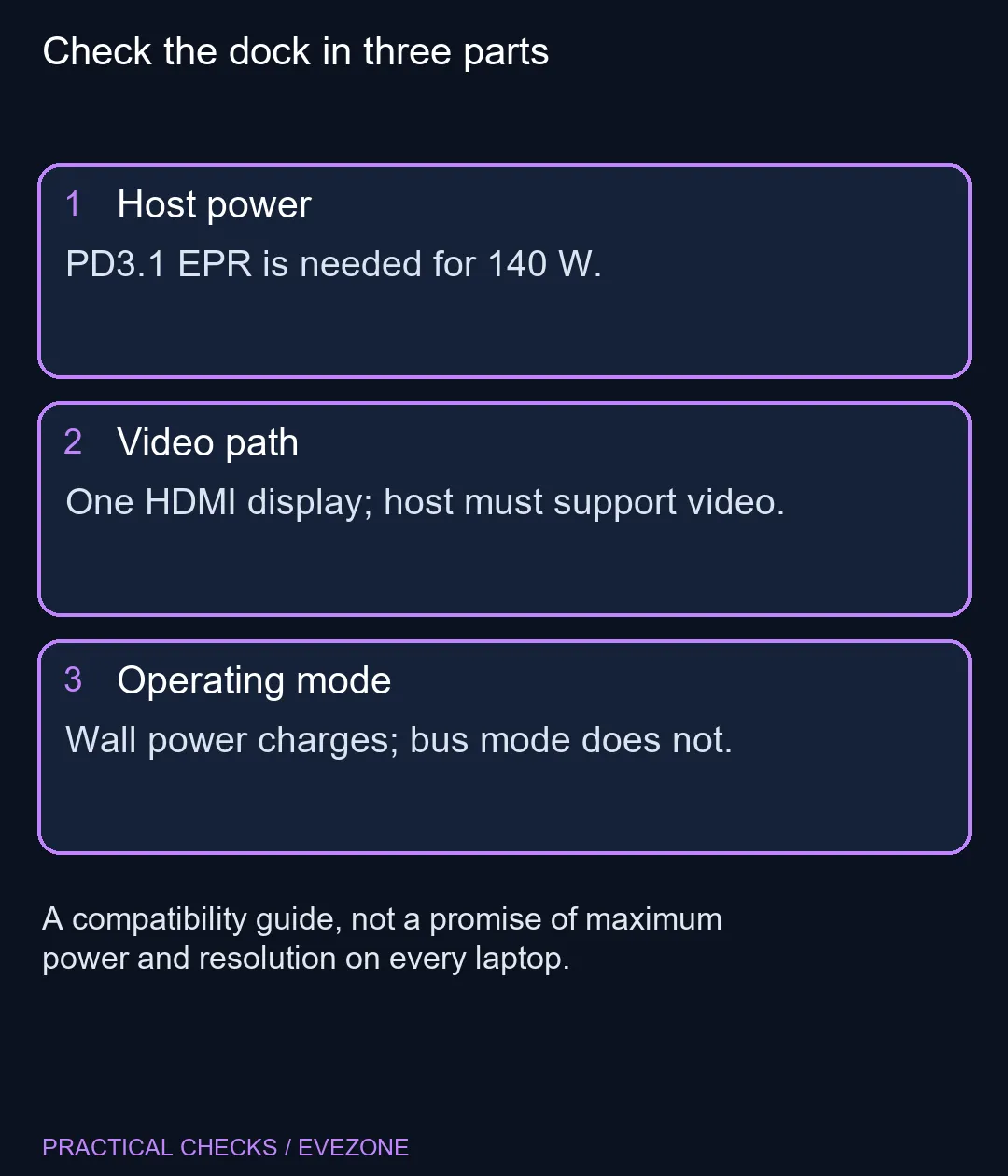
The built-in GaN charger can replace a separate power brick in a suitable setup. It still needs wall power to provide its own charging output. The application note distinguishes AC-powered operation from bus-powered operation, where the host instead supplies the dock. Those modes solve different problems, so confirm the selected mode when charging is unexpectedly absent.
The 140 W headline depends on USB PD3.1 Extended Power Range support and the appropriate cable. A PD3.0 host has a different negotiated ceiling. Connected peripherals also draw from the available budget, so do not assume the largest advertised laptop figure remains available with every downstream port loaded. Compare your existing laptop's requirements before deciding to leave its original charger at home.
🖥️ Trace one complete video connection
DOCK402 is a single-display design with an HDMI output advertised up to 8K at 30Hz. That is not a promise that every connected computer will expose that mode. The host's video capability, cable and monitor must all support the requested connection. A USB-C socket's shape alone does not establish DisplayPort Alternate Mode support.
Start with the resolution and refresh rate of the screen you use now. If you need two external monitors, do not mistake a product family's broader docking range for this model's own port list. Browse monitors on special around a known working output plan. A high-resolution label is little help if the desk requires a second independent connection that the dock does not provide.
🧳 Pack for the actual working day
The announcement lists three 10Gbps USB ports and 1Gbps Ethernet. Treat those as connection capabilities rather than guaranteed transfer speed for every peripheral or network. A storage device, cable or network link can impose a lower practical limit. List the devices you connect together and consider which ones need power as well as data.
The application note advises an uncovered, stable placement because the dock includes a power stage. Do not plan to leave it enclosed in a bag while using it. A tidy desk connection should still allow airflow and access to the cables. Test the full setup before relying on it away from home, including reconnecting after you change operating modes.
🛒 Keep the local purchase comparison honest
Targus's 27 October launch announcement follows a September application note and earlier range previews. This is the current release milestone, not a claim that the model was previously unknown. Neither that announcement nor an overseas listing establishes the final South African package, price or supplied mains lead.
For laptop shopping, use all laptops on special to compare the exact host model's ports and charging requirements. TheR8,499 Vivobook example is a different product from the dock and is not proof that its USB-C connection supports the needed functions. Keep laptop capability, dock capability and monitor capability as three separate checks before spending money on a combined travel solution.
Frequently Asked Questions
Does every USB-C port carry video?
No. The application note requires a host with DisplayPort Alternate Mode for the dock video connection.
Does every laptop charge at 140 W?
No.140 W requires compatible USB PD3.1 EPR hardware and cabling. PD3.0 hosts negotiate up to 100 W.
Can it drive two HDMI screens?
The specified design has one HDMI display output. Do not buy it as a dual-HDMI dock.
Does bus-powered mode charge the laptop?
No. The host supplies the dock in that mode, so the dock is not charging the host.
Can peripherals reduce host charging?
Yes. The manufacturer describes dynamic allocation of the available power budget as downstream devices connect.
IsR8,499 a dock price?
No. It is a dated ASUS Vivobook Go 15 laptop reference, included only as local buying context.
Simplifying a laptop desk?
Check the laptop ports and planned monitor connection across Evetech listings before choosing a dock.