A browser alert arriving during a call can be distracting, especially when the sender is a website you barely remember visiting. Firefox block notifications starts with the permission granted to that site. It is more precise than muting the whole computer and then wondering why important application alerts disappeared too.
Quick Answer
Read the site named on the alert. In Firefox Settings, open Privacy & Security and the notification permissions list, then block the unwanted website and save the change. Check the current site's permissions panel when appropriate. This costs R0; operating-system notification controls are a separate layer.
🔔 Identify which site has permission
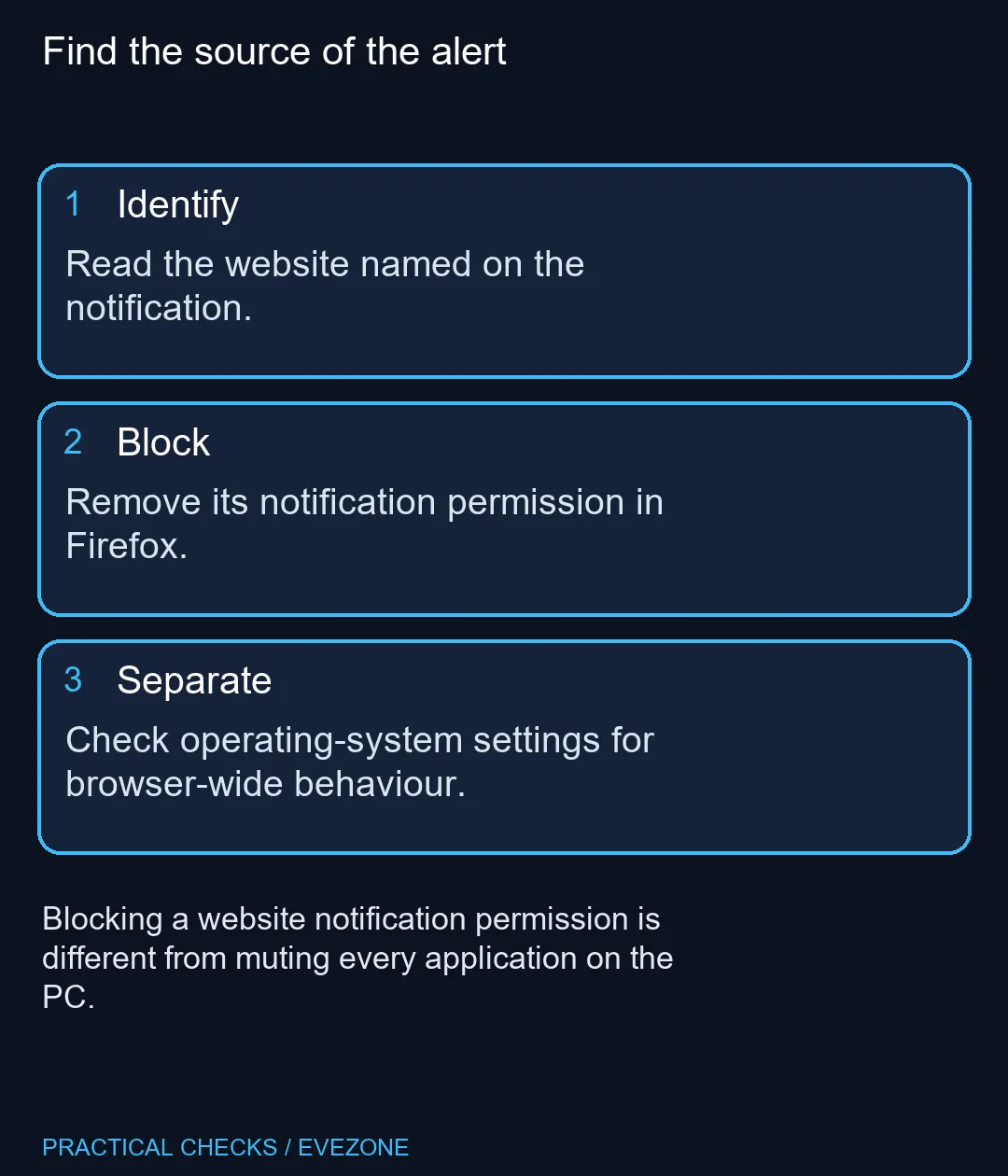
Do not click an unfamiliar alert simply to find its sender. Read the notification's displayed origin and inspect the browser permission list directly. A familiar-looking title is less useful than the website identity when deciding which permission to change.
Mozilla describes push notifications as something a website requests permission to send. An alert from a site you no longer want to hear from may therefore come from an old Allow decision rather than a new browser failure. Reviewing that entry is the relevant first step.
🚫 Block the unwanted permission
Open the notification settings under Privacy & Security and find the website. Change its notification permission deliberately, then apply the dialog's changes. Inspect neighbouring entries so you do not accidentally block a service whose alerts you still need.
For the site currently open, Firefox also provides a site-permissions panel near the address bar. The available controls reflect permissions associated with that site. Use the notification control when it is present rather than changing an unrelated microphone or camera permission.
🖥 Keep operating-system settings separate
Firefox permissions and the operating system's notification preferences answer different questions. The first decides whether a website is allowed to notify through the browser. The second can affect how browser notifications appear at the desktop level.
If useful alerts are missing after you blocked one unwanted site, inspect those layers separately. A global mute can conceal a successful per-site setup. Conversely, allowing desktop notifications does not mean every website should receive permission to send them.
Mozilla notes that notification behaviour after the browser closes can depend on the platform. Avoid using one computer's background behaviour as a universal test for another. Check the documented behaviour for your environment before calling a remaining alert a failed permission change.
📧 Review other message channels independently
A website's email newsletter and its browser push permission are different channels. Blocking a push permission does not automatically unsubscribe an email address. Use the account or message controls for the channel that is actually bothering you.
This distinction matters on a work PC where a service may send useful account emails alongside optional browser alerts. Change the narrow setting that matches the interruption instead of treating every message from the service as one browser preference.
When shopping all laptops on special or mini pcs, remember that notification management is a software setting, not a processor upgrade. Set up the sites you want to hear from on a new machine and leave unwanted requests unapproved. A quieter workspace begins with those permissions.
Frequently Asked Questions
Can a website send alerts without permission?
Firefox asks for permission before allowing website push notifications. Review which sites have already been allowed when an unexpected alert appears.
Where can I review allowed websites?
Open Firefox Settings, then Privacy & Security and the notification permission settings. Inspect the website entry before changing it.
Can I change the current site permission?
Mozilla documents a site-permissions panel near the address bar. Use the permission controls associated with the current site when available.
Will this mute all Windows applications?
No. A website permission is narrower than the operating system notification settings for every application.
Why do alerts behave differently when Firefox closes?
Mozilla notes platform-specific background behaviour. Check its current guidance and the operating-system controls rather than assuming every desktop behaves identically.
Does blocking alerts remove my account?
A notification permission controls alerts. It does not delete the website account or replace its own email subscription settings.
Planning a quieter work setup?
Browse Evetech computers for your applications, then configure their browser permissions deliberately.