One troublesome login should not require signing out of every website you use. Firefox clear cookies for one site is a more focused approach when a single service has stale session data. It still needs care: the selected site's cookies and other stored information can include state that you want to save first.
Quick Answer
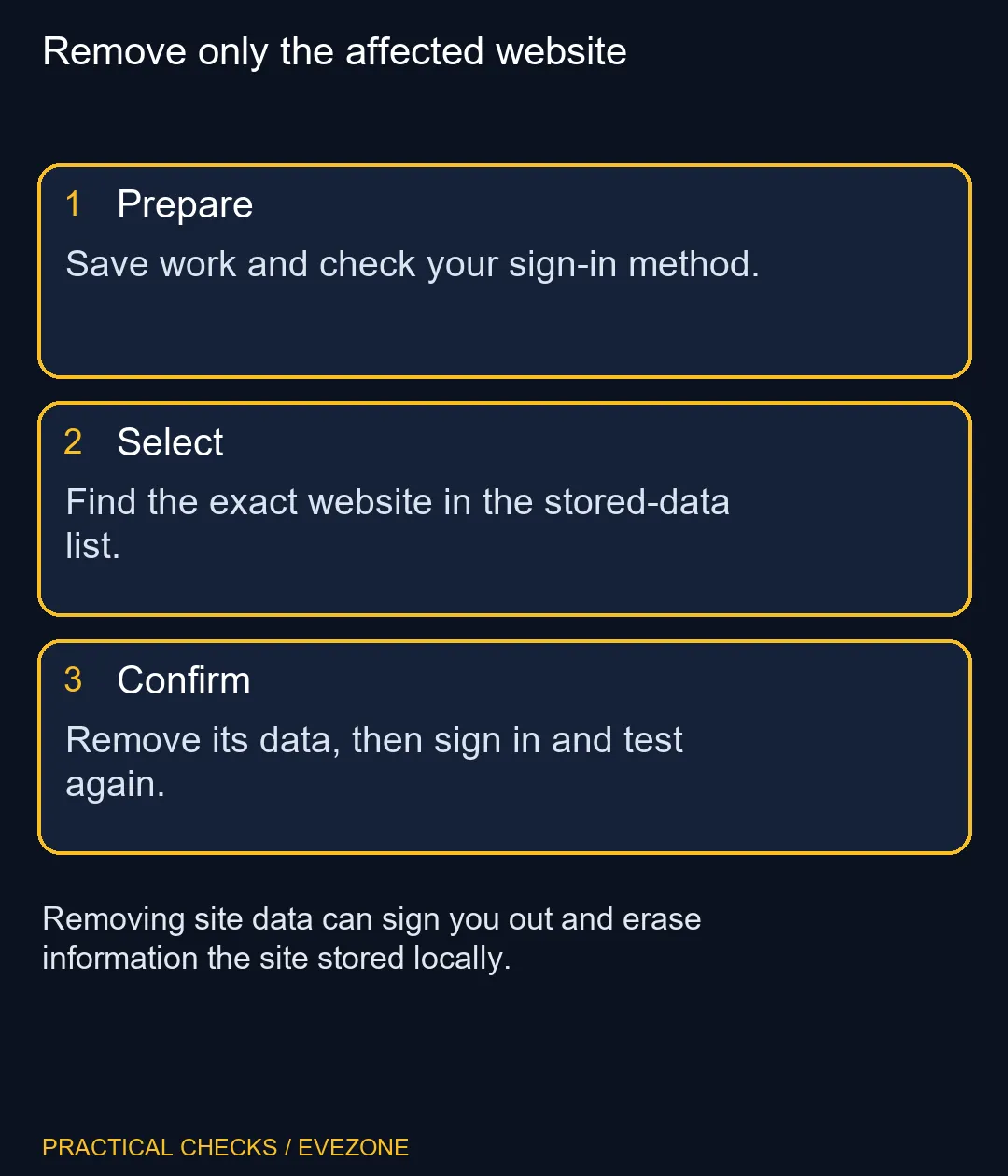
Save work and confirm that you can sign back in. In Firefox Settings, open Privacy & Security and its site-data management controls, find the affected website, remove the selected entry and save the changes. You can also use Mozilla's documented current-site clearing control. This costs R0, but may sign you out and remove local site data.
🔐 Prepare for the session to end
Check your password manager and any second-factor method before removing a working session. This matters when the browser is your only currently signed-in device. A stored session can conceal a forgotten password until the cookie keeping it alive is gone.
Finish downloads and save drafts through the website's own controls. Some web applications hold offline work or settings in browser storage. A completed server-side save and an unsaved local draft are different things; the clearing dialog cannot decide which matters to you.
Do not perform this operation on someone else's signed-in profile without their agreement. A shared family or work PC can contain several accounts, and the familiar browser window does not establish who owns every active session.
🎯 Find the exact website entry
Use the search field in the stored-data list to narrow the domain, then inspect the remaining entries. Select the site you intend to remove rather than the control that clears the entire list. Mozilla's instructions distinguish selected entries from all shown entries, so the button wording deserves a second look.
After choosing removal, save or confirm the pending changes when Firefox requests it. Simply closing a management dialog may not apply a pending selection. Once the change is complete, reopen the affected service and sign in through its normal address.
🧪 Judge one login attempt
Repeat the action that failed originally. If the site now works, avoid clearing additional sites merely because the operation helped here. If it fails in exactly the same way, record the error rather than repeating deletion indefinitely.
A service-side outage, an expired account entitlement or an incorrect password will not necessarily be fixed by deleting browser storage. The purpose of the test is to remove a possible local session problem, not to bypass authentication or change an account's permissions.
🗂 Keep browser maintenance proportional
Cache clearing and cookie removal overlap in some dialogs but serve different purposes. Refreshing downloaded page files is a narrower choice for stale graphics. Removing site data is more disruptive and suits a specific session or stored-state problem when you understand the consequences.
If you are browsing all laptops on special or mini pcs, do not treat a single site's login loop as proof that your computer needs replacing. First establish whether the issue follows the website, account or browser profile. That small distinction can prevent a costly purchase that leaves the original sign-in problem untouched.
Frequently Asked Questions
Will other websites lose their cookies?
A correctly selected per-site removal targets the selected website data. Inspect the selection before confirming instead of choosing the remove-all control.
Why should I check my login first?
Removing authentication cookies can end the session. Know how you will sign back in, including any required second factor.
Can local website work disappear?
Yes. Site data can include more than login cookies. Save or synchronise work that the website keeps locally before deleting it.
Can I clear the current site directly?
Mozilla documents a current-site clearing control from the address-bar site information panel. The exact icon and wording can vary with the Firefox interface.
What if several similar domains appear?
Select the entries deliberately. A service may use related domains, and removing the wrong entry can affect a different session.
Does this delete my online account?
Removing browser site data is not an account-deletion request. It can still remove local state and require a fresh sign-in.
Need a PC for your daily web apps?
Explore Evetech computers around your applications and workload once the account issue is understood.