


Why Storage Speed Dictates Your PUBG Performance
Dropping into Pochinki only to find the buildings haven't rendered is a nightmare. In South Africa, we already deal with latency... don't let slow hardware be the reason you lose a chicken dinner. Finding the best SSD for PUBG is the quickest way to ensure faster map loads and smooth matches. It makes every drop feel more responsive and eliminates those frustrating early-game stutters. ⚡
Eliminate "Play-Dough" Buildings with Faster Map Loads
PUBG is notorious for streaming massive amounts of data as you move through its sprawling maps. Mechanical hard drives simply cannot keep up with the asset streaming requirements of Erangel or Miramar. This often leads to the infamous "play-dough" effect where textures fail to load. By choosing to buy solid state drives, you ensure that every building and piece of loot is visible the moment your boots hit the ground.
Standard SSDs are already a massive leap over old mechanical drives. They offer the stability needed for consistent frame times. When your drive can fetch data instantly... your CPU and GPU aren't left waiting. This results in the smooth matches every competitive player craves.
PUBG Optimisation Tip ⚡
To further improve your loading times, ensure your Windows Page File is located on your fastest drive. This helps the system handle memory overflows much more efficiently during intense firefights in crowded areas like Yasnaya Polyana.
NVMe vs SATA: Choosing the Best SSD for PUBG
While any SSD is better than a hard drive... not all flash storage is equal. If your motherboard supports it, you should buy NVMe SSDs for the ultimate edge. These drives plug directly into the PCIe lanes... offering speeds that can be ten times faster than SATA alternatives. This bandwidth is crucial when the blue zone is closing and the game needs to load new areas rapidly. 🚀
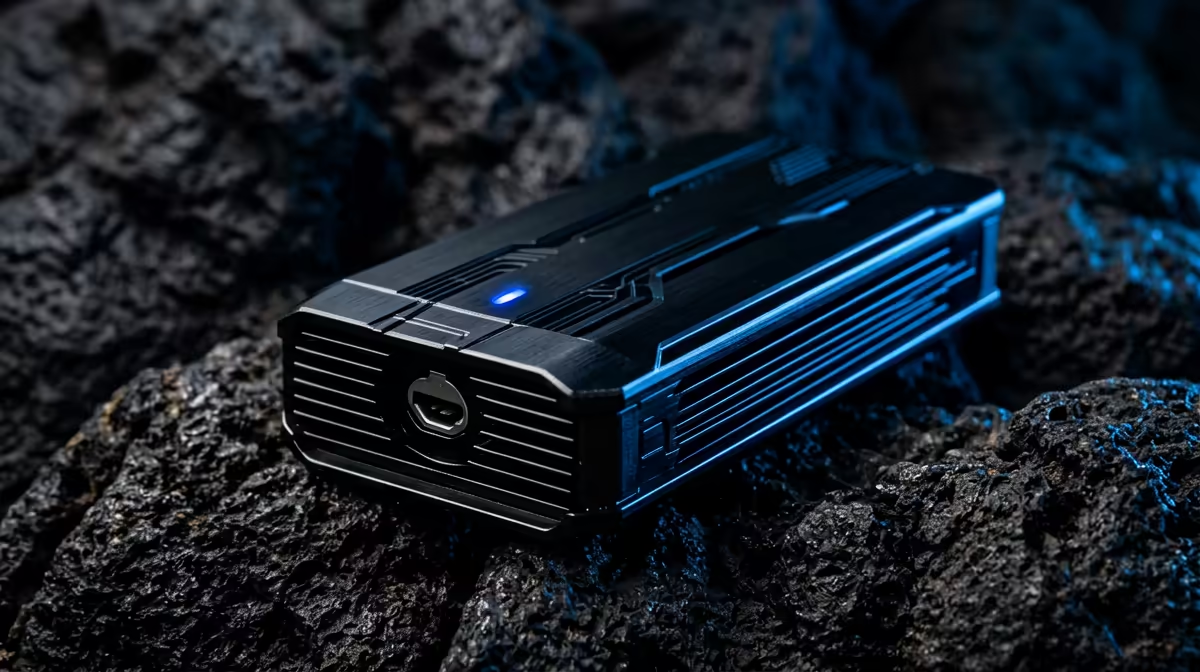
For gamers on the move or those using laptops with limited internal slots... there are other high-speed options. You can buy external SSD units that utilise USB-C to provide desktop-class speeds. This allows you to keep your entire Steam library on a portable device without sacrificing performance.
Finding the Best Value in South Africa
Upgrading your gaming rig shouldn't break the bank. We know that South African gamers look for the best performance-to-ZAR ratio. We constantly curate the best SSD deals to ensure you get top-tier technology at competitive prices. Whether you need a 500GB boot drive or a massive 2TB warehouse for all your games... there is a solution that fits your budget. 🔧
Investing in a high-quality drive does more than just help with PUBG. It makes your entire system feel snappier. Windows boots faster... apps open instantly... and your overall computing experience becomes seamless. In the world of competitive gaming, every millisecond matters. Don't let a slow drive be the bottleneck that keeps you from the winner's podium. ✨
Ready to Find Your Perfect Match? The right storage is the backbone of a high-performance gaming PC. For the best prices and expert advice in South Africa, Evetech has you covered. Explore our massive range of SSDs and NVMe drives and find the perfect upgrade to conquer your world.









