




Chrome Energy Saver: Check what changes on battery
Check when Chrome saves power, compare a repeatable task on battery and separate browser changes from battery health and Windows settings.
Read moreFind Chrome's caption control, check language and audio and bring back the floating bubble when captions disappear during playback.
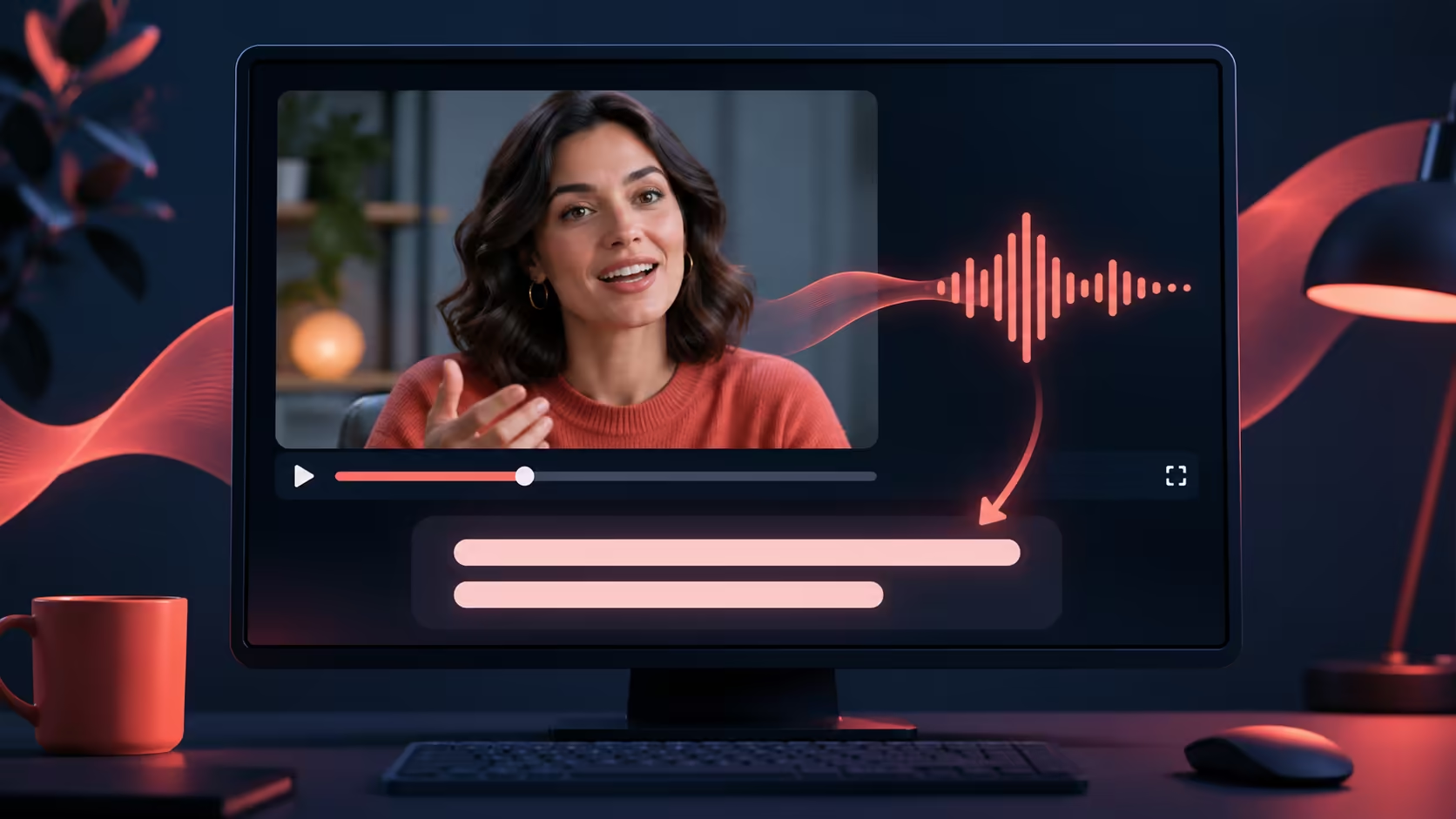
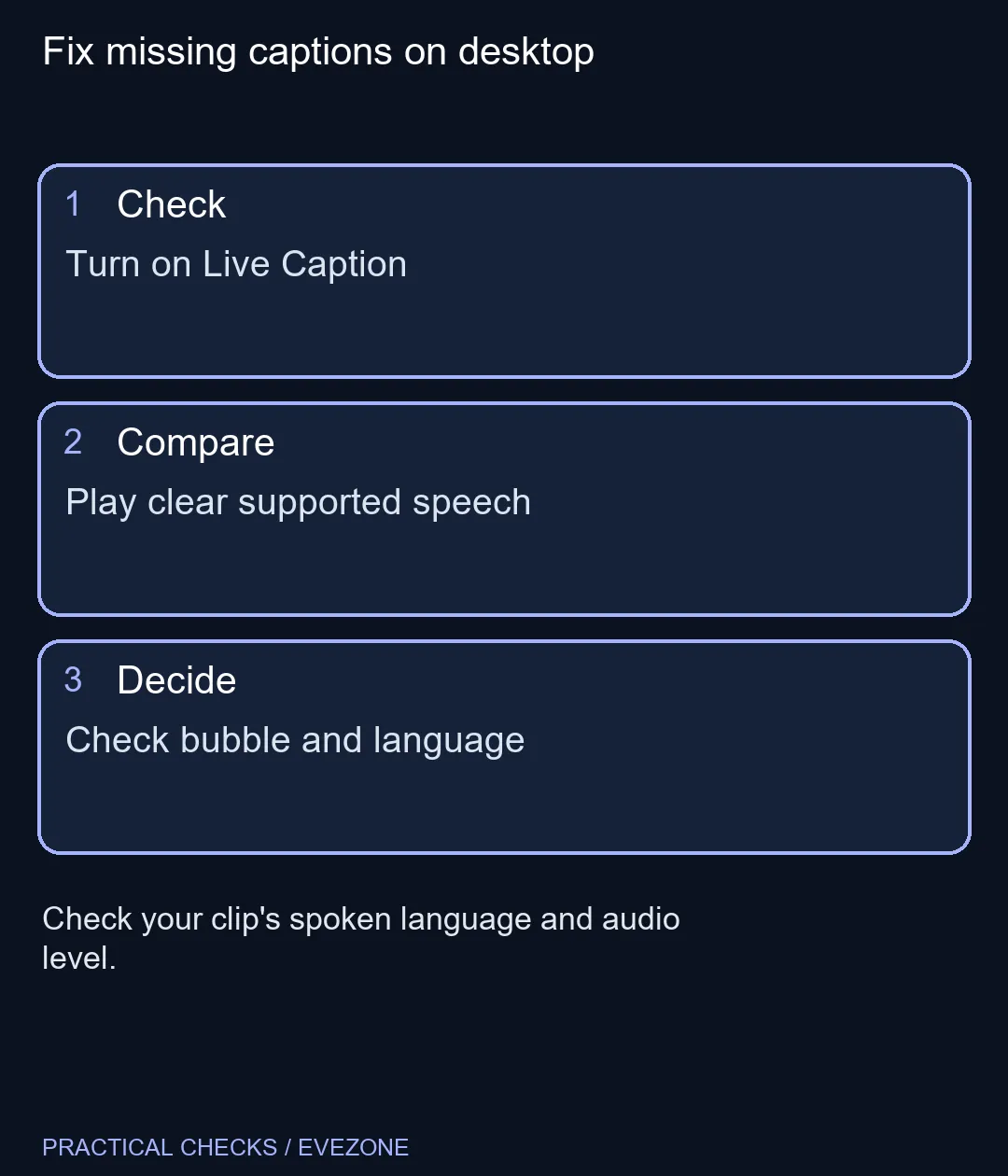
On Windows or Mac, turn on Live Caption under Chrome Settings, then Accessibility. Play a clip with clear speech and check for a floating caption bubble. If nothing appears, make sure the media is audible in Chrome and check whether its spoken language is available and selected in the caption settings.
Start with a clip you can understand clearly. Turn up the player and make sure the tab is not muted. A video that starts silently can look like a caption failure even though Chrome has no audible speech to process. Switch to an ordinary video if the first clip has music, overlapping speakers or long silent sections.
Look for the floating bubble while the clip plays. You can drag the bubble if it covers a control or sits in an awkward spot. If Chrome indicates that the sound comes from another tab, use the bubble's shortcut to return to that tab. Chrome also documents a caption control in its media controls. The Accessibility setting gives you a direct place to check whether the feature is enabled.
Chrome can download supported language packs. Check the available languages before assuming it recognises the track you selected. Live Caption turns speech into text, while Live Translate is a separate feature for getting that text in another language. Keep those tasks separate when testing a clip. If a video has professionally edited subtitles, those may be better for unusual names, detailed instructions or dialogue under music. Google documents local processing for ordinary captions. After the needed language resources are installed, test a local media file by opening it in Chrome if you want to see whether captions work offline for that file. A clip played in another app is outside the browser workflow described here.
A headset does not supply the caption text. If the video is already clear, you can test captions at R0. If you also need more comfortable listening or a microphone, use all headsets to compare the designs, and check wired headset options if you want to avoid managing another battery. For an important meeting, arrange a reliable caption source and test it before the call.
Try a second browser tab with a short spoken clip if the first source still gives you no text. That helps separate a media problem from a browser setting.
It can generate captions from supported speech played in the browser.
Open Settings and select Accessibility.
Yes. Drag it to a place that leaves the player controls visible.
Check Manage languages and choose a supported caption language.
Google documents offline playback captions once the necessary resources are available.
The built-in feature works with audio played in Chrome. A headset is optional.
Fix missing captions on desktop Turn on Live Caption.
It can generate captions from supported speech played in the browser.
Open Settings and select Accessibility.
Yes. Drag it to a place that leaves the player controls visible.
Check Manage languages and choose a supported caption language.
Google documents offline playback captions once the necessary resources are available.
The built-in feature works with audio played in Chrome. A headset is optional.
Check when Chrome saves power, compare a repeatable task on battery and separate browser changes from battery health and Windows settings.
Read more
Open the simplified Chrome reader, adjust type and spacing and check whether the page supports the view before changing your display setup.
Read more
Find an open Chrome tab by title with a keyboard shortcut or the address bar, and keep important links in bookmarks for later.
Read more
Isolate browser flicker with a repeatable Chrome test. Change graphics acceleration, relaunch and check the apps and effects you use before buying hardware.
Read more
Stop an important Chrome tab from reloading, choose a Memory Saver level and test whether your workload really needs a memory upgrade.
Read more
Turn on Firefox HTTPS-Only Mode and understand what to do when an old device page has no encrypted connection.
Read more
Firefox can mute one noisy tab using its speaker button or context menu. Check the tab control before changing Windows volume or replacing a working headset.

ASUS PA329CDV combines a 4K 120Hz QD-OLED panel with USB-C charging and Auto KVM. Compare colour work, laptop power and desk connections before treating overseas availability as an SA offer.

Teclast N30 Pro pairs Core 3 304 with 12GB memory and USB4. Its expansion connection is useful, but an external graphics plan needs a complete cost and compatibility check.

Firefox private browsing separates a temporary session from normal browsing history. It does not make you anonymous online, and files or bookmarks you deliberately save can remain after the last private window closes.

Set Firefox as the default browser to open normal web links from other apps in it. Use Firefox Settings or Windows Default apps, then test an outside link; opening Firefox manually does not prove the default changed.
Firefox can mute one noisy tab using its speaker button or context menu. Check the tab control before changing Windows volume or replacing a working headset.

Firefox has a startup-cache control on its Troubleshooting Information page. Use it for a focused interface test and keep it separate from clearing website data or refreshing the profile.

Firefox Primary Password protects access to locally saved logins. It is separate from a website or Mozilla account password, and forgetting it can put saved credentials at risk during reset.

Expedition 33 at R40,000 needs a balanced SA build plan, not a fixed FPS promise. Use the budget as a planning cap, then compare CPU, GPU, RAM, storage, cooling, case fit, and upgrade room before buying.

Best place to buy a gaming PC in Durban North should be shortlisted around the job it must do. South African buyers should compare fit, performance, compatibility, and upgrade room, warranty path, and upgrade room before treating any pick as best.

Expedition 33 low FPS on RTX 5060 settings and driver checks start with frame caps, scaling, and drivers. SA gamers can compare CPU limits, overlays, and heat before cutting image quality or changing hardware.

How much depreciation on gaming hardware in SA should be shortlisted around the job it must do. South African buyers should compare fit, performance, compatibility, and upgrade room, warranty path, and upgrade room before treating any pick as best.