The Teclast N30 Pro brings another small Intel desktop into the November hardware conversation. Fresh global launch coverage highlights USB4 and external graphics possibilities, but a South African buyer should first decide what the computer needs to do before adding anything. A small base machine can become a much larger purchase once an expansion plan is included.
Quick Answer
The N30 Pro is listed with Core 3 304, 12GB LPDDR5 memory and 512GB storage. Use an R0 requirements check to decide whether that supplied setup fits your work. The different Ninkear M7 V2 at R6,999 in the November 3 local catalogue is a comparison point; no N30 Pro Rand price is established here.
🧠 Start with the computer on its own
Teclast describes the system around office work and connected desktop use. Begin with your applications, normal browser workload and storage needs. A processor name or an AI performance label cannot tell you how your own project will run. Look for evidence from the actual application before choosing a machine for a demanding task.
The supplied 12GB memory figure belongs on the quotation. Do not substitute a larger capacity from a related-looking mini PC or assume it takes ordinary desktop memory. If your work already needs more capacity, resolve that question now rather than relying on a vague promise of future expansion.
Storage also needs a precise answer. The official description and detailed table differ over the generation of the supplied SSD. The safer approach is to confirm its actual model and capacity, while treating the stated expansion-slot support separately. There is no need to invent a drive speed to explain the buying decision.
🧷 Understand the expansion path
The Type-C connection is described with USB4 data, DisplayPort output and 100W power input. These are different functions. A power-input specification does not mean the computer can charge a second laptop at that amount. Draw the intended power and display paths before buying adapters.
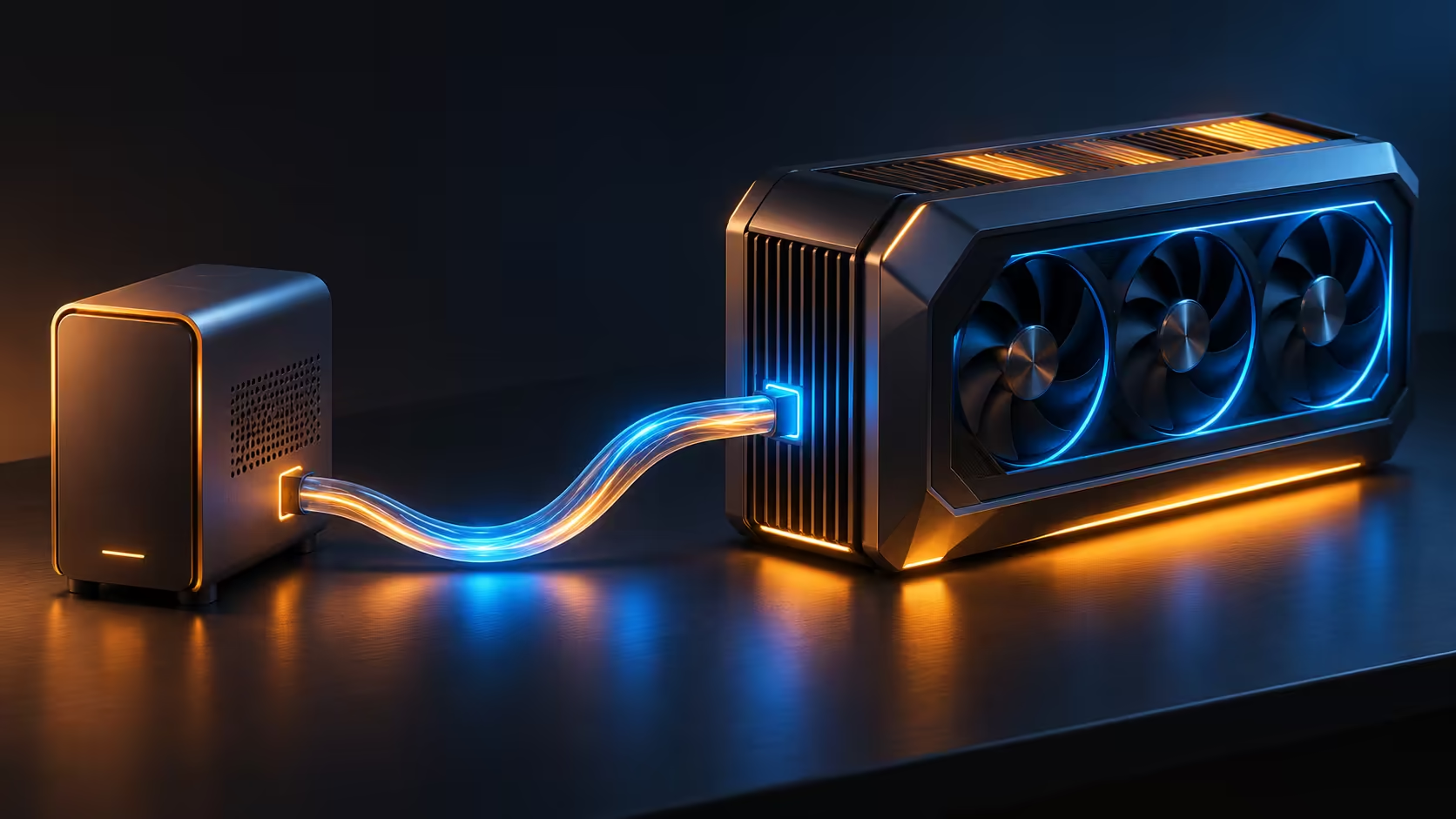
An external graphics plan adds several decisions: the graphics card, compatible enclosure or adapter, connection cable, power arrangement and where the display plugs in. Ask for a complete supported configuration, rather than assuming any card will work because a USB4 socket is present.
Compare the total against mini pcs. The locally listed Ninkear reference is a different machine with different hardware. Its price is useful for setting a budget baseline, but it does not prove which system is faster or which expansion arrangement succeeds.
💰 Price the result rather than the starting box
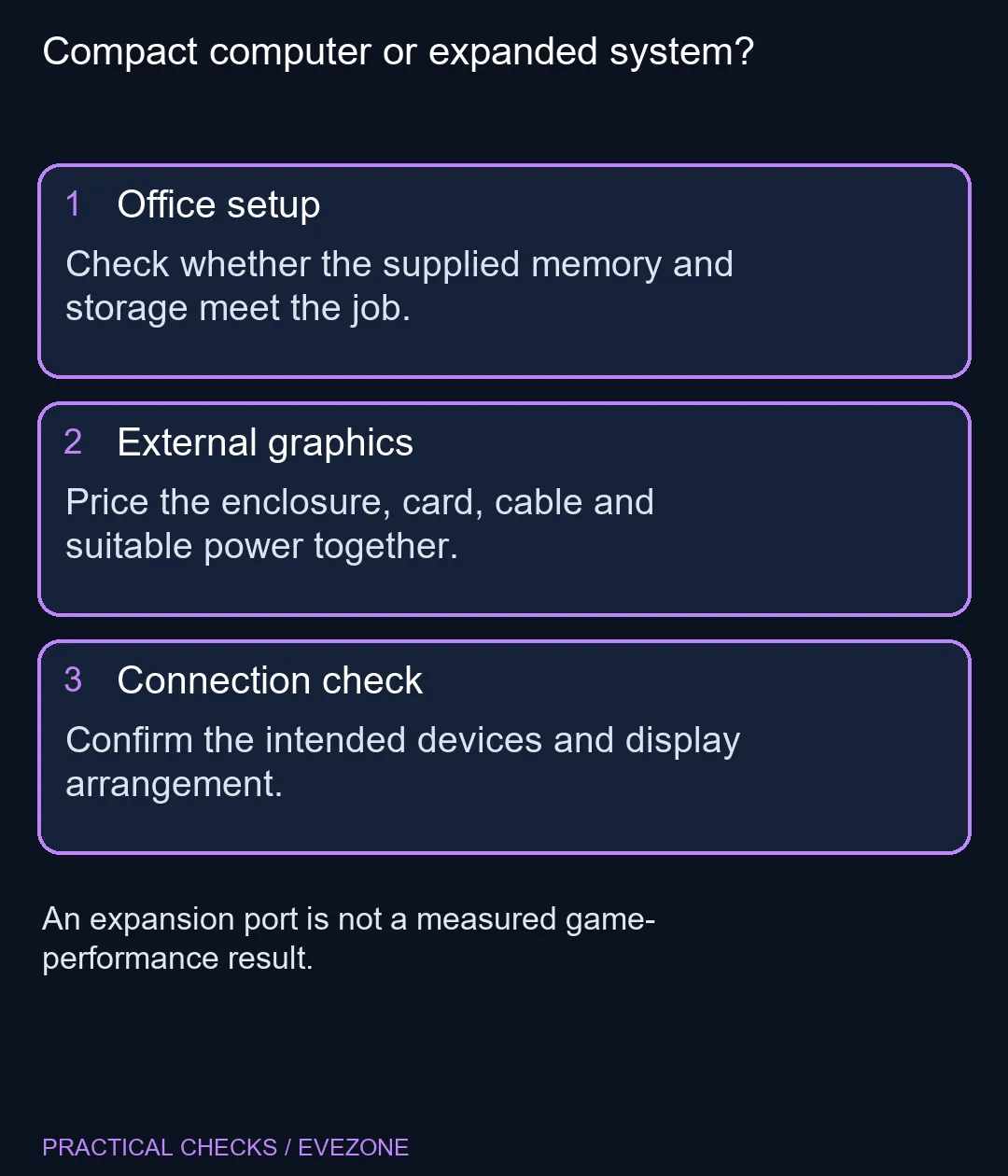
Make one budget for the supplied desktop and another for the expanded setup. Include a screen and input devices if you do not already own them. Keeping these totals separate makes it clear whether the attraction is an affordable small office computer or a proposed gaming project.
For someone moving between home and campus, all laptops on special offers another form-factor comparison. A laptop includes a display and keyboard, while a fixed mini PC can reuse an existing desk. Match that difference to your routine before comparing processor labels alone.
The November 3 story is a new addition to Teclast's range, not proof that its underlying hardware arrangement has never appeared elsewhere. Buy for the configuration and verified use case. Wait when the purchase depends on untested graphics expansion, disputed drive details or an overseas price being treated as a local offer.
Frequently Asked Questions
What is the supplied N30 Pro configuration?
Teclast lists Intel Core 3 304, 12GB LPDDR5 and a 512GB NVMe SSD. Check the seller configuration before comparing a complete system.
Does USB4 make it a gaming desktop?
No. An external graphics setup requires compatible hardware and its own budget. A port specification is not proof of measured game performance.
What does the Type-C port do?
The maker describes USB4 data, DisplayPort video and up to 100W power input. Input power must not be confused with charging another laptop.
Are both storage descriptions identical on the official page?
No. The description calls the SSD PCIe 4.0 while the detailed table lists a PCIe 3.0 supplied SSD and PCIe 4.0 slots. Confirm the actual drive.
What is a local price comparison?
The different Ninkear M7 V2 was listed at R6,999 on November 3. That is a local mini-PC reference, not an N30 Pro quotation.
Should I choose it mainly for future graphics expansion?
Price that whole expansion now. Compare the finished arrangement with a computer already suited to the games or applications you need.
Planning a compact everyday computer?
Compare Evetech mini PCs with the full cost of any screen, storage and graphics expansion your plan requires.